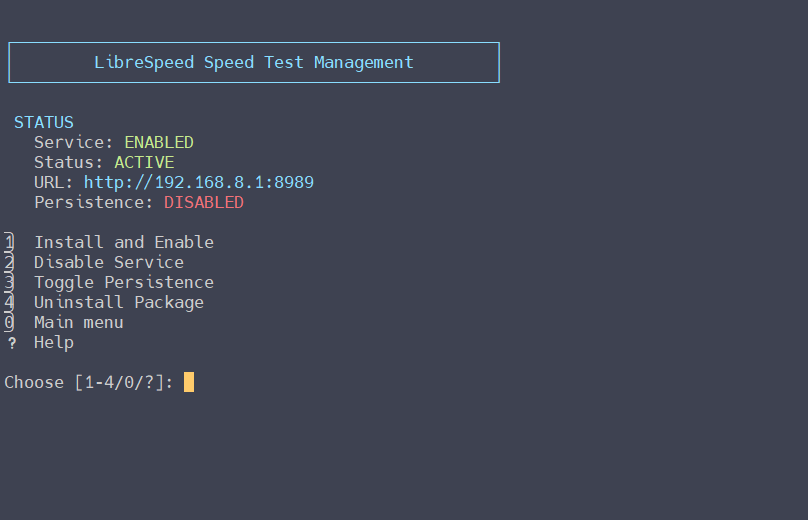
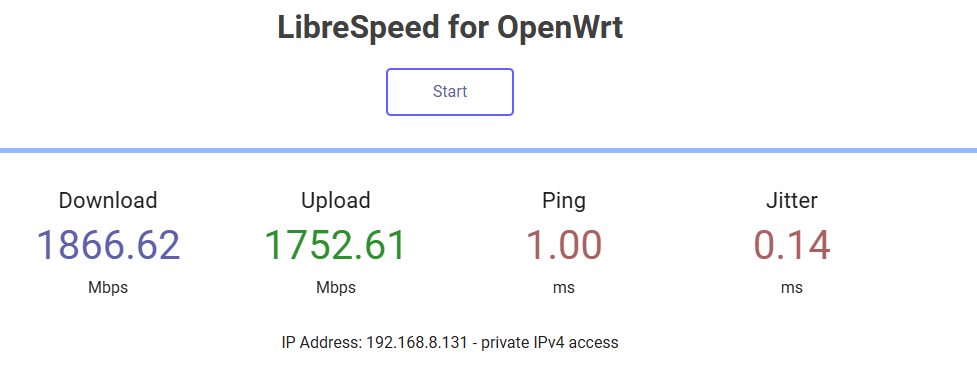
Yep, I also reproduced this issue in Flint2 v4.8.x.
May I know which version of librespeed-go do you need in Flint2? How about 1.1.5?
Yep, I also reproduced this issue in Flint2 v4.8.x.
May I know which version of librespeed-go do you need in Flint2? How about 1.1.5?
1.1.5 is perfect. Thank you!
Thanks confirmed, will ask R&D guys to add.
We can temporarily download this file from the OpenWRT repo:
wget https://archive.openwrt.org/releases/21.02.1/packages/aarch64_cortex-a53/packages/librespeed-go_1.1.5-1_aarch64_cortex-a53.ipk && opkg install librespeed-go_1.1.5-1_aarch64_cortex-a53.ipk && ./glinet_utils.sh
Thanks Bruce!
Also, for others, the script has been updated to specifically check that expected packages install correctly.
Thanks to both @phantasm22 and @bruce . Are you able to kindly confirm whether this script if fully compatible with the new beta firmware version of 4.9.0 or not? Many thanks again for your excellent work.
While I have several models for testing, one notable model that I’m missing is the Flint 2, so unfortunately I end up relying on others to find code issues. That said, the code was written to be idempotent across firmware and models and I largely expect that to hold true for newer releases. Even openwrt specific firmwares should work with the notable exception that I had to add stress-ng for wrt as stress package seg faults the router using openwrt (at least when I last checked). If you have any concerns or issues please let me know.
@phantasm22 can i submit feature requests?
I verified that Flint2 and Slate7 with the v4.9.0 firmware can run, but didn't check each feature in detail.
Thanks to phantasm22 for the excellent utils!
Edit:
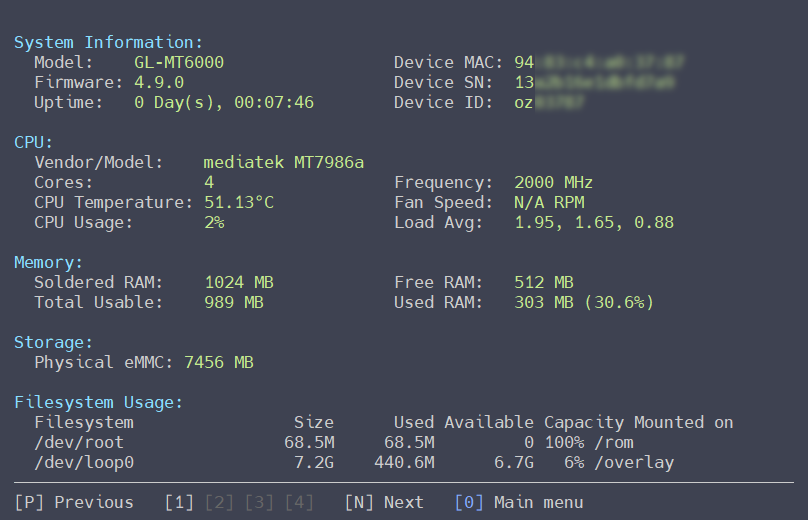
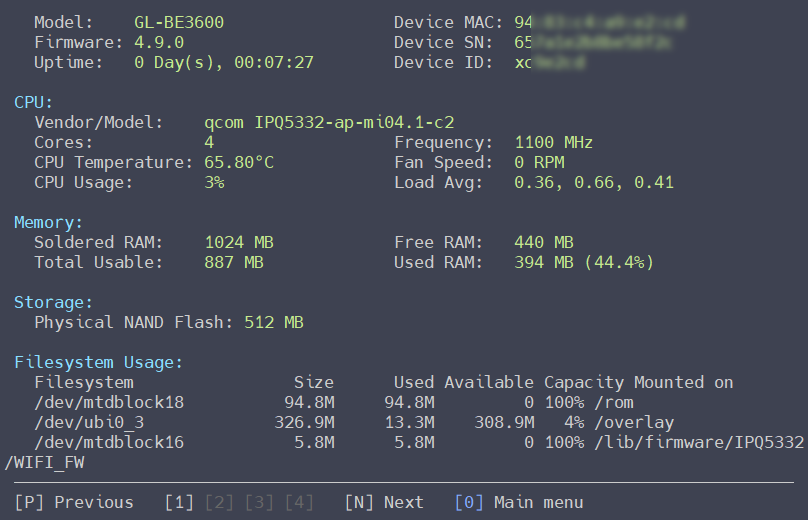
Can the three codes (SN/MAC/ID) be masked with asterisks by default? I'm worried some users might forget to blur them and leak device information.
What amazing work you all — and especially @phantasm22 — are doing here.
Is there any chance that additional features could be added to these utilities, such as more advanced Ethernet port management or support for third-party DDNS providers?
I can easily imagine these tools growing significantly over time and evolving into something similar to the AsusMerlin Terminal Menu, with a rich set of scripts and tweaks. That would be awesome to see.
I love this, just did the simple thing and have the fan cut in sooner ![]()
Just started using it, wow just wow
![]()
Great job!! ![]()
Ps. Looked for a link to buy you a beer, couldn't find one ![]()
Awesome work guys.
Would it be worth adding an option to install tcpdump?
Thanks again.

Do any of you guys heard from @phantasm22 lately?
Just wondering ![]()
Next version is in development which will mostly include UI tweaks but further out, I like many of the ideas already noted and am looking into those. Please keep the feedback coming!
I found this tweaks too
https://github.com/maholio/certs
https://github.com/maholio/nohttp
Can you implement something similar?
After many months, I’m excited to announce the next release of GL-iNet utils. This is mostly a refactoring of my existing script but notable in that I am now enabling use of agentic AI tools to contribute to the code base with built in safety standards. There has been an enormous amount of time spent QA’ing this version to ensure that it’s as bug free as possible. That said, there are a few new key features added to this version:
Run it as a command*
/usr/sbin/glinet_utils, so you just type glinet_utils from anywhere instead of hunting down the script first. There's an optional sysupgrade.conf entry too, so it (and its self-updates) survive a firmware upgrade.Readable over PuTTY and Windows Terminal
This one had been bugging me for a while. The toolkit now detects your terminal on launch and adapts how it draws:
Full mode: emoji + color, for modern terminals (macOS Terminal/iTerm, Windows Terminal, the ttyd browser terminal).
Compatible mode: color, no emoji, symbols that actually render in PuTTY and other legacy/VT terminals.
No more garbled boxes, wrong icons, or columns that don't line up when you SSH in from Windows. If auto-detect guesses wrong, you can lock a mode under System Tweaks → Toolkit Management → Display Settings (Full / Compatible / Auto).
New VPN & Crypto Benchmark
Replaces the old OpenSSL CPU benchmark. It measures the ciphers VPNs use — WireGuard (ChaCha20-Poly1305), OpenVPN/IPsec (AES-256-GCM), and the RSA handshake. Instead of a single baseline, it shows a leaderboard ranking your router against saved reference devices (Beryl 7 and Slate 7), and makes clear which cipher your hardware accelerates.
Disk I/O and Memory I/O benchmarks got the same leaderboard treatment.
CPU frequency now shows on the Hardware Info page.
Privacy masking: MAC, serial, and device ID are hidden by default, with a one-key toggle to reveal them. Handy for screenshots and screen-sharing.*
Better memory readout: Free / Used / Available / Buff-Cache, and the numbers actually add up now.
Live feedback: spinners on installs and long operations, plus a countdown on the thermal stress test.
AdGuardHome Control Center got reorganized. Start/Restart/Stop is the top option now.
Input is case-insensitive everywhere (Y and y both work).
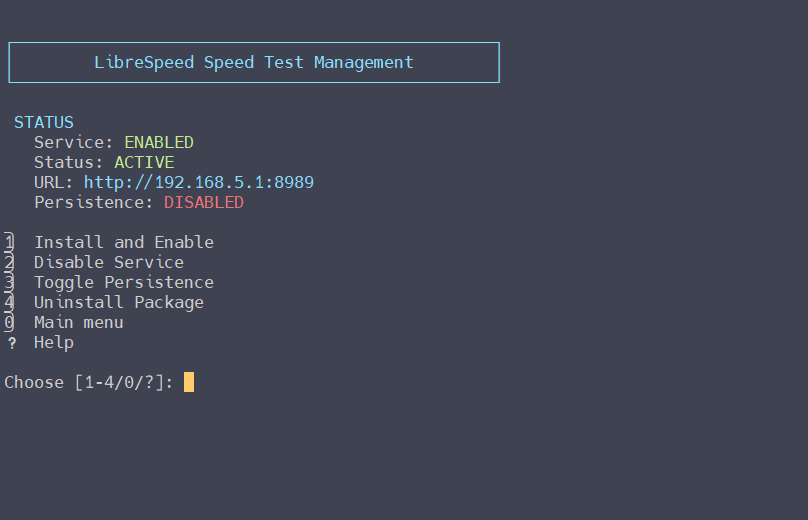
Menu prompts show the real item count, e.g. Choose [1-4/0/?].
Package Manager: the 10th package is finally selectable (it was unreachable before... oops).
AGH Restore only offers components that were actually backed up, so no more "file not found."
And a big consistency pass on alignment, spacing, and dividers across the whole UI.
As always, bug reports and feedback are welcome. Grab it from the repo and let me know what breaks.
* - Note: this was requested by GL.iNet
Tested, all good so far ![]()
BTW - if someone has an unencumbered (low load) Flint 2 and willing to run the three benchmarks (VPN, memory, and disk IO) and would share those with me, I’ll include them as part of the leaderboard in the next release. Screenshots are fine. Other models also accepted but flint 2 is a notable unit missing from my test lab.