Are you available to do a remote check to find out the reason?
Yes thats no problem. Don’t know the timezones you guys are in?
We are in UTC+08:00.
@bruce can you help to arrange a remote check?
Thanks.
Please share the router with us via the GoodCloud, PM me the device MAC and GL GUI login password, will check about the error tip of the page VPN Dashboard.
Or PM me your remote desktop software, access ID and code.
Please let me know how to reproduce the error pop-up, what button to click or what manage to configure
Unfortunately, I haven't had time yet, but I did have issues with my VPN server side (which is running on the Brume with firmware 4.6.4) because of a new public IP address. Guess what error message I got on the VPN dashboard when I wanted to check things on iPadOS 18.1 (iPad)... exactly... I immediately updated it to 4.6.8, and there it was again, the same error messages as with the 4.6.4 and 4.6.8 firmware on the Slate AX devices. On MacOS Safari I don't get the error. It's also the "system","get_status" error. It's just opening the VPN dashboard and the error occurs, scrolling up and down triggers it (in my opinion) more often than just letting the dashboard open.
This should be reproducible on your own OTA environment. Multiple people are complaining about this, and now the Brume 2 is doing it as well.
Hi J33Bee,
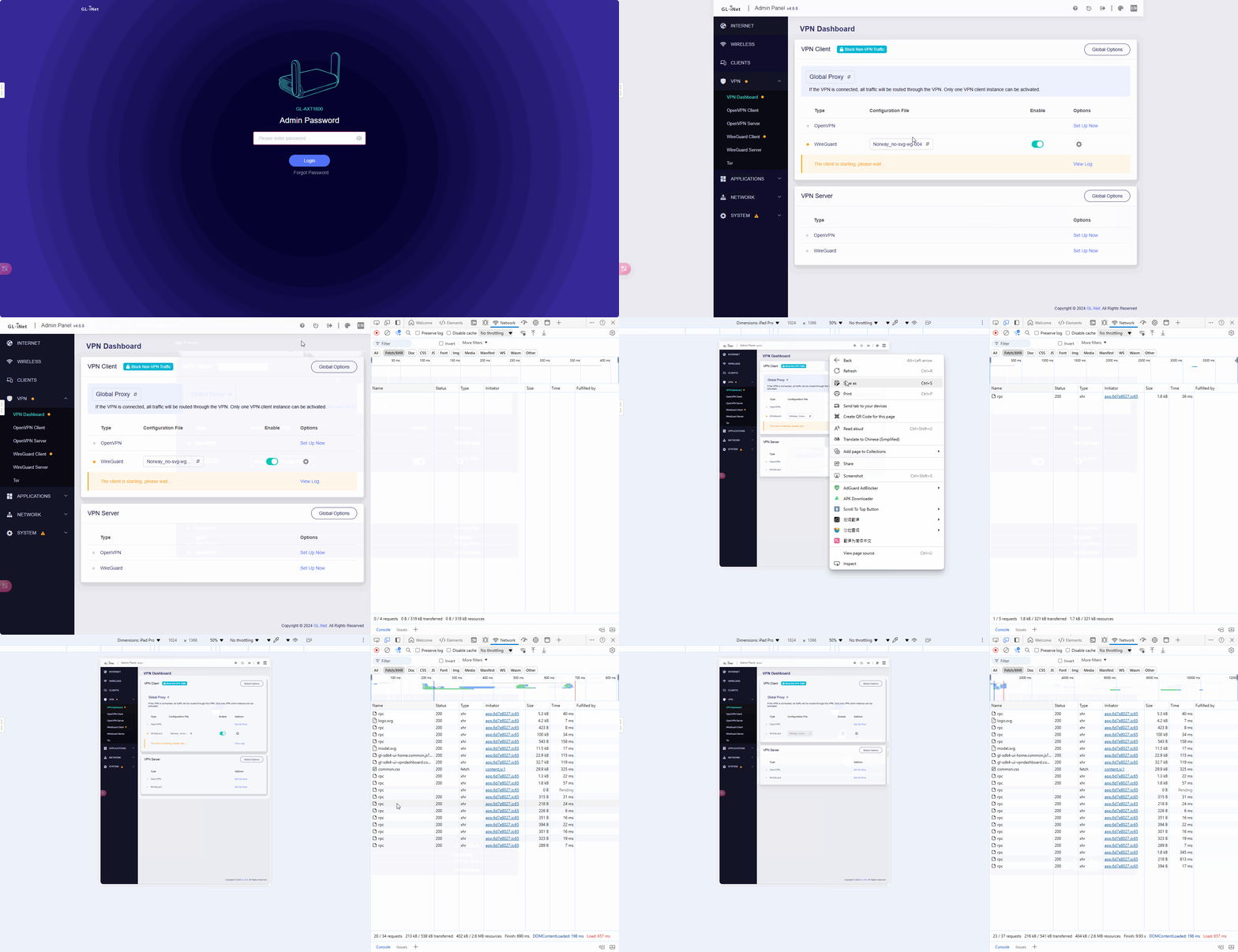
I tried to reproduce this issue in the Berl AX with v4.6.8 that as the gif screenshot shows (BTW tested also in 4.6.4). We have not seen any issue/API error occur, please share your router with us via the GoodCloud if possible, it will help to further check this issue. Thanks advanced.
2 Likes
Hi bruce, setting up the router now to overtake it from your side.
Could you just leave the VPN dashboard open, so no refresh actions/triggers. Then the errors occur overhere 
Thank you and copy that.  Please PM me the WebUI login password of your router.
1 Like
This topic was automatically closed 180 days after the last reply. New replies are no longer allowed.