Since updating from 4.8.4 to 4.1.11 my domain based VPN rules are no longer followed.
I have a WireGuard VPN configured and I use it for specific domains. If I set "Target Destination" to "All Targets" the VPN is used for all traffic as expected. If I select specific domains, the VPN is not ever used and all traffic is run over my regular network connection.
The split VPN worked fine in 4.8.4. I had upgraded firmware a few times and this bug was always present so I went back to 4.8.4 each time, however due to the new security issue I don't want to run older versions.
Is there any additional config which is needed to get this working in 4.1.11 or is it broken?
Thank you for your feedback. We have tested VPN domain policies on Flint 2 v4.11.1, and they are working properly.
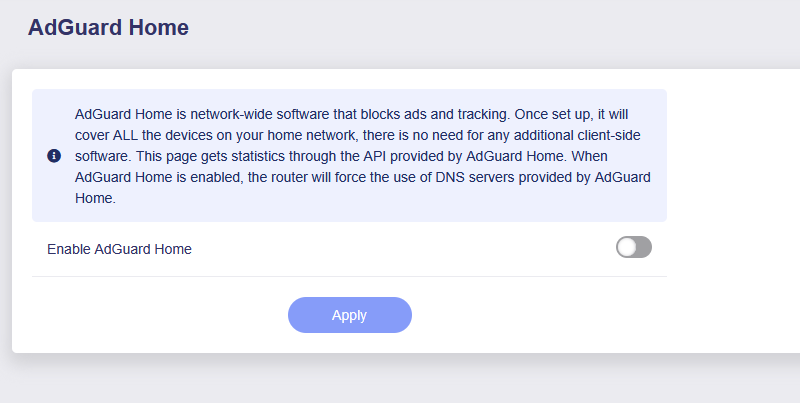
Please check whether AdGuard Home Handle Client Requests is enabled under APPLICATIONS → AdGuard Home. This option is incompatible with domain-based VPN policies. If enabled, please disable it and test your domain rules again.
If this option is already disabled, please share screenshots of the following pages so we can investigate further, with any sensitive information hidden:
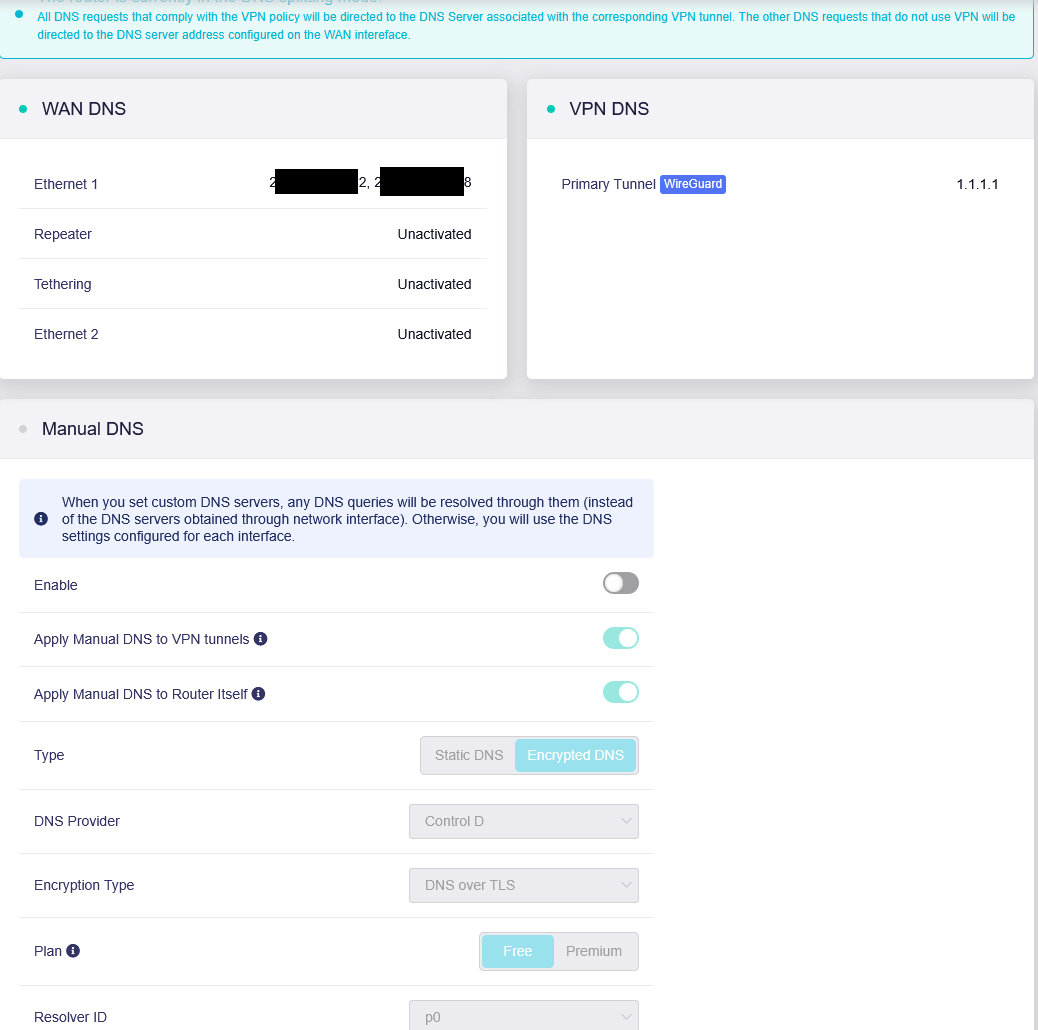
NETWORK → DNS
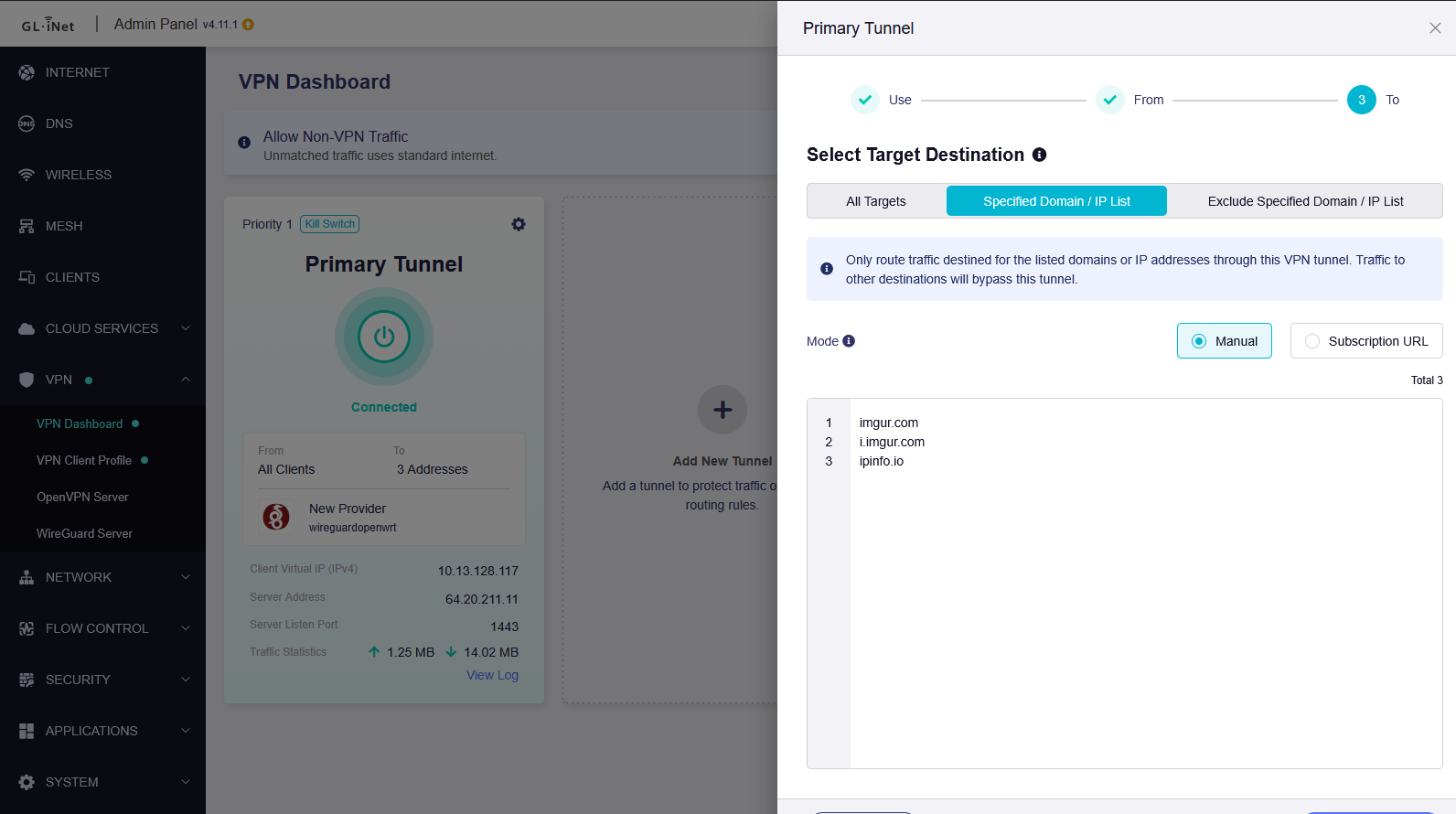
VPN → VPN Dashboard and the relevant domain-based routing rules
APPLICATIONS → AdGuard Home
Please also make sure the affected device uses the router’s LAN IP address as its DNS server, and that encrypted DNS (such as Secure DNS or DNS over HTTPS) is disabled in both the device’s operating system and browser.
AdGuard is currently disabled, although I was able to use AdGuard with domain-based VPN rules in 4.8.4. This has only become an issue in newer firmwares. If I downgrade it immediately starts working again.
I've tried tested this on multiple devices and they're all the same.
Just to confirm, does domain-based routing work on the newer firmware with AdGuard Home disabled, or does the issue persist? If disabling it resolves the issue, you only need to disable AdGuard Home Handle Client Requests; AdGuard Home itself can remain enabled.
If the issue persists, could you try this test?
In VPN → VPN Dashboard, edit the Primary Tunnel’s To settings. Keep Specified Domain / IP List selected, temporarily replace the current domain list with ipinfo.io, and apply the change.
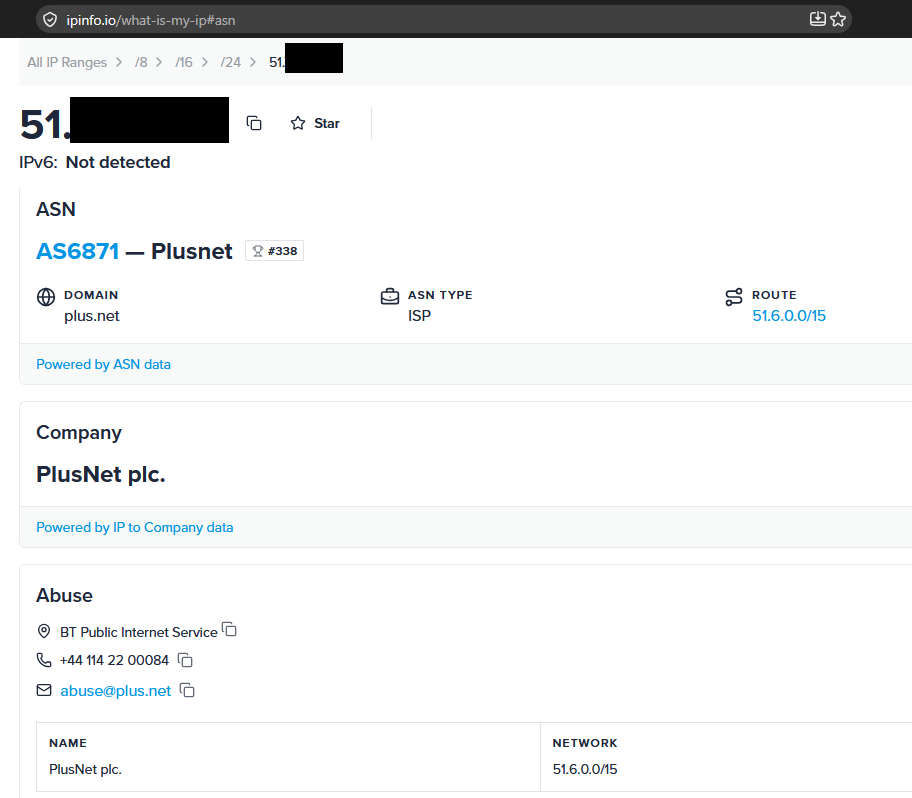
On a PC connected to the router, open IPinfo and check whether the displayed public IP address and location match your VPN’s exit connection.
Please let us know whether it shows the VPN connection or your regular ISP connection.
If you've confirmed that your PC uses the router’s LAN IP address as its DNS server and that encrypted DNS (Secure DNS / DNS over HTTPS) is disabled in your browser, then ipinfo.io still showing your ISP connection is unexpected.
Could you please follow the guide below to export a configuration backup from the router while the issue is present? Please send it to us via a forum private message so we can check the DNS and VPN settings.
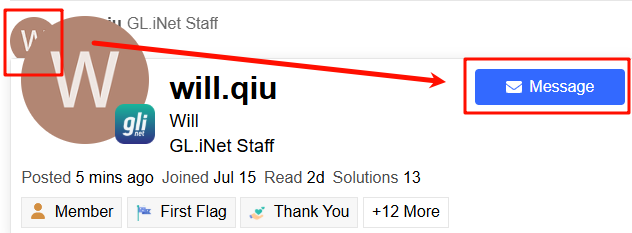
The backup may contain sensitive information, so please share it privately. Click my avatar, then select Message:
Are there any particular files you need? It is absolutely not safe for you to request an entire backup file which contains private keys and hardcoded passwords.
We understand your concern. Sorry for not explaining it clearly earlier.
Duo to the domain-based VPN routing involves several modules, including DNS, VPN, and firewall settings, it is difficult to specify all the relevant configuration files in advance. Reviewing these settings together would help us investigate the issue.
You can redact sensitive values from a copy of the backup, including WireGuard private keys, Wi-Fi passwords, and other credentials, before sending it to us. Please keep the configuration structure and non-sensitive settings intact, and share the redacted copy via private message.