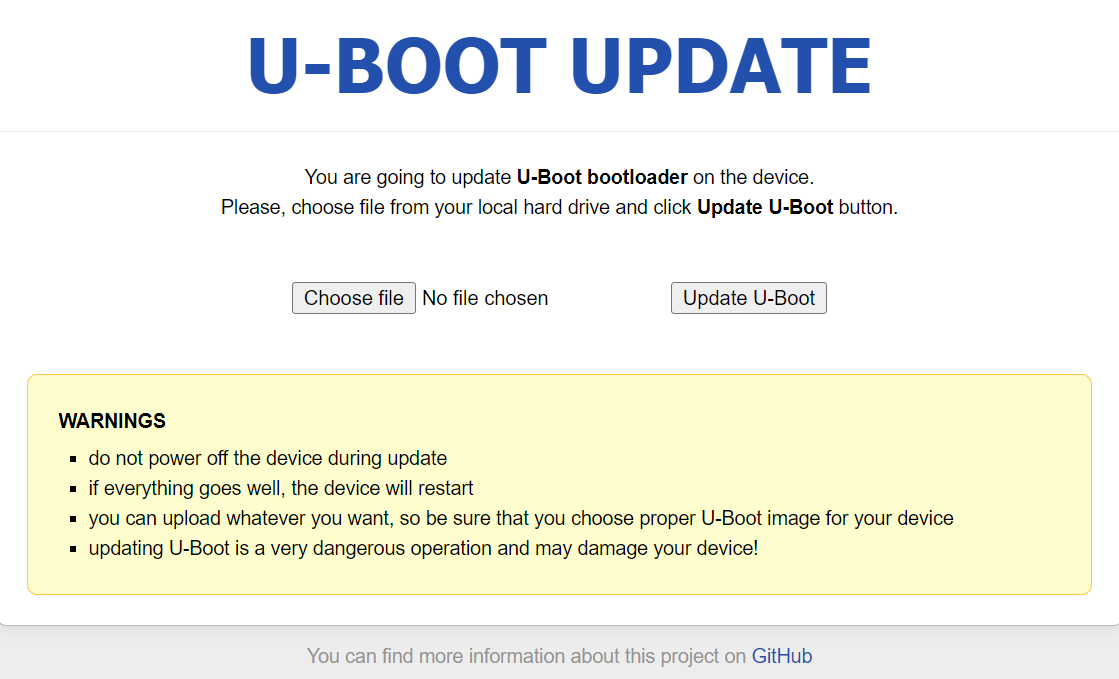
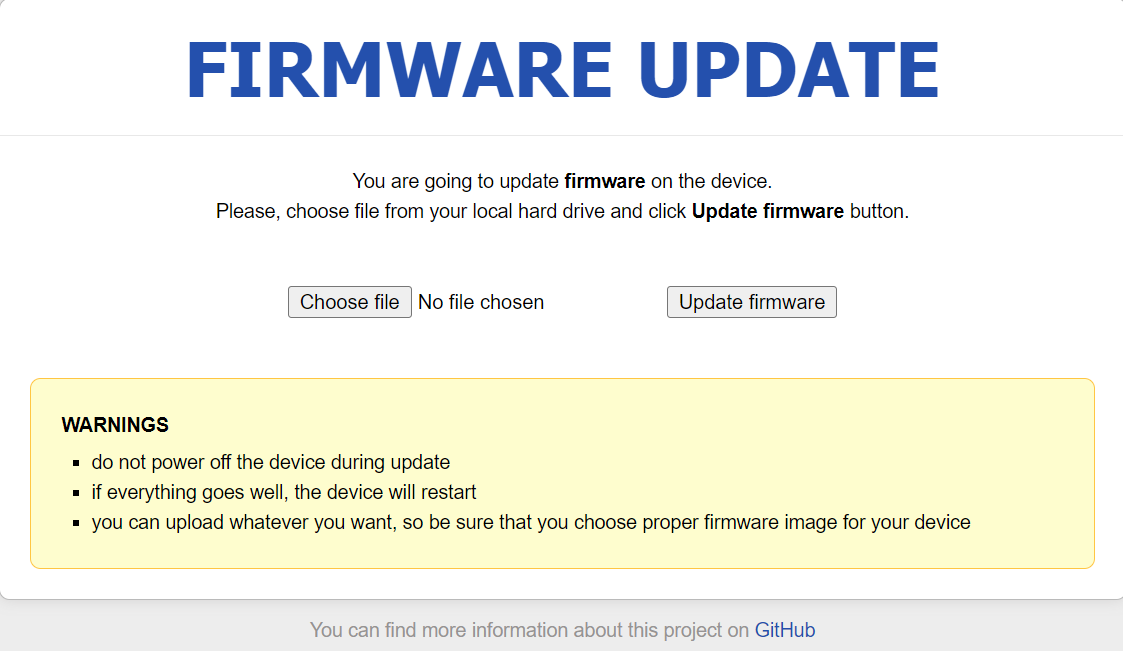
I have a GL-X3000 bought direct from GL-iNet on 24 Apr 2025. I have know I need to update the uboot firmware based on a previous support call to confirm - but have put it off as I am 100% reliant on this box for internet. Anyway I finally tried to update and followed the procedure on
first using the “bin” file from:
renamed to uboot.bin - and “unblocked” as Windows 11 blocked the file on download. This failed with an error saying the file was wrong and implying it was probably the wrong file for the router - so I tried the one posted into this thread by Bruce:
again renamed to uboot.bin and unblocked - same red error message. This was all pretty heart- stopping as I use this router for all my work - luckily however when restarted again the router was still functioning but still carrying the “critical” uboot issue. I really need to update firmware to 4.8.3 to get the better VPN handling so please can you suggest what I can do to update the uboot
I’ve dealt with this same exact issue for well over a year and a half. Trust me, it’ll go. Usually it takes me about 4-6 hours worth of trying but it’ll go. My ONLY advice would be, and PLEASE take this advice. Do NOT bother purchasing any other products from this company. This is a much more common issue with these modems than one would think. Most CERTAINLY not worth the risk. That being said, hopefully you can stick with it, hopefully you can manage to get yourself good to go. It’ll keep telling you it failed and it IS failing but just keep trying over the weekend when you have absolutely nothing to do because it HAS taken me up to around 8 hours or so to do. This issue happens whenever I unplug it so now I try not to unplug it ever and hope the power never goes out but 100% of the time when it loses power I have to spend at least 4h to spam the flashing process until it finally works. Just not worth the risk from this company. Mine is obviously bad and am actively looking for a new one(OBVIOUSLY From A Different Manufacturer LoL). Hopefully I am able to save ya some money and heartache in the future. Once you do this one time PLEASE do not turn off your modem as mine 100%(Not An Exaggeration) of the time has to be reflashed and I start exactly what you’re going through every SINGLE time except I have to do it once with uBoot flashing THEN also Firmware flashing. USUALLY I am back up and running 5 hours later but sometimes it’ll get me for 8 hours. If you are still capable of doing so I would return it A.S.A.P. If not then just stick with it.
Following the issue, we have extended the warranty by one year for all affected devices. If your self-repair attempts are unsuccessful or you encounter any problems, please feel free to contact cs@gl-inet.com for support.
Thank you very much Will - that seems to have been the problem - it might be worth adding this detail to the docs re updating to make it really clear. But for anyone else going to the http://192.168.1.1/uboot.html url was what was needed - it then loaded really quickly and all seems well.