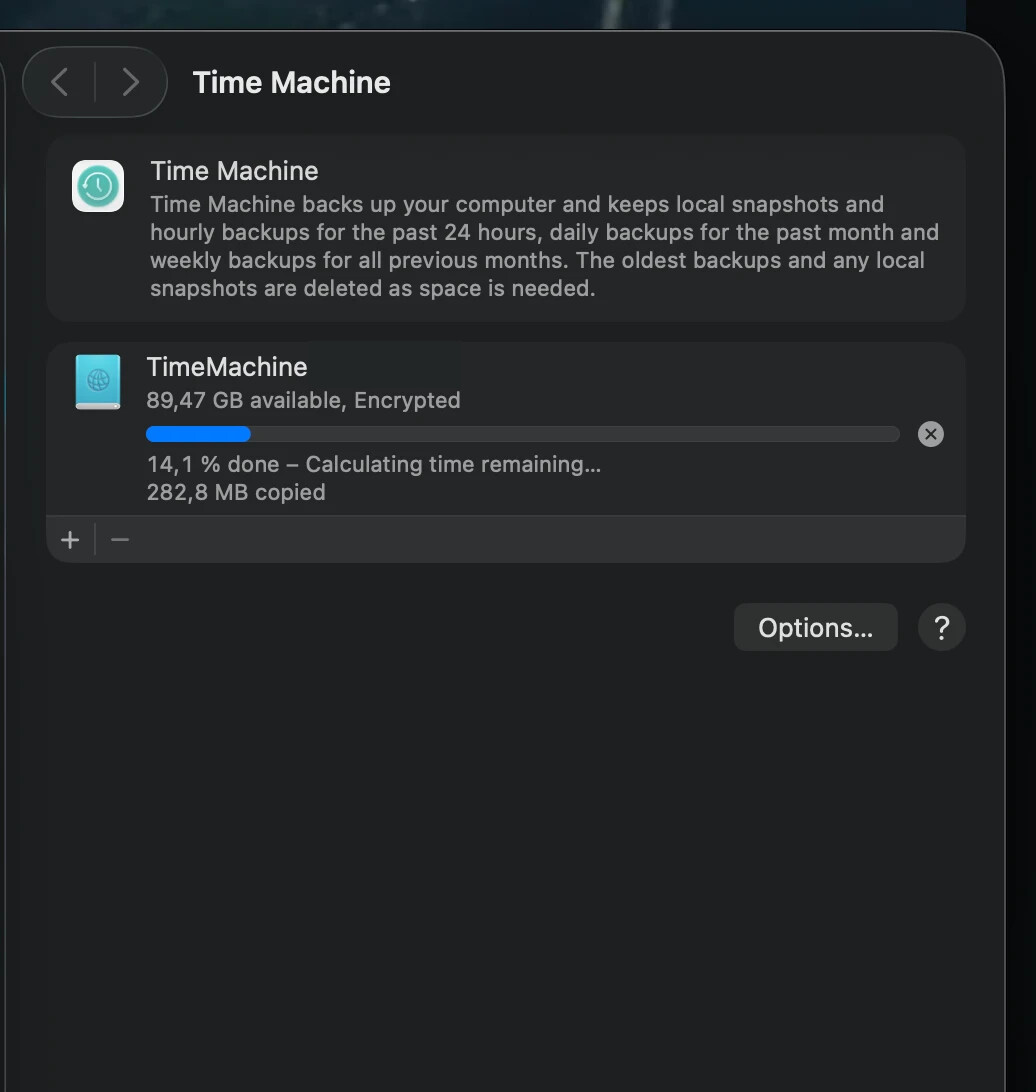
Use Hard Disc on GL-MT6000 as Time Machine

I am following this explanation of how to make it possible to use a network drive as time capsule for my Mac:

However, I run into the problem that any change I make in the /etc/samba/smb.conf.template file don't persist after a reboot of the router. Is it possible that they persist? I guess the smb.conf file used, uses the smb.conf.template file as template, please correct me if I'm wrong.

  • Router
    GL-MT6000
  • OpenWrt Version
    OpenWrt 21.02-SNAPSHOT r15812+1085-46b6ee7ffc
  • Kernel Version
    5.4.238

FYI:

The file /etc/samba/smb.conf probably is regenerated on every reboot by combining:

  • /etc/samba/smb.conf.template (you mentioned one)
  • UCI configuration from /etc/config/samba4
  1. Please try adding the "Tima Machine" configuration directly in /etc/config/samba4
  2. (Or) Please try to put following in /etc/rc.local:
sed -i '/vfs objects = catia fruit streams_xattr/a \
        fruit:metadata = stream\
        fruit:model = MacSamba\
        fruit:veto_appledouble = no\
        fruit:wipe_intentionally_left_blank_rfork = yes\
        fruit:delete_empty_adfiles = yes\
        fruit:posix_rename = yes\
        fruit:time machine = yes' /etc/samba/smb.conf.template
1 Like

I have the same trouble as you following this blog. I am not familiar with that CLI. After spending a whole weekend messing up with the settings and rebooting, I gave up and got someone on Fiverr configured for me. Finally, it is working as a time machine server now. :slightly_smiling_face:

1 Like

Hello,

Glad to hear that!

If possible, please share your samba configuration with us.
This may help more people who want to set up Time Machine on their routers.

Thanks for your sharing!

This topic was automatically closed 90 days after the last reply. New replies are no longer allowed.