Hi all. Just I want to say checked a lot of topics and didn't find working solution for my setup.
My setup is:
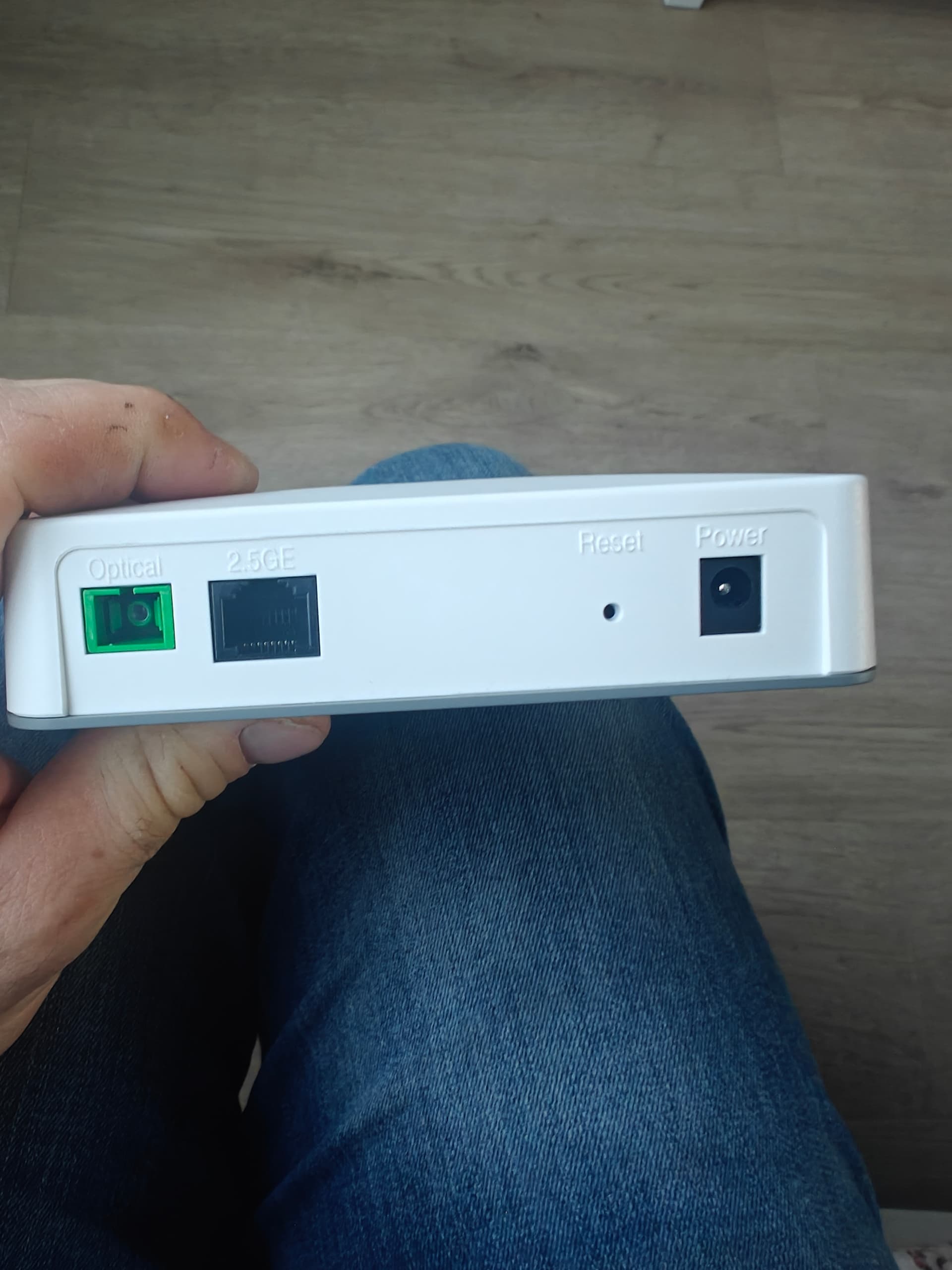
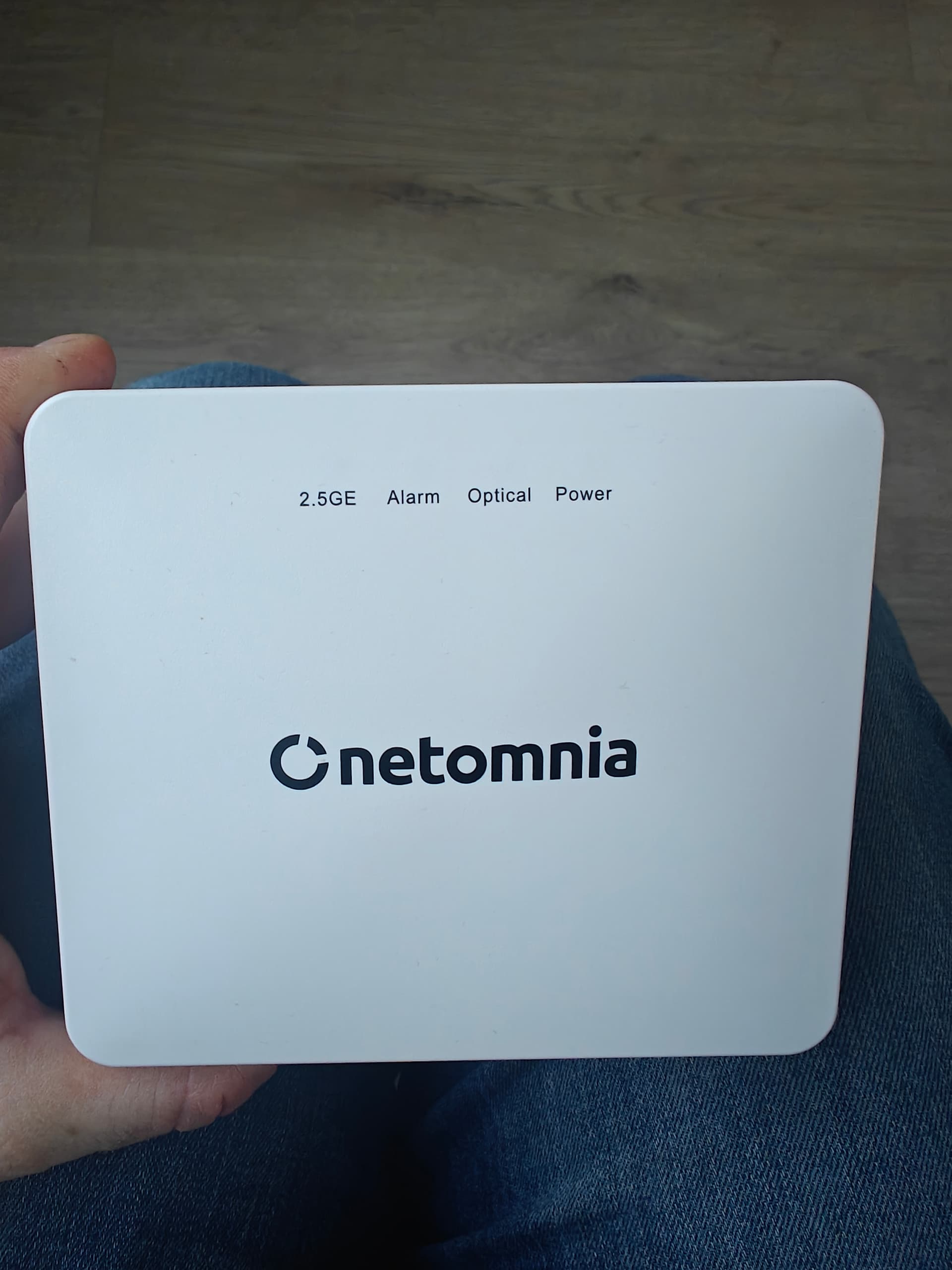
Optical network terminal (has dynamic IP) connected from 2.5G Ethernet cable to WAN port of to GL-AX1800 flint router. I am Getting working internet from AX1800 router without any problems etc . Downloaded VPN configuration from Surfshark website and uploaded to GL-AX1800 router, it's working without any problems as a client. At the same time have also turned on AdGuard so both are working together, no problems.
I want to turn the VPN server on, use it as a VPN on other devices like mobile phone on Data internet to have Internet traffic from mobile phone going via router so it's going to be woking as a tunnel(proxy ?) I have been trying a few options . VPN server starts on router, I did add a VPN configuration to wireguard app on my mobile phone but when have turned it on have no internet at all.
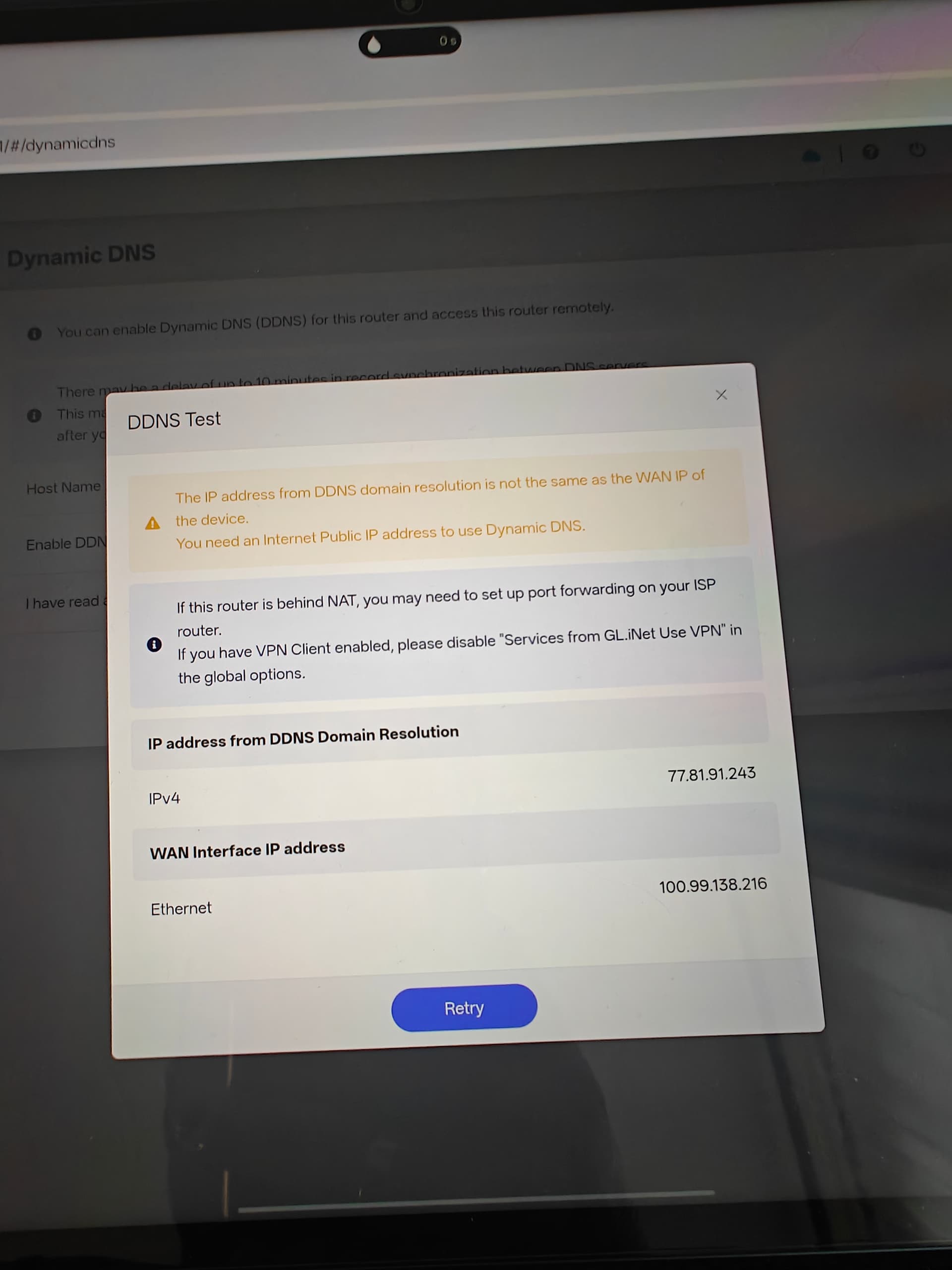
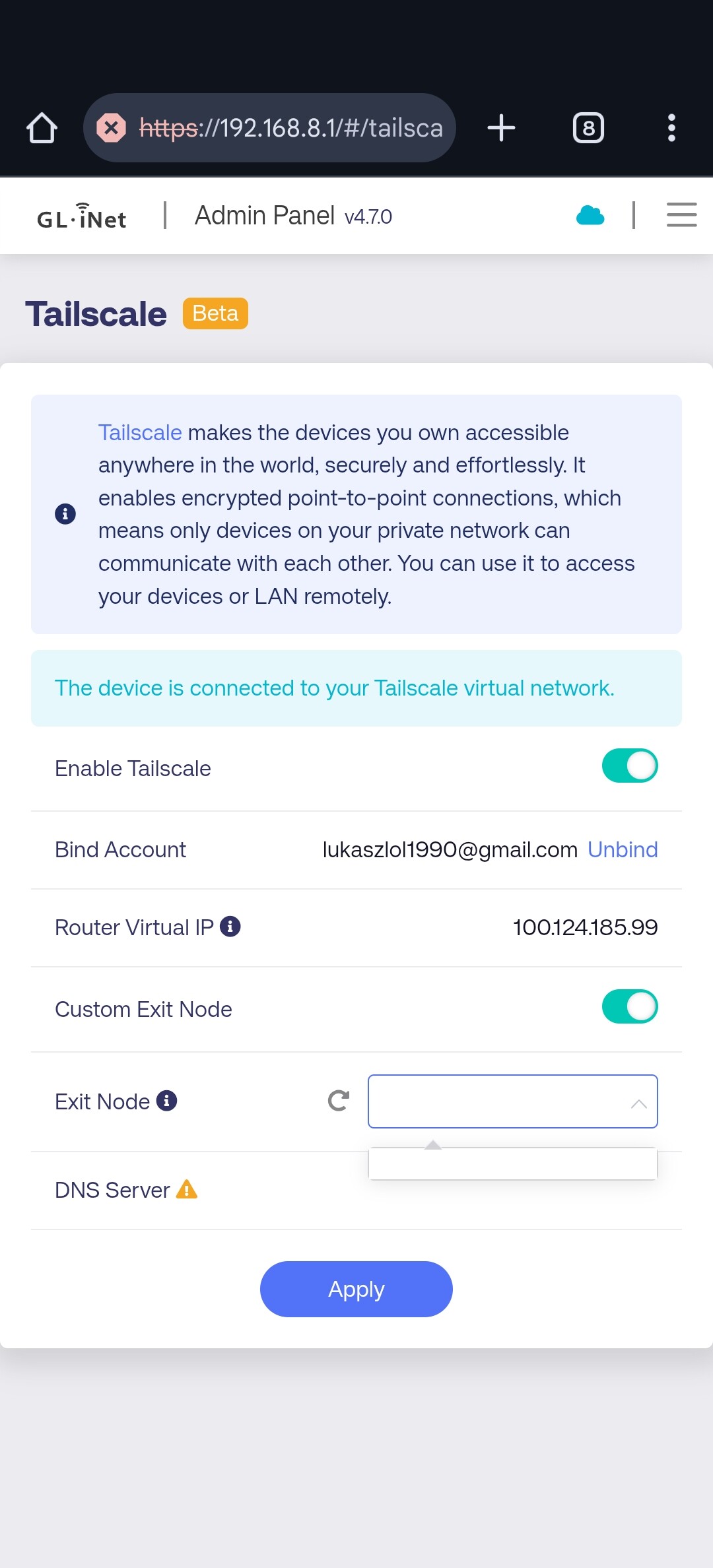
You cant remote in via VPN because you are behind CGNAT. You can use tailscale which can bypass CGNAT or ask your ISP to provide you with a Public IP address.
Thanks. So not using a third party services like timescale or zero tier is not possible to bypass cgnat via for example settings like port forwarding etc ? I am a noob and just in any way want to connect directly mobile phone via 5g data to router to get internet via router broadband settings?
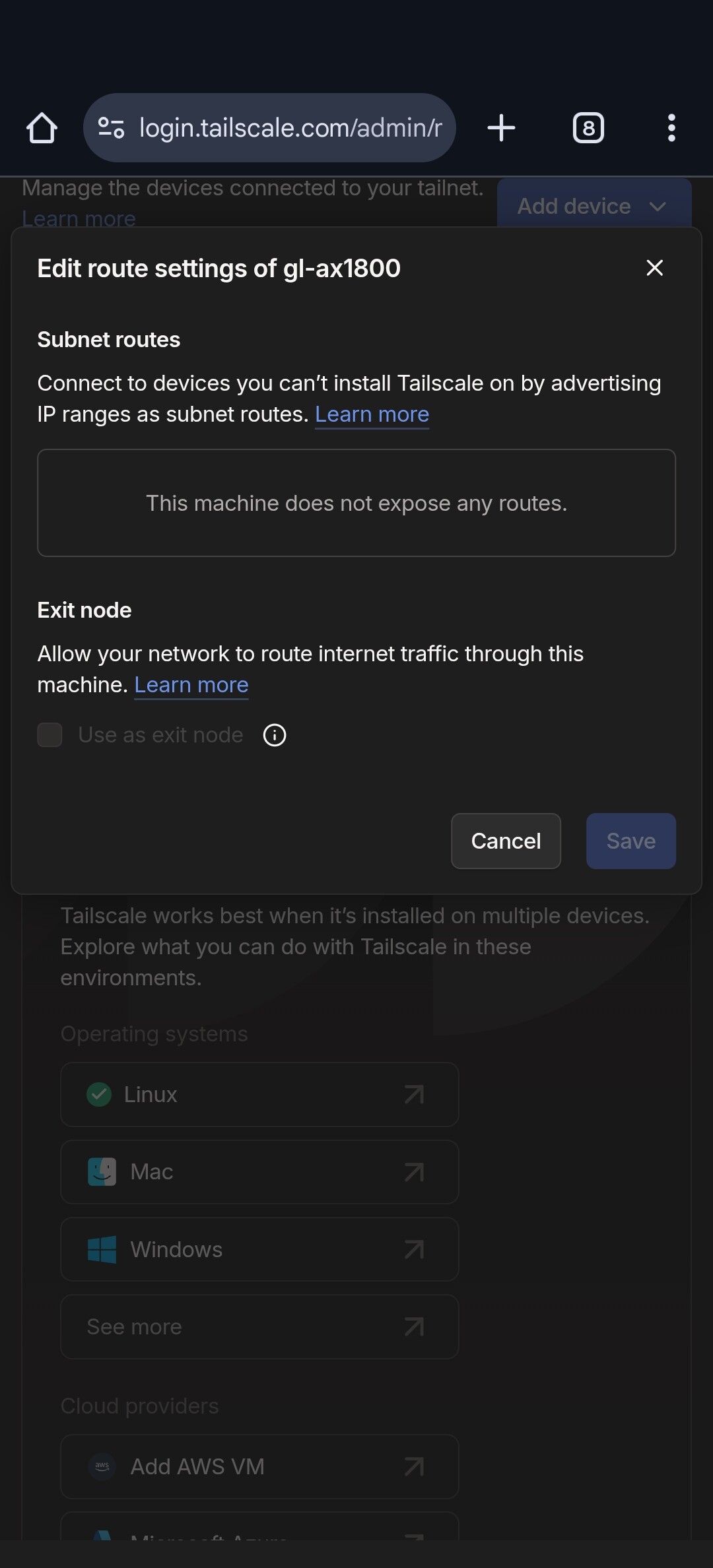
Native support for using our routers as Tailscale Exit Nodes is not available at this time.
However, you can manually enable exit-node functionality by following the community guide below:
Additionally, Tailscale does not currently support cascading VPN tunnels. Traffic forwarded to the router through Tailscale will bypass any active VPN client on the router and will egress directly through its WAN interface.
You can use the Wireguard Client and OpenVPN client to import your surfshark VPN config files and then setup a global or VPN policy rule from the VPN Dashboard, then you can use the surfshark VPN tunnel to allow devices on your LAN (internal home network) out via surfshark servers / location.
What you can't use is the Wireguard or OpenVPN server section to allow your devices that are external to your network to connect to your home VPN server because you are behind CGNAT.
You can however use tailscale on the router and then access your LAN devices / use your WAN (home internet IP) from your mobile when you install the tailscale client on your phone for example.
What he means by this is, when using cascading mode on Glinet VPN side of things you can have your inbound traffic from the VPN server (so your phone connecting to your wireguard server on the glinet router) then re-route via the Wireguard client (surfshark) and appear on the web as a surfshark IP and not your WAN. Same applies if it was a OpenVPN server on the glinet.
Here is a little more info on VPN cascading
Again, the problem you have is your behind CGNAT. You can however achieve your goal to get a VPN connection whilst on the road by connecting back home to the glinet router via tailscale, your devices connecting back to your home router will just have to appear / use your ISP WAN address, which is usually the normal case anyway.
Take a look at this video setup of tailscale on the glinet products.
Also maybe contact your ISP to see if you can get a public IP that's not using CGNAT then you can use the traditional wireguard/OpenVPN servers on the glinet.