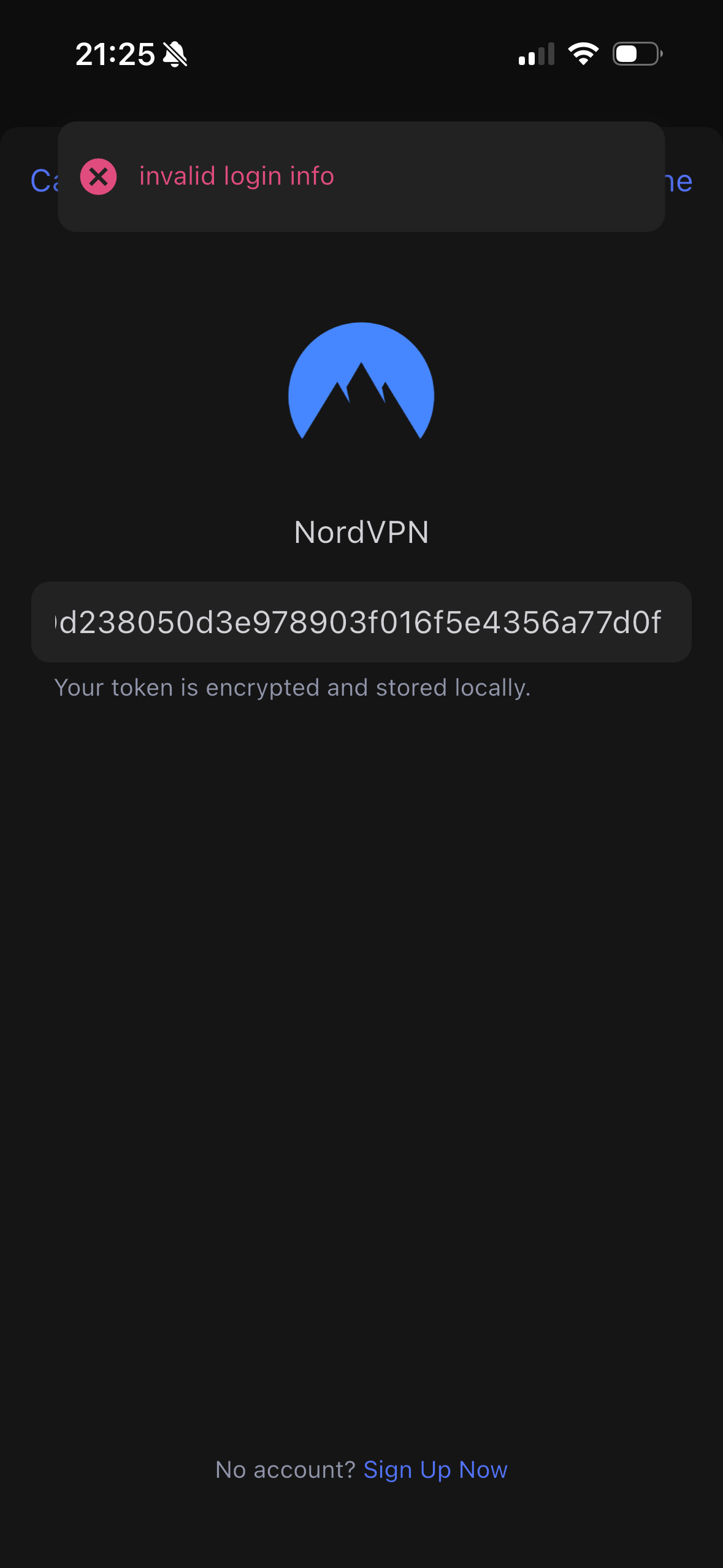
Hello. I had to set up my XE3000 from scratch today because AdGuard had frozen up once again.
In the process, I noticed that I am unable to add any WireGuard servers from NordVPN. When I enter my token, I am able to proceed to the server selection screen, but the list remains empty. Consequently, I am no longer able to activate the VPN.
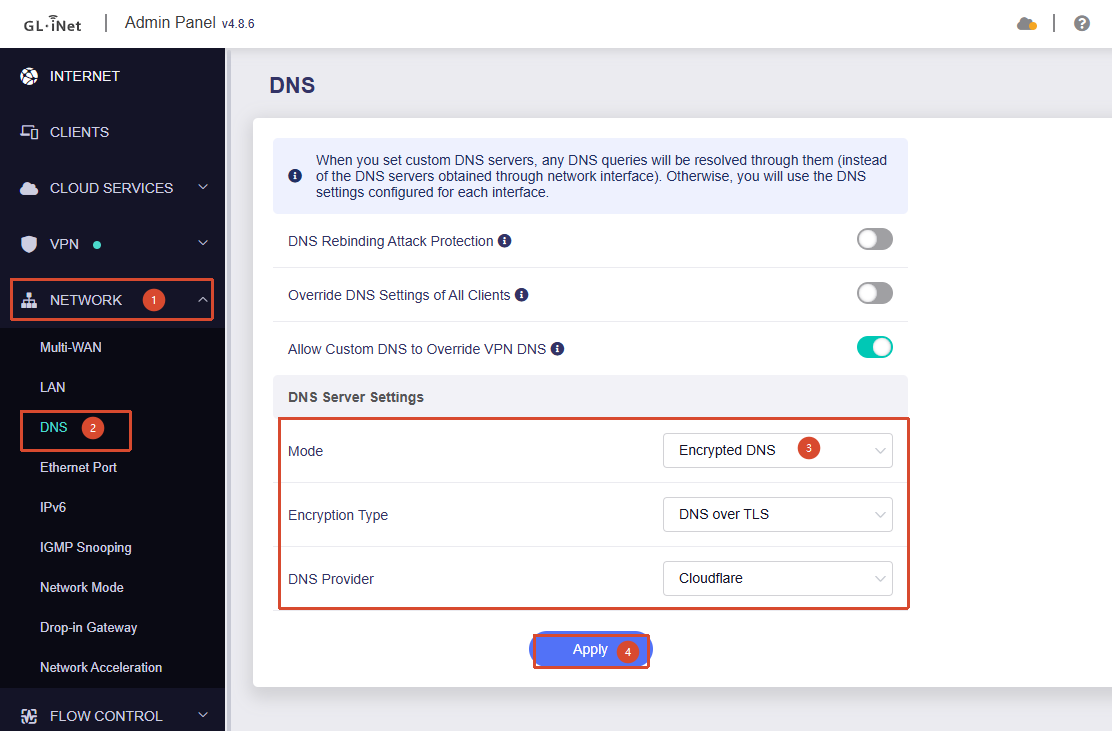
Regarding the issue where the NordVPN WireGuard server list is empty, please try changing the DNS setting to Encrypted DNS under Admin Panel → Network → DNS and see if that helps.
If AdGuard Home is currently enabled, please temporarily disable it and switch to Encrypted DNS for testing.
Up until now, this is always how I’ve done it whenever I set up the router from scratch:
I generated a new key with NordVPN and deleted the old one.
Then, I entered the key into the WireGuard field and selected the servers I needed.
Now, however, the list remains empty—no matter which VPN server I select, or which browser or PC I use.
If I go to WireGuard Client and input my access token I see server list - which looks fine,
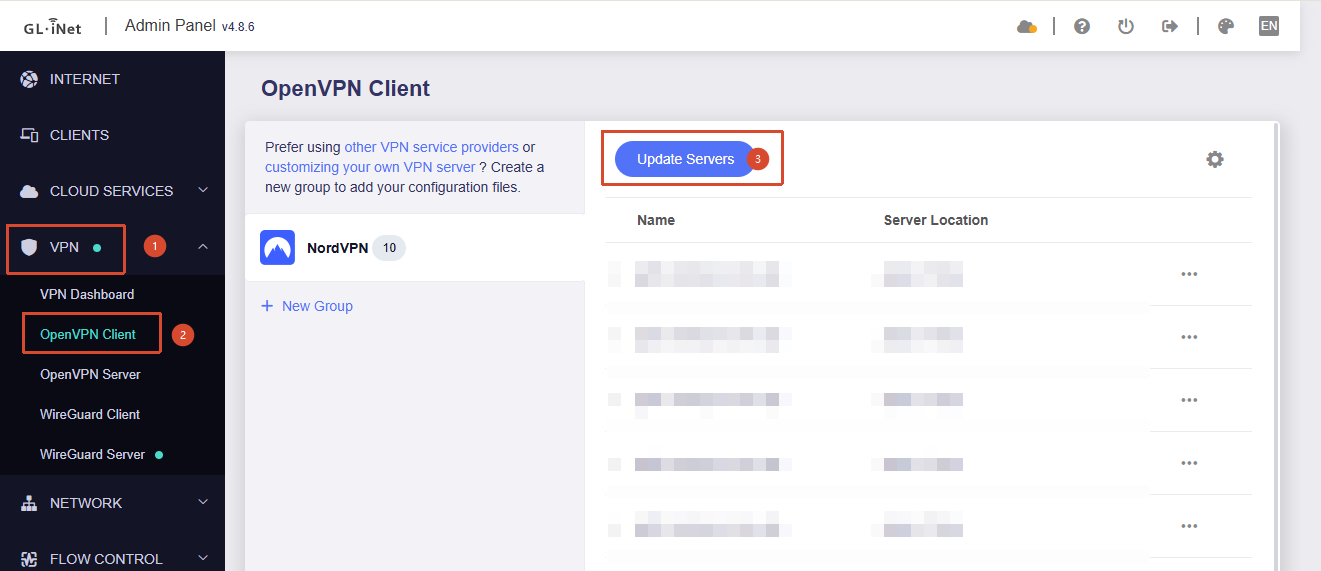
but, after choosing one server(tried different) or multiple servers I see blue Update Servers button and "No Data" text.
What could be mildly helpful is a fact that it looks different if you go to VPN Dashboard and try to set up VPN using VPN Beginner's Guide and there is an error message.
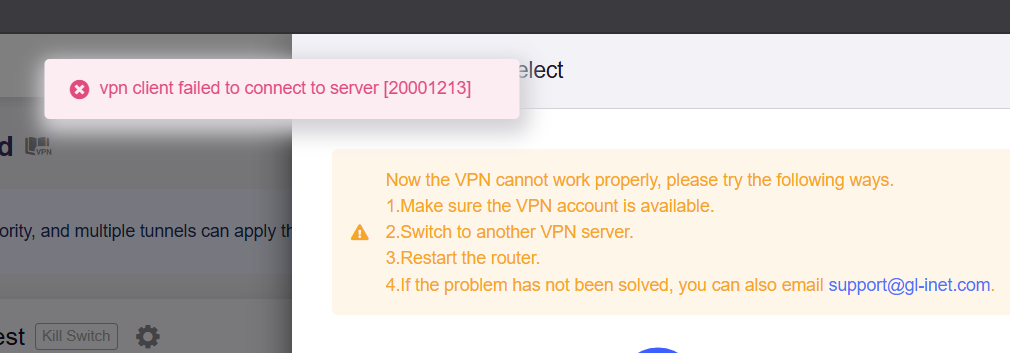
If you follow VPN Beginner's Guide from the dashboard for a tunnel policy, you will again see a server list(meaning we are authenticated, right?), but upon clicking Apply button there is an error message:
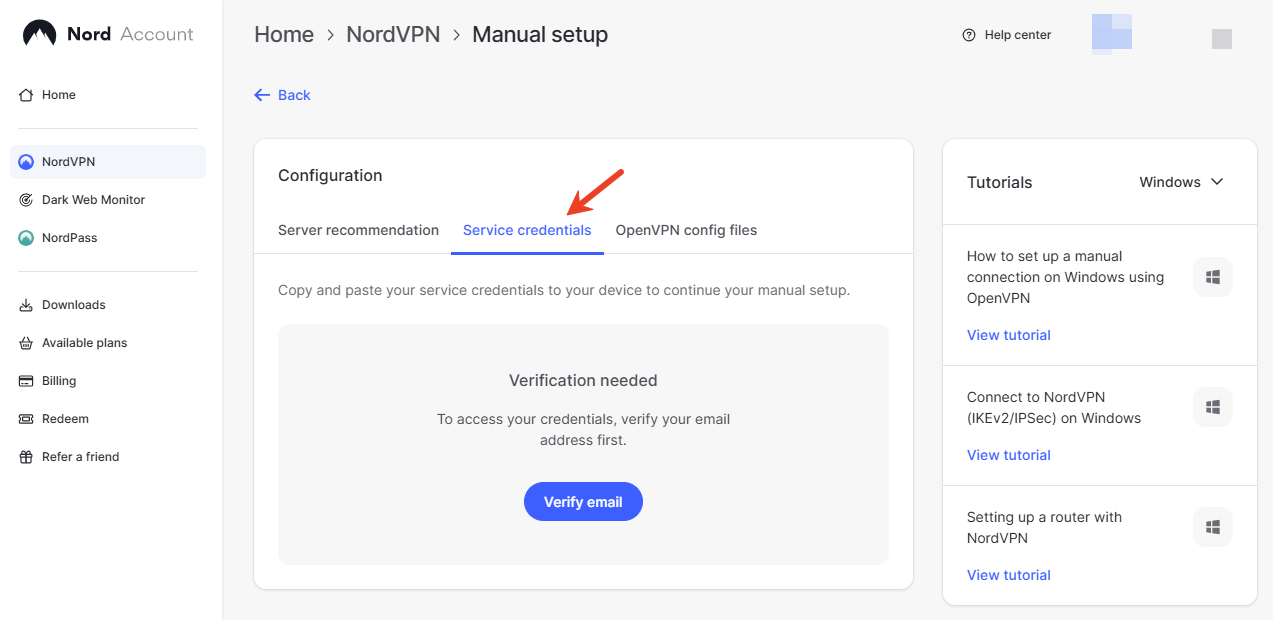
The exact same thing is happening to me. NordVPN won't help you with that; their support yesterday flatly refused to help me with the token because they claim they only support Windows, OSX, and Linux. I honestly found that a bit weak of NordVPN.
When you try to retrieve the WireGuard server list using the app, at least you get a notification that the login failed. I’m assuming NordVPN has screwed things up again. However, since they refuse to admit it, this could take a while.
Yes, I am well aware that WireGuard requires the token—thanks. The issue is, after all, really about WireGuard. I only used OpenVPN as a temporary workaround because WireGuard isn't working. Even if you generate a fresh token and insert it immediately, the error message mentioned in Post 5 still appears.
I then tried OpenVPN, because WireGuard doesn't generate any logs—or perhaps I just haven't found them yet.
NordVPN via Wireguard would simply not work. I get all the way to validate my token and even choose the servers I want/need. When connecting will just stay in this yellow dot and it will never go through.
It works via OpenVPN though, but that’s not the point. I have tried also in the brume 2 and beryl AX and there it seems to work like a charm.
Could you please confirm whether the NordVPN token you are using was generated recently?
We seem to have reproduced this issue locally. Newly generated tokens appear to be unable to retrieve the WireGuard configuration properly, while older tokens still seem to work normally.
Our development team is currently investigating this, and it appears there may have been some changes on NordVPN’s side.
I am not able to edit my post and I need approval but here a new post with is a screenshot how it looks in VPN dashboard on web UI when I connected using Android app:
I was having the same issue last weekend and I ended up having to restore from a backup file that I made in November. After that I created a new token and tried again and it worked correctly.
I can confirm that access token is a generated on a day of writing my initial post, so a recent one.
@will.qiu Let me add one more relevant info. I was able to create a NordVPN client connection from the Android app that same day and now I can see VPN connected and a server I chose on Android app as connected.