Thanks @admon, you’re right
You don’t need to download anything to your computer. I forgot the opkg update command in the previous message. Everything is amended now, just follow the commands above.
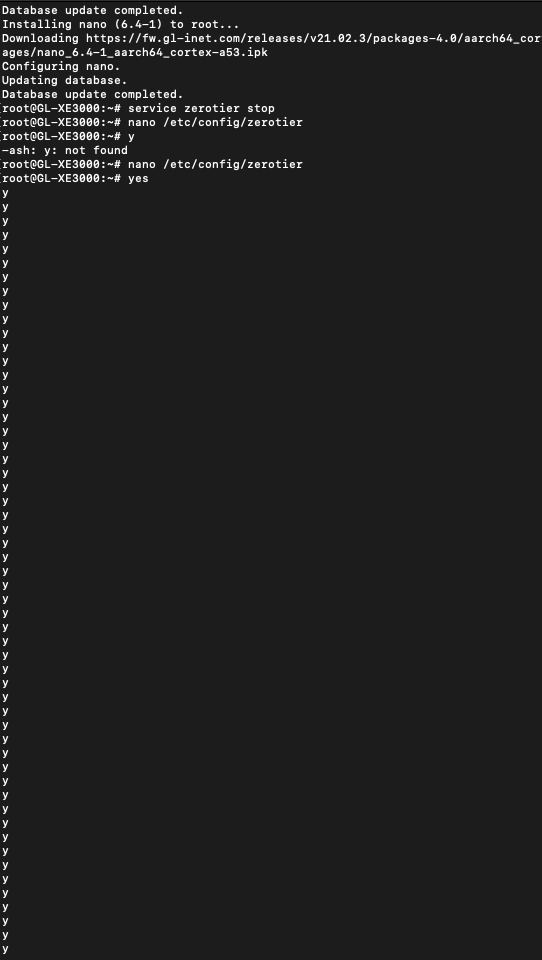
beautiful. I got almost everything done perfectly until the “input y” portion. Downloaded, ran the etc through nano command, it opened nano for editing - but my router/SSH already showed literally that exact configuration that was asked to change to. I pressed ctrl x, and then didn’t quite understand “input y” so I just typed ‘y’ as my command, and it said “-ash -y: not found” – seen in pic --, so I tried everything again thinking maybe ‘y’ stood for ‘yes’, and when I go the “input y” part, I typed ‘yes’, and now it won’t stop auto populating the letter ‘y’…?
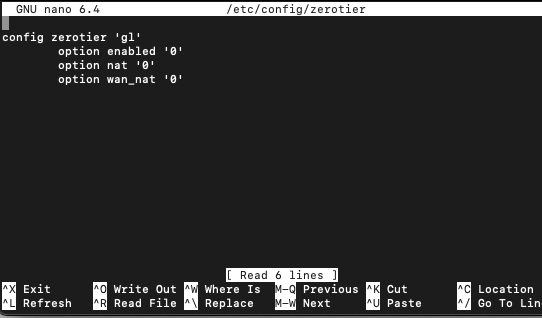
For reference - here’s what was seen when I ran nano /etc/config/zerotier:
wait… I terminated that terminal, tried it again, and it worked with an extra step in there that asked me to “input y”. Should be good now to reboot. Starting a new network and trying again - letcha know how it goes.
Been about 10 minutes and still waiting for it to connect. Every step has been followed and executed correctly with a new ZT Network created and added after the reboot. Fingers crossed the connection actually just takes this long. I’m just gunna give it… idk… half hour? An hour? My other successful connections definitely took a while, but I don’t recall if that was 5 minutes, 15 minutes, or more than that.
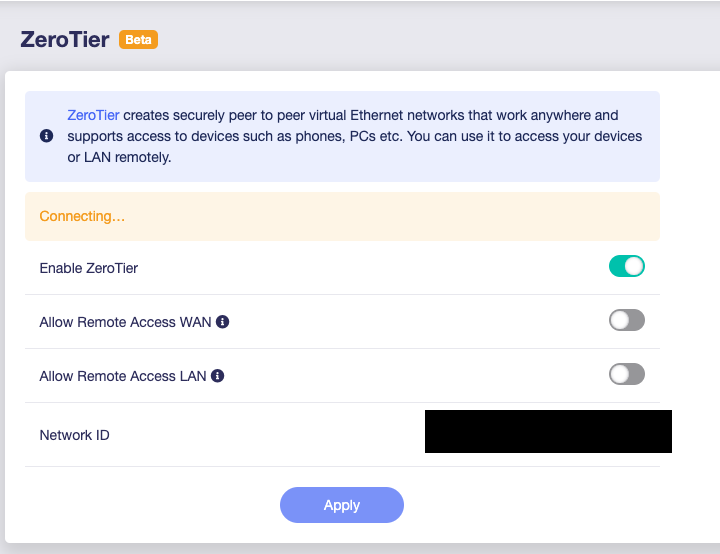
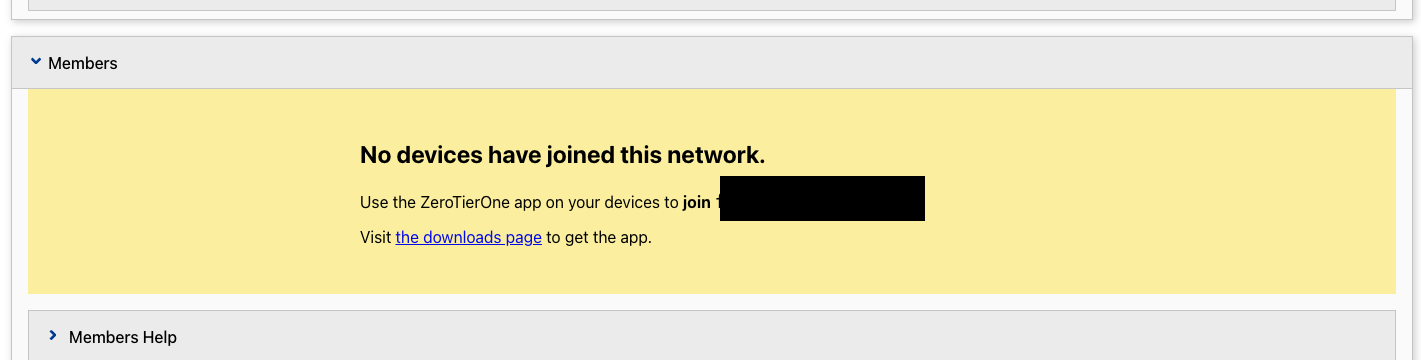
After all these actions, did your device appear on the list of unauthorized devices on my.zerotier.com?
Nada. Not once.  Every successful connection I’ve had to ZeroTier thus far has eventually updated as the instructional page says it would with something along the lines of “The device has been added to ZeroTier” and prompts me to add it. Every unsuccessful attempt just leaves me on the “Connecting…” prompt forever until I decide it’s been too long and to start over.
Do you have any devices successfully connected via the same ISP? For example, if your phone is connected to your Puli router’s Wi-Fi network, does it successfully connect to your ZeroTier network?
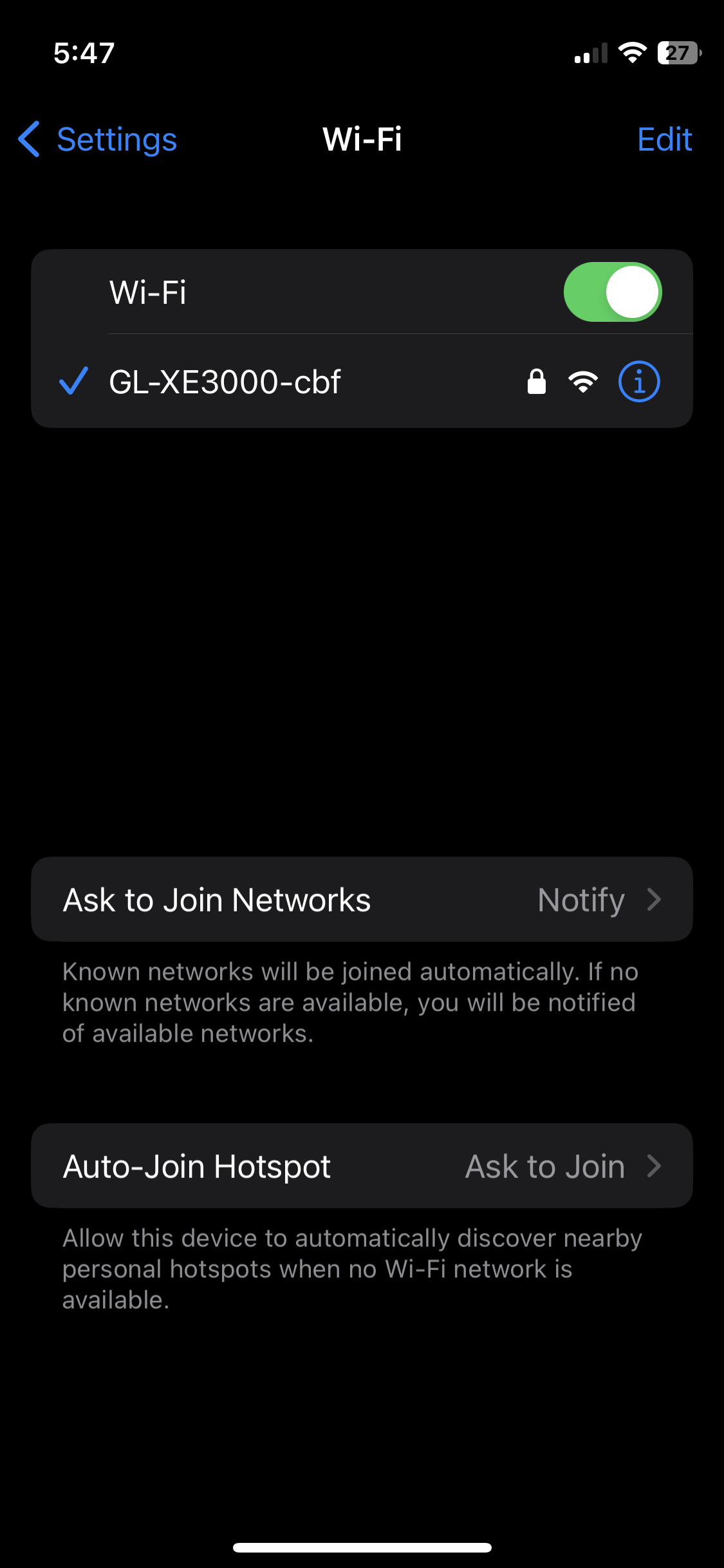
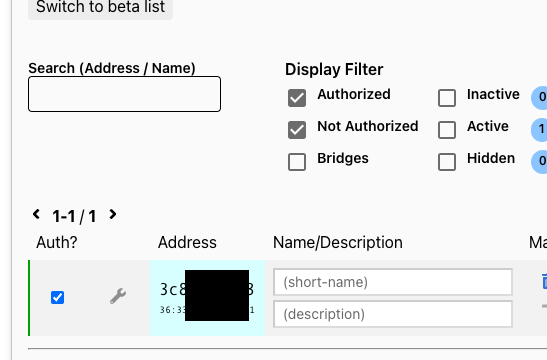
A very strange case indeed, considering you mentioned resetting the router to factory settings and attempting to reconnect to the network.
I need to think about what else we can try.
Maybe they made one Puli router in hell and shipped it directly to me?
Honestly, again, the router seems fantastic outside of not doing the single one function I need haha. It still says “Connecting…” in the admin page, and it’s officially been over an hour. Might try one more time from the top. My easiest connection to this point was when I first unboxed, set it up, and connected it flawlessly. After about an hour, after turning it off to connect my other router that still had my cameras attached to it, then back on - it wouldn’t connect. That’s when I first figured, “Oh - no big deal. Let’s just reconnect it.”
Two and half days later…
Technical Support via GoodCloud.tar (192 KB)
Try to connect to goodcloud according to the documentation
Please tell me the mac address and password of your router after the connection is successful
The email address is as follows :weiping.yang@gl-inet.com
Awesome - Thanks, YWP. I’ll send an email now. I did get my router connected to GoodCloud, but I believe I saw it needs two GL.iNet routers to run site to site. Either way - tech support downloaded, and I’ll shoot you an email. Thanks again.
So I just rechecked the terminal under the “nano etc/config/zerotier” command on my laptop’s terminal, and within that editable file they showed a “secret”, but it didn’t show any secret on my other computer. Would that have something to do with it?
I also tried changing all '0’s to '1’s, and realized what that does on the WebUI which was a nifty thing to discover, but didn’t change anything or make it connect. Really trying everything my little brain can think of.