Hello everyone,
We are excited to announce the release of a new Beta firmware that brings powerful Deep Packet Inspection (DPI) capabilities to our router platform. Based on intelligent DPI traffic analysis, this firmware introduces three major features—Data Statistics, Content Protection, and QoS—along with VPN AmneziaWG obfuscation support and enhanced SQM (Smart Queue Management) functionality.
This Beta version is now open for community testing, and we sincerely invite you to try it out and share your feedback!
 Key Features Included in This Beta
1. Data Statistics
A traffic insight dashboard that identifies and categorizes network usage by applications.
-
View real-time and historical traffic for up to 7 days
-
Time filter options: 1 hour / 1 day / 7 days
-
Detailed application-level statistics ranked by total usage
-
View how much traffic each device uses for each application
-
One-click block for any application
2. Content Protection
A smart online safety feature powered by DPI classification.
-
Automatically blocks harmful or malicious websites
-
Helps provide a clean and secure network environment
-
Supports custom rules for blocking specific apps, domains, or IP addresses
3. QoS (Quality of Service)
Optimizes bandwidth usage when the network is congested.
-
Prioritizes critical application traffic such as video calls and gaming
-
Reduces latency during limited bandwidth conditions
-
Improves overall network responsiveness
4. VPN Obfuscation (AmneziaWG)
Enhances traffic privacy during VPN transmission.
-
Option to enable Amnezia obfuscation when creating a VPN server
-
VPN Client supports Amnezia obfuscation, automatically identifies the profile and starts the standard or obfuscated program.
5. SQM (Smart Queue Management)
Included by default in this firmware.
-
Reduces bufferbloat and stabilizes latency
-
Automatically syncs configuration with the first SQM rule in LuCI
-
Includes global toggle and queue method selection
-
Enabled for all LAN devices by default
 Usage Guide & Important Notes
-
Disable “Network Acceleration” before use
– This is required, otherwise DPI-related features may not work properly.
-
Trial Period Notice
– This Beta firmware includes a built-in DPI license valid until December 1, 2025.
After the trial period ends, Data Statistics, Content Protection, and QoS features will cease to function.
-
Beta firmware disclaimer
– This is not the final release. Some features are still under development, and your feedback will help us improve performance and stability.
 Questions And Answers
Q1: Will these features require a subscription fee?
A1: The features currently under testing will be free to use after their official release — no additional fees will be charged.
Q2: When will these features be available, and on which devices?
A2: After the testing phase, we plan to gradually roll out these features to more device models, depending on their hardware capabilities and performance.
Q3: What will happen after the current test period ends on December 1st?
A3: After December 1st, the DPI-related features will be temporarily disabled, while all other firmware functions will remain available.
We will continue to improve and optimize the DPI feature by fixing bugs and enhancing the user experience. A new firmware update will be released to extend the test period.
The official DPI feature will be launched together with the official SDK release, which is expected in Q2 2026.
 Availability
Please note that this is a limited user test. The beta firmware with the above features will initially be available on the following GL.iNet models. Beta firmware is now available for download. Please go to the firmware download page for your router model and download firmware v4.8.99 (under the BETA tab):
-
Flint 2 (GL-MT6000) v4.8.99
-
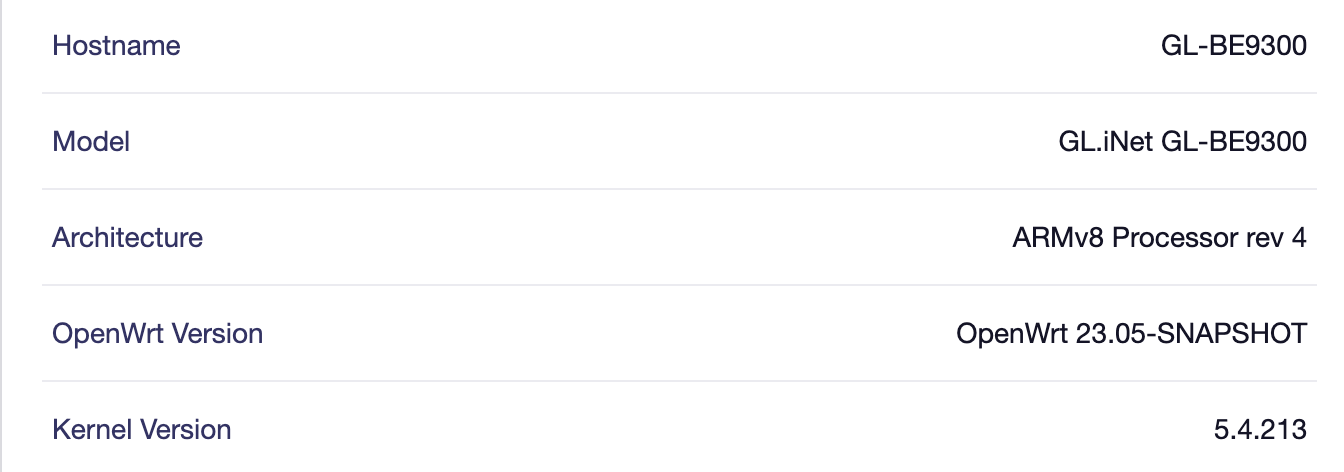
Flint 3 (GL-BE9300) v4.8.99
 We Need Your Feedback!
Please help test this firmware and report:
-
Feature bugs or crashes
-
Incorrect app classification
-
UI/UX improvement suggestions
-
Performance feedback (CPU/memory usage, network speed impact, etc.)
Your feedback will directly shape the final release! 
We look forward to your comments and feedback!
— GL.iNet Software Teams