In theory it should work, aslong the (travel) router is using a wgclient inside the gl software.
Because firewalls work like this to understand things more easy:
If your local network sents packet x to the internet to machine z, machine z is allowed to communicate back on the same line and the firewall will not block anything.
this is the reason why this can work under a cgnat, aslong the wireguard server is remotely and not self hosted locally.
Anything what was not first initiated by your local network to the internet, unsolicitated traffic will be blocked by the firewall.
With other words, if you took the role of portforwarding and having a local server, then the port forward allowed the unsolicitated traffic to your wireguard server, which is what the cgnat blocks.
So anything from source (local) to external (wan) is allowed and create a handshake/respond line.
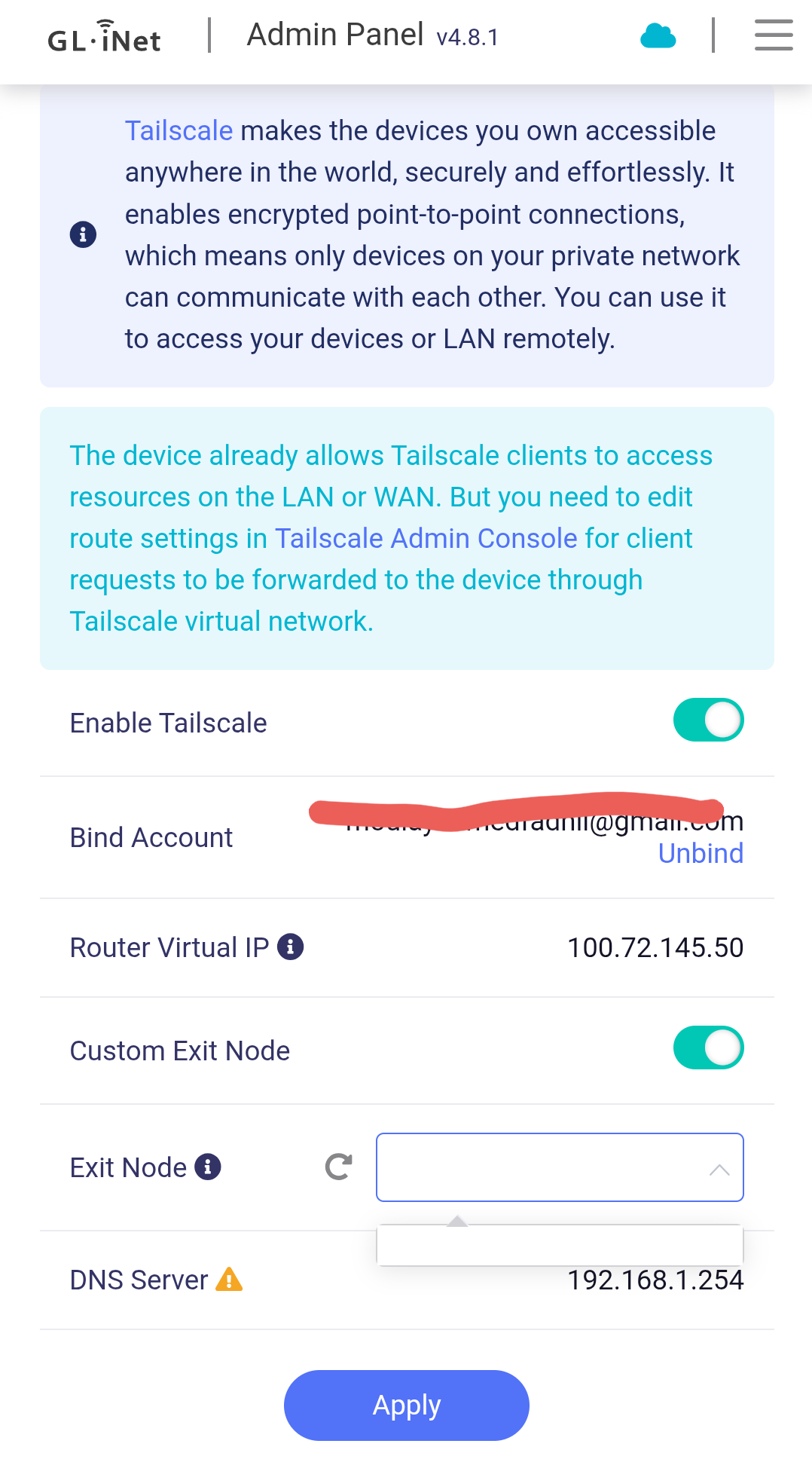
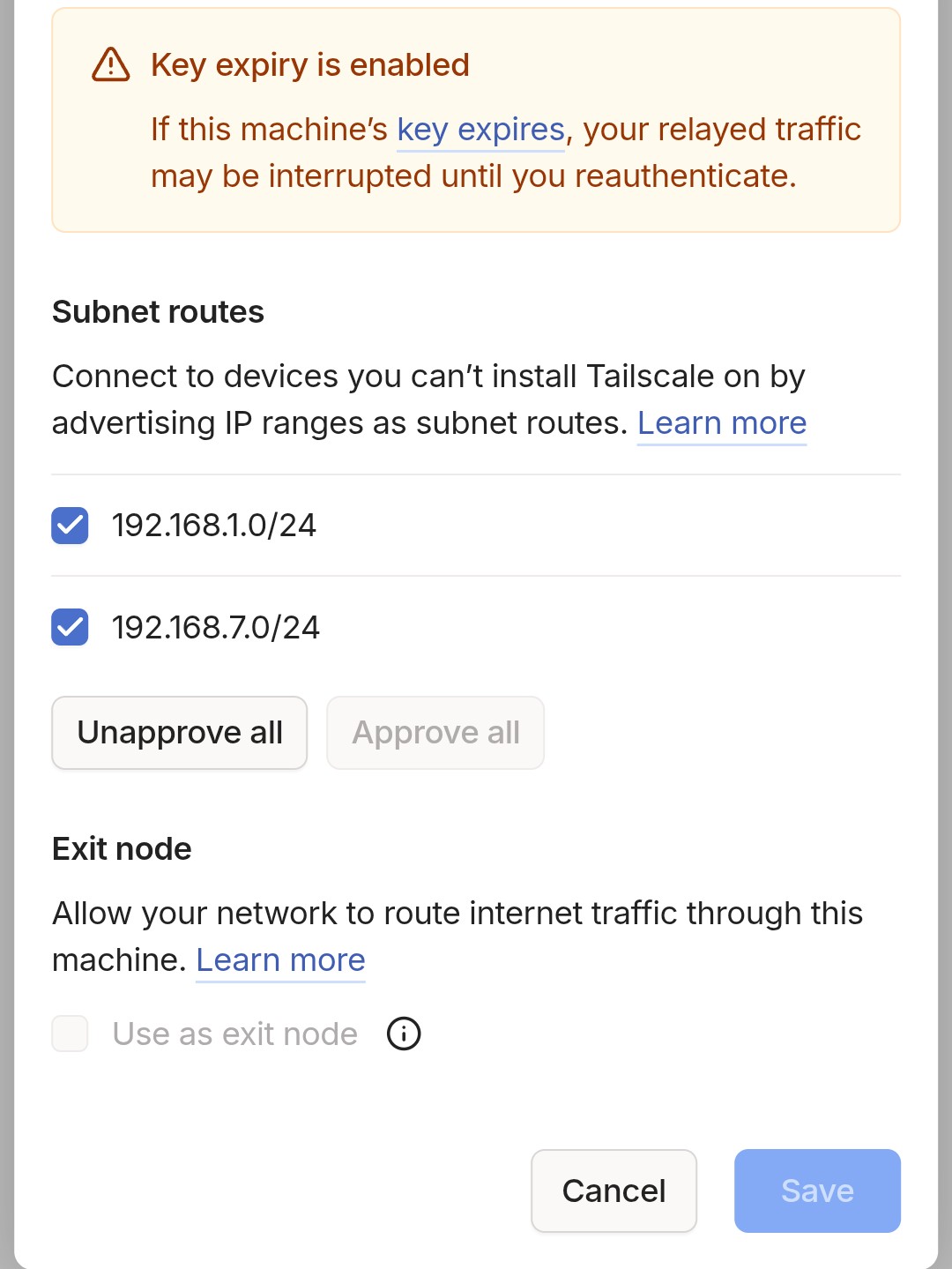
So having a server external on vps will work, the GL-iNet software needs to be configurated as wireguard client, and then only the checkbox to allow lan must be checked so that you can communicate with local devices.
Then to portforward something, you first need to be sure the server also handles traffic between peers if that is something what is needed, one issue can be the range of ip addresses set in both the peers section in the config on the server, and the config on the client, you have address /32 but one can also use address /24 this can act as broadcast I think, normally on the server I would use /32 on peer address, /24 on client peer, make sure it auto routes on the client.
Then a basic firewall rule would be the source is wgclient, and destination rewrite is device/empty/0.0.0.0 (if for router), and else lan, also you might want to look to advanced settings because there is a fine distinction between portforwarding and traffic rules which does not met with gl ui, I have requested this some while ago but I guess they don't see a reason for it.
Often you do not need to port forward but allow traffic between zones, if it is directly to the router it is often a traffic rule, if it is directly to a device it is a port forward if it is to a network traffic rule.
Port forward rewrites the port to a different device on a network, a traffic rule allows traffic between zones and also devices between different zones, on my own wireguard server which I run local, I use traffic rules from there, and the clients have access, it works the same way as the src-external way, you want wgclient src to device and zone, re-writing is not perse needed so you might use traffic rules 
There is one issue with custom .lan domains, you may want to enter advanced settings on the router of the wireguard client, and go to dhcp settings to remove /lan/ then the annoying dns probe possible is gone