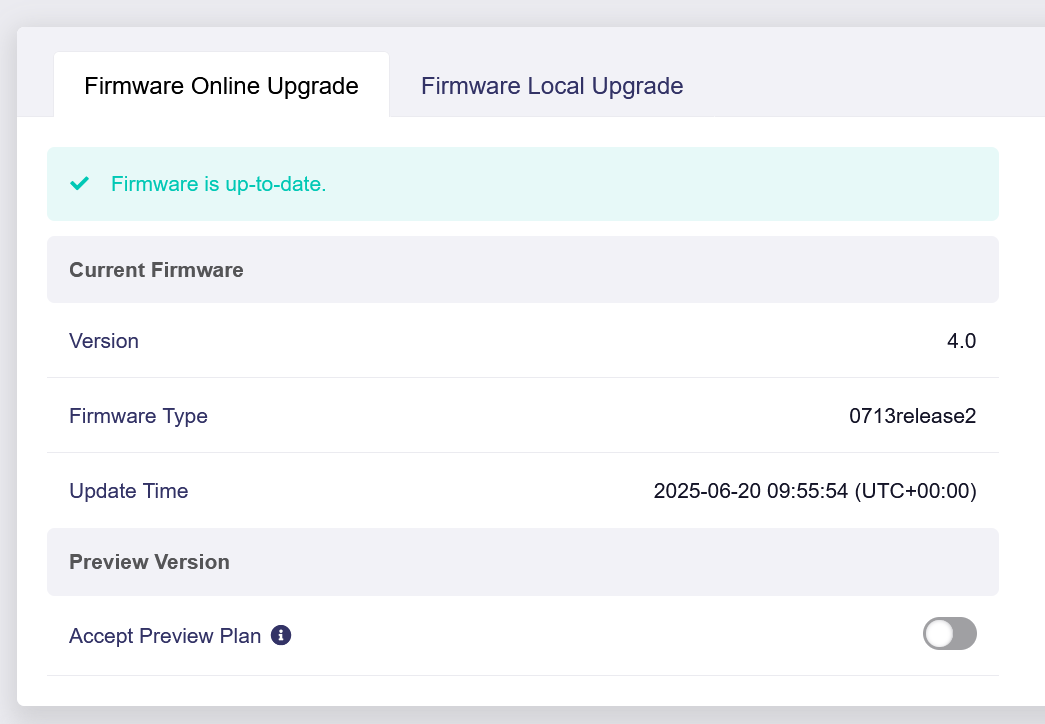
I recently bought a GL-XE3000 running firmware version v4.7.13
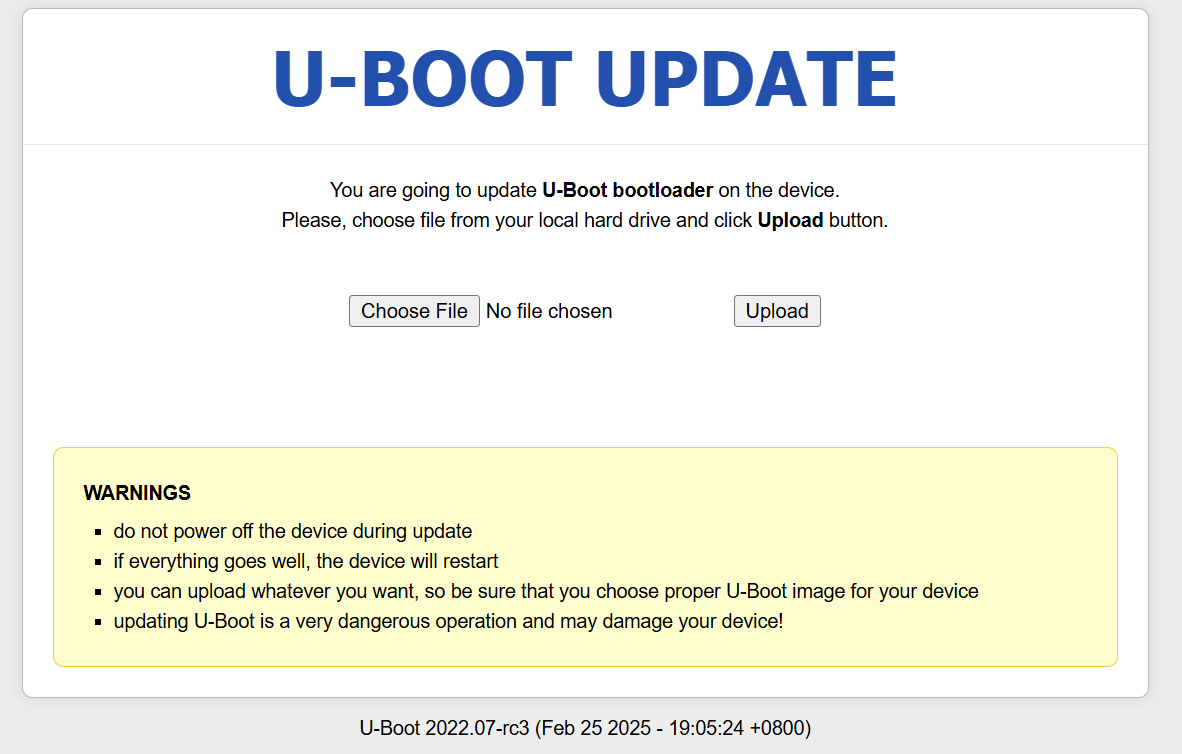
I saw the critical problem notification and, without realizing my firmware was already up-to-date (and thus the U-Boot flash was unnecessary as per your note), I proceeded to flash the new U-Boot bootloader for the XE3000.
The U-Boot flash process was successful, and the router is currently running fine with the latest firmware.
My question is: Will there be any potential long-term issues or instability since I performed an unnecessary, but successful, U-Boot flash on an already updated device (v4.7.4+)?
I have hit this problem and need some help. I have done a firmware recovery via uboot on a previous glinet router, so I am familiar with the process. I am using exact same laptop and browser as worked with other glinet router.
Today my GL-X3000 went bad. It got powered on/off several times and this seems to have upset it. I can get to the 192.168.1.1 page to attempt recovery, that part is fine, but can’t get past there successfully.
I know the difference between the firmware page and the uboot page.
I’ve tried the 4.7.4 firmware file via the firmware page. Fails with “something went wrong, probably you have chosen wrong file”. Tried 4.8.3, same issue.
I then wondered if my uboot has the issue described here so I tried to upgrade uboot. I’ve tried the uboot 20250225 file and the 20250328 file mentioned at post 30 via the uboot upgrade page. each time I get the same failure message “probably you have chosen the wrong file”, whether I try to install a working firmware or a new uboot.
my uboot version as reported by the uboot page is 2022-07-rc3 (mar 09 2023)
router is likely to be older, I bought it almost as soon as it came out.
Hi! I’ve successfully debricked my MT2500A! It bricked mostly 2 years ago. Now I’ve updated UBoot and then the firmware. Now I have the latest 4.7.4 version running.
Just for records.. MT2500A , Able to update Uboot succesfully. My device had no issues and was rebooting every night 3am, but due to warnings from Glinet staff, I did and it worked.
one of which just randomly stopped working last week. may be due to scheduled restart. the one that still works is always on.
unfortunately i didnt keep track of which version the one that went down is on.
when trying to recover in chrome via uboot mode its always taking me to update failed screen, ive used every version from the link GL.iNet download center with the same error.
then tried updating uboot on /uboot.html with the update file posted by admins i get the same update failed error.
current uboot version U-Boot 2022.07-rc3 (Sep 12 2022 - 19:58:08 -0700)
@bruce Hi, I found a brume 2 I haven’t used for a while and checked it, has uboot 2022.07-rc3 (Sep 12 2022 - 19:58:08 -0700) so looks like it needs updating. I’ve tried with the same computer I used for uboot updates on Flints recently but whenever I upload the uboot file I just get “update failed, probably you have chosen the wrong file“ message so can’t update it, is otherwise working fine though and running v4.7.4 (I just updated to that from uboot from the same computer, only flashing uboot itself is an issue), I’d still rather update uboot though to avoid any future issues.
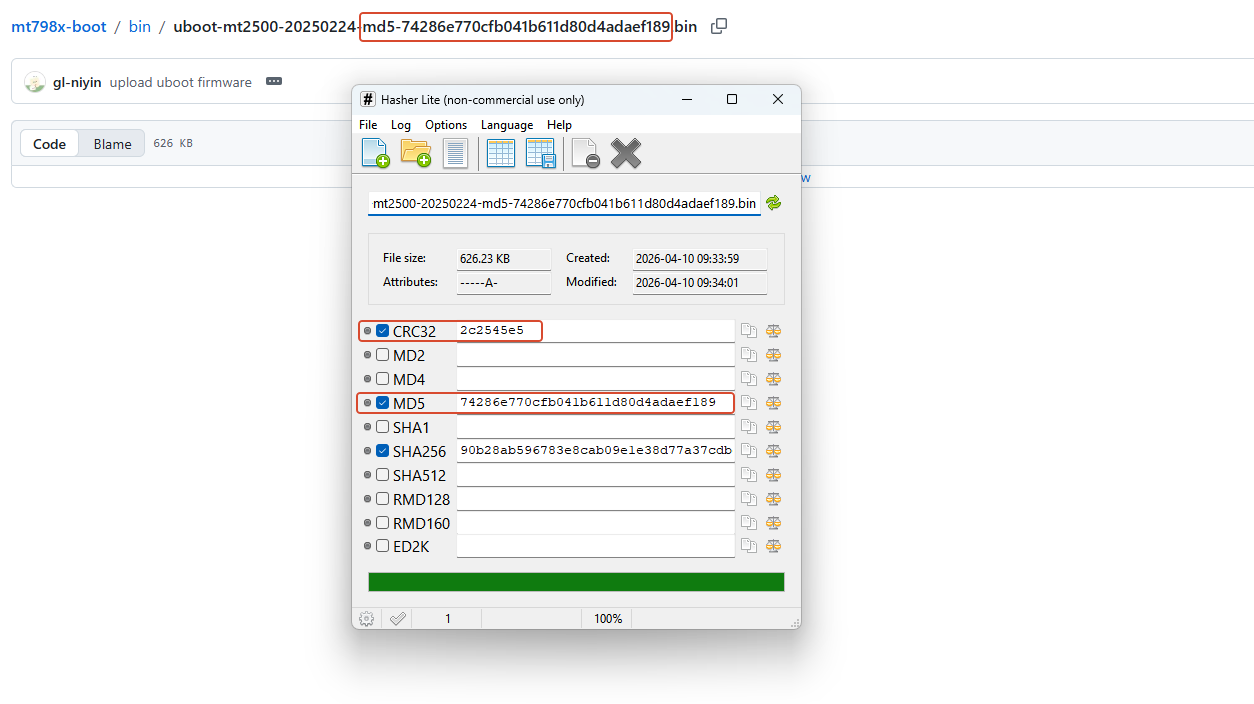
What is the hash value of a known good MT2500 uboot file? I downloaded the listed MT2500 uboot file 3 times from the below page during testing to make sure it wasn’t a bad download causing issues and was very surprised to later find all 3 have different hash values! I have no idea why I’d be getting different files from your link but on the first two tries Chrome failed to download it with a message of no response from server but then did download when I hit retry, regardless if it is downloading I should be getting the same file though. It would really help if you’d add hash values for any files so we can be sure pre upload especially for something as critical as uboot updates. I tried the uboot update multiple times from http://192.168.1.1/uboot.html page using Chrome, Chrome in incognito mode and also Edge, failed with each.
I listed CRC32 hash values as they’re shorter to type but any hash value from a known good MT2500 uboot update would do for me to check.
First download: 2B2300EE
Second download: 590003BB
Third download: 85695CDC
Please confirm which (if any) is valid file, I can’t get it to update anyway but I definitely want to know which is right before any future attempts. Is this a symptom the router is already failing? I wouldn’t expect so as uboot managed to update the firmware and router seems to work OK but would be good to get your opinion what’s going on… thanks
I am having the same exact issue with my Brume 2, was working fine till this week. Now i can get into UBoot mode, but the upgrade always fails, anyone work out how to do it?