Fancy new Mudi 7

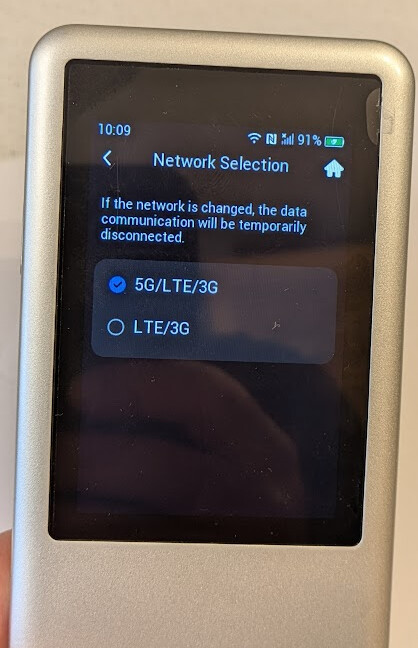
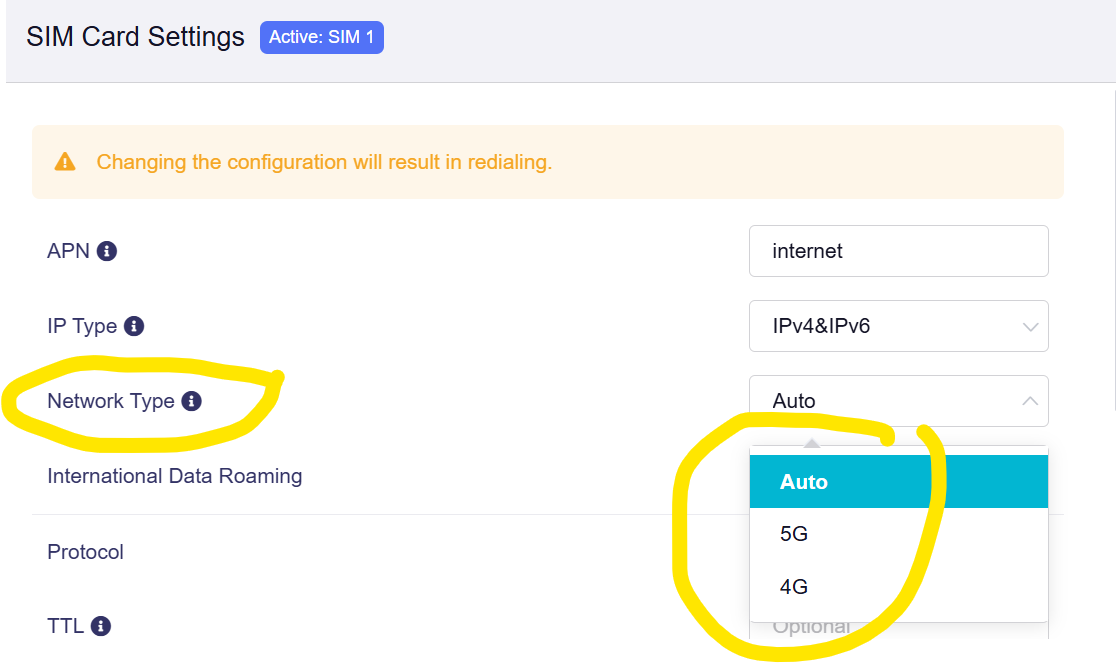
It is more a question about convience. Why limit to 5G and 4G? Why no differentiation between 5G SA and 5G NSA?

@will.qiu And why not integrated it also into the device menu as other competitors do which makes it much more covinient to switch quickly when travelling. Often 5G NSA brings a better performance outside of cities. But 5G SA is better in downtown areas. To enter the admin web panel and to do band masking each time is simply too complex. It would simply improve the customer experience a lot.

4 Likes

Yes, we understand that this could be helpful in different scenarios.
As mentioned earlier, we will discuss it with the product manager.

4 Likes

Have you gotten yours yet? I’m in the US (California) and it’s been sitting at Customs since the 15th

Im in chicago, got my pre-order last week

No, I mean the screen protector

Yes, you need to do that. Doesn't make a lot of sense to me. Also, when can we expect v4.9 for the Mudi 7?

This is exactly what we need. I can't believe ZTE figured that out. It would be very baffling if GL.iNet doesn't address this.

@will.qiu @bruce @Cathy @alzhao

What's going on here?!

Hi

Sorry for the delayed reply.

Could you please further clarify the firmware version and the exact steps required to reproduce the issue?

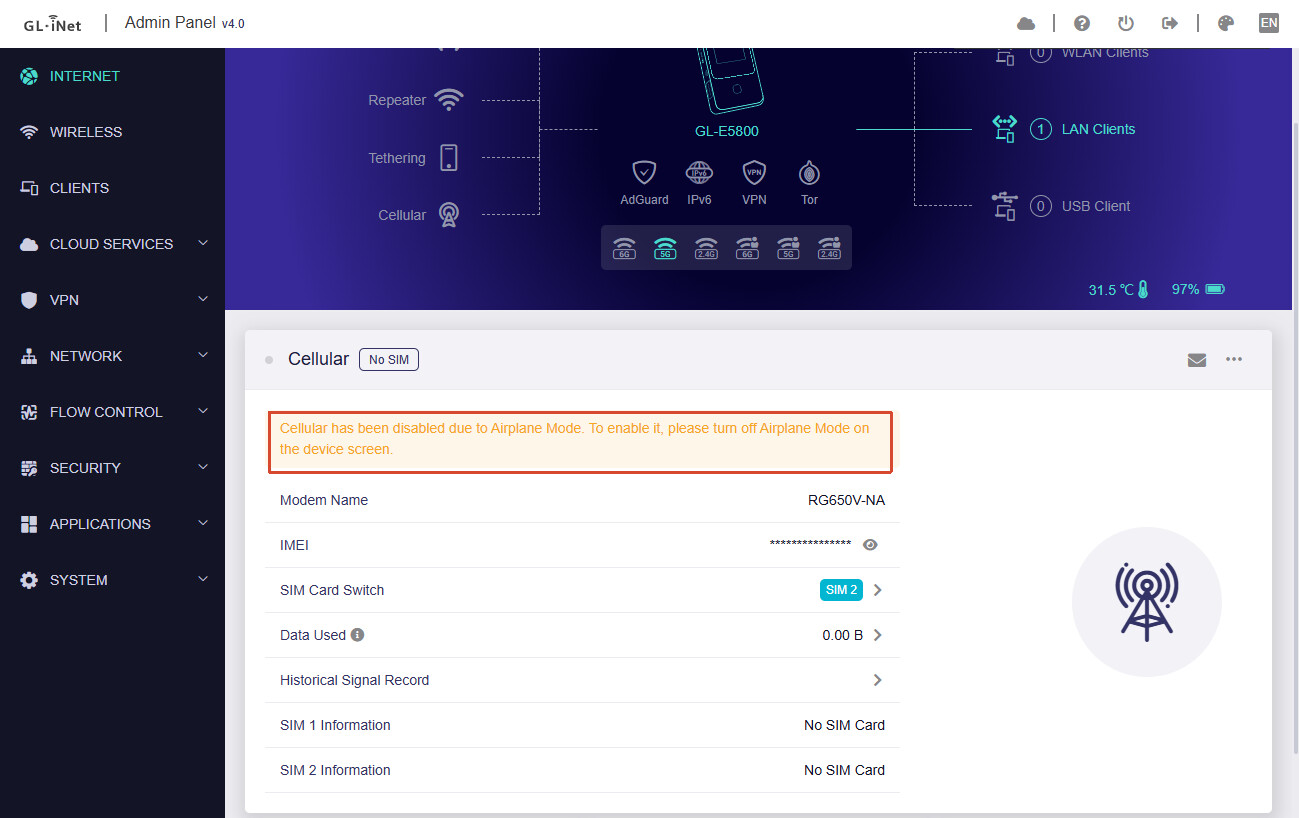
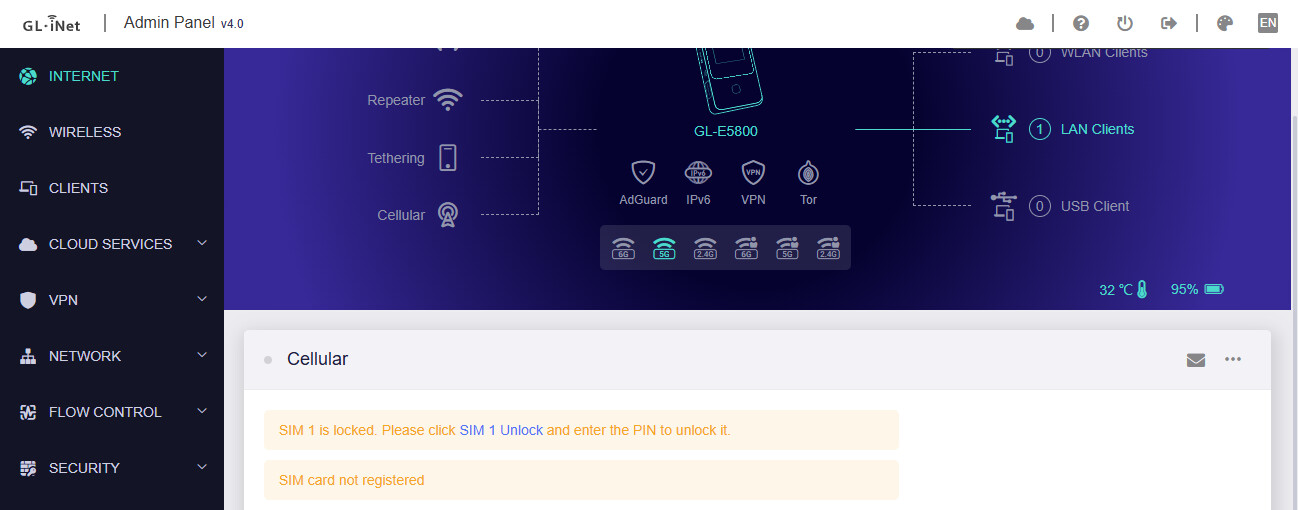
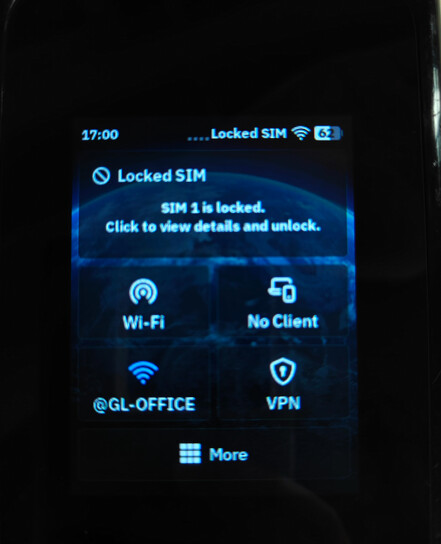
We tested this locally using the Mudi 7, but after enabling Airplane Mode, it should normally not allow PIN code input.
In Airplane Mode:

Not in Airplane Mode:

1 Like

How is the fit? Easy to install? What about a case?

What about WiFi?

How's the 6GHz? I keep reading that it takes a long time for a SSID to show up and connect to the network.

Have you tested any external antennas and whether it really bloody the performance or not?

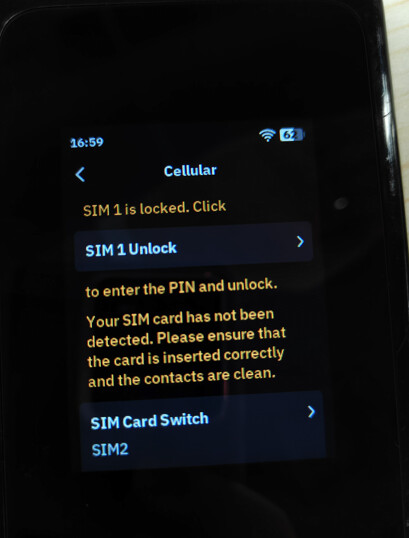
I don't have access to the device right now. I can try to reproduce the issue later and report it in more detail, but it happened first time I put the SIM card into the device. The device was in airplane mode and I entered the PIN code from the Mudis touchscreen. Immediately after this, in addition to the airplane icon, the network signal strength bars appeared on the screen also and I received text messages from the ISP.

Since then, I have replaced the SIM card in the device once, but the problem did not recur. It is possible that I updated the device in the meantime, I am not entirely sure.

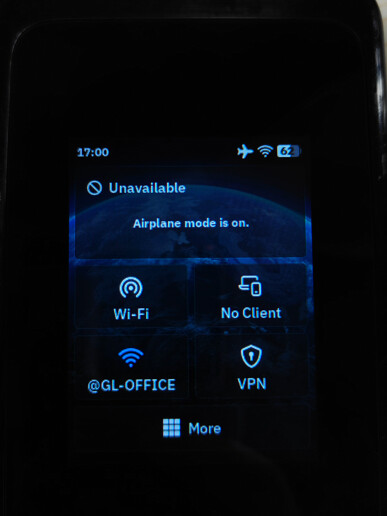
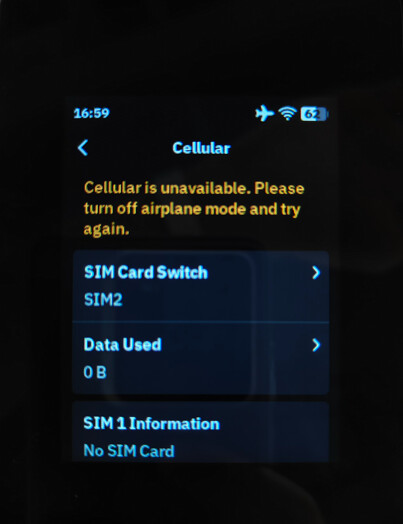
We also checked the touchscreen behavior, and it seems there is no entry point for entering the PIN code either:

In Airplane Mode:


Not in Airplane Mode:


However, it is also possible that this was an issue present in earlier firmware versions.

If you are still able to reproduce the issue on newer firmware versions, please feel free to let us know and we will investigate and fix it further.

1 Like

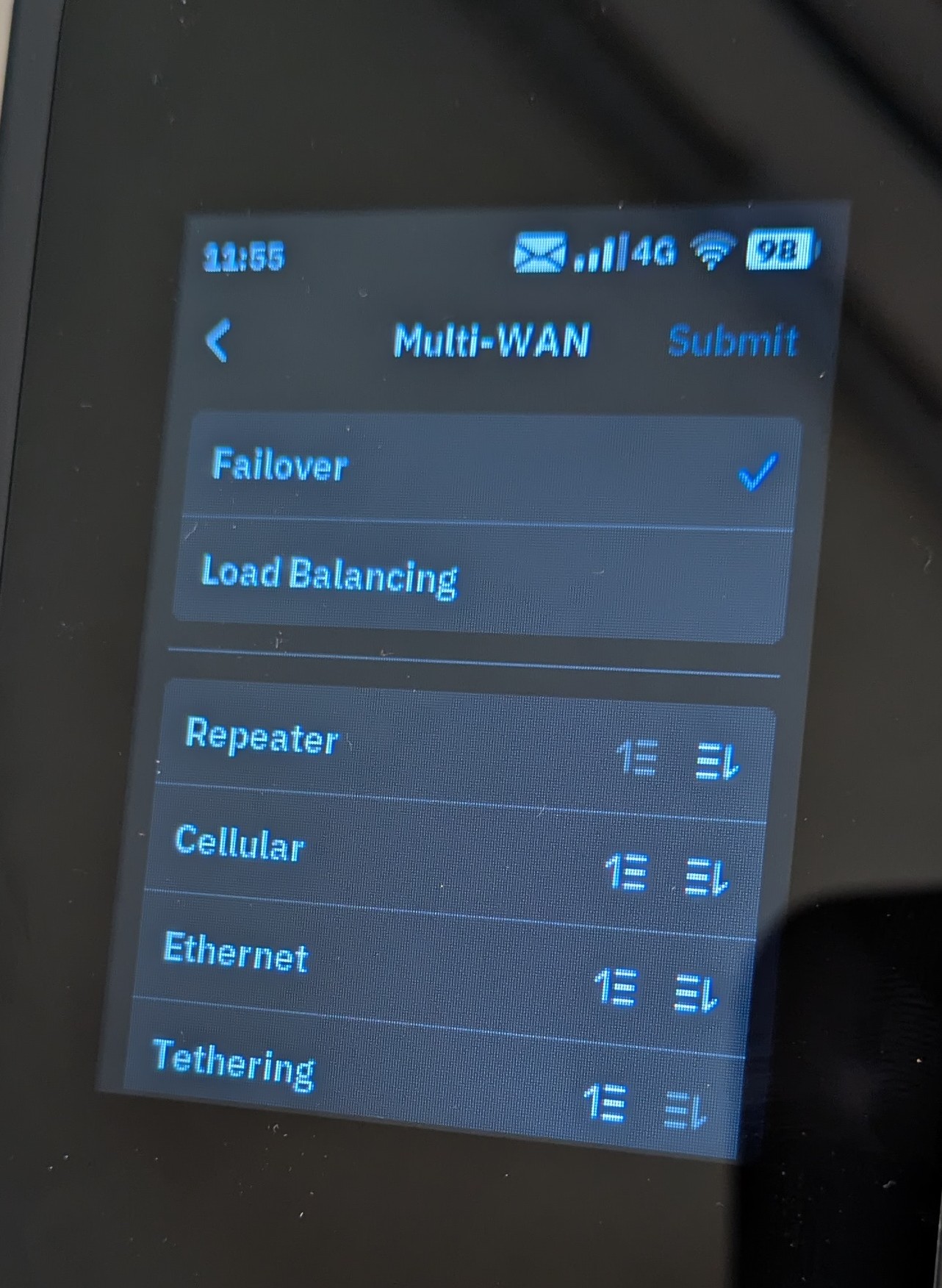
Is my understanding correct that in failover mode it would switch from repeater mode to cellular if the WIFI signal from the external source would drop?

Is yes what is it threshold? Complete drop of signal or also below a certain throughput?

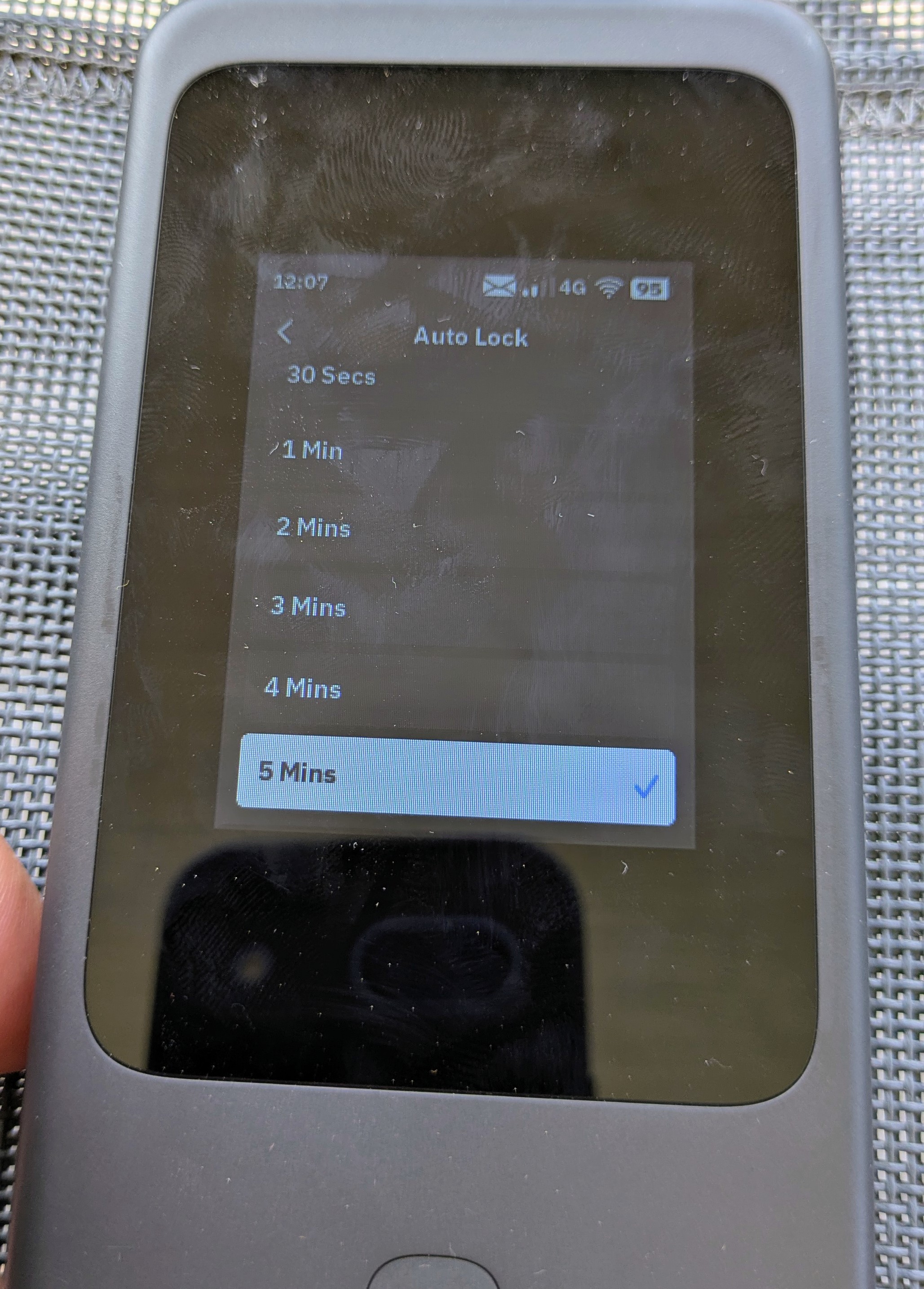
Improvement suggestion: Any chance to add “never” to screen auto lock timing and/or optional remove screen lock passcode?

I look for an option not to have to unlock the screen all the time when the device is anyways with me.

4 Likes

So there is nothing to fix?

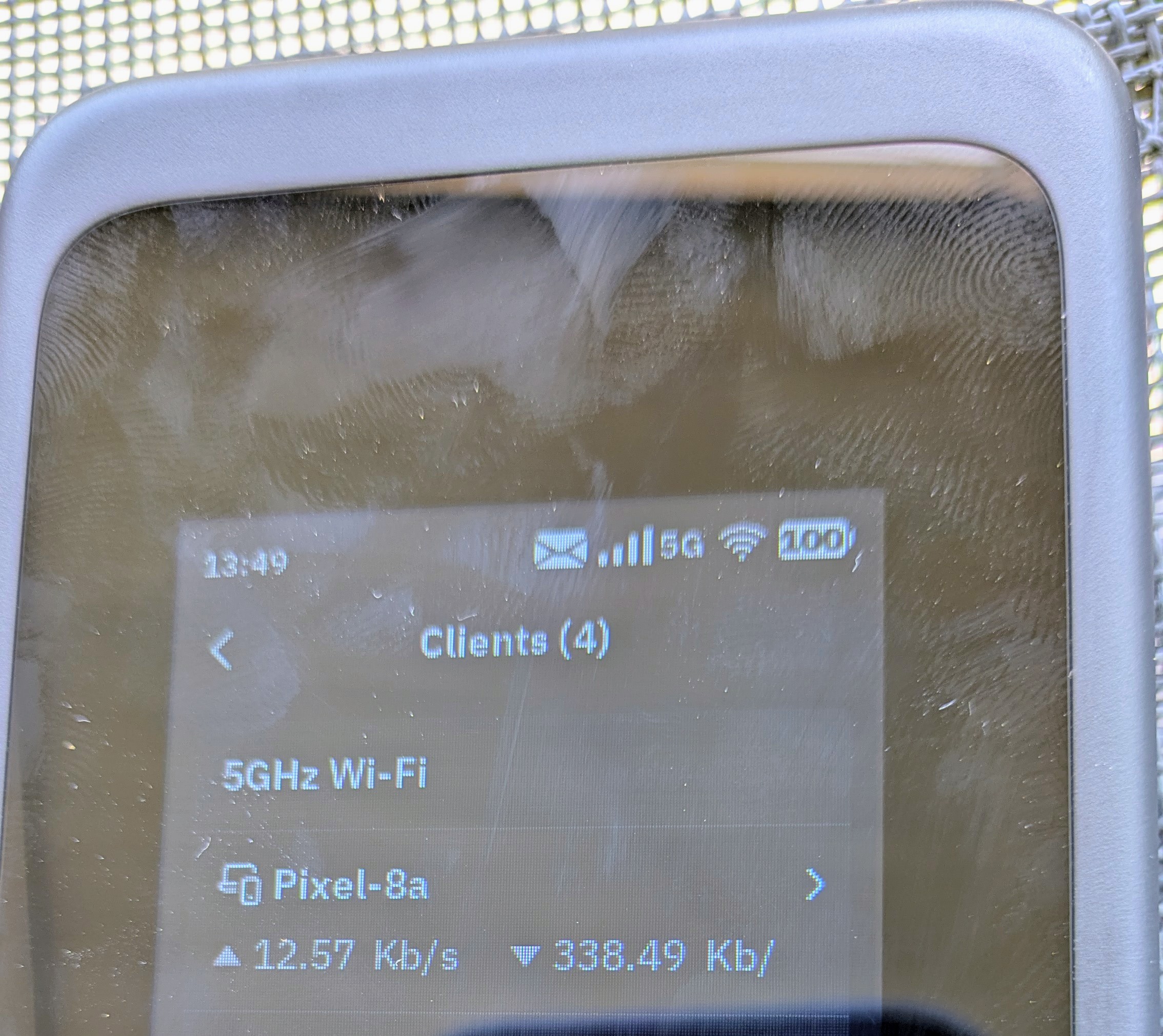
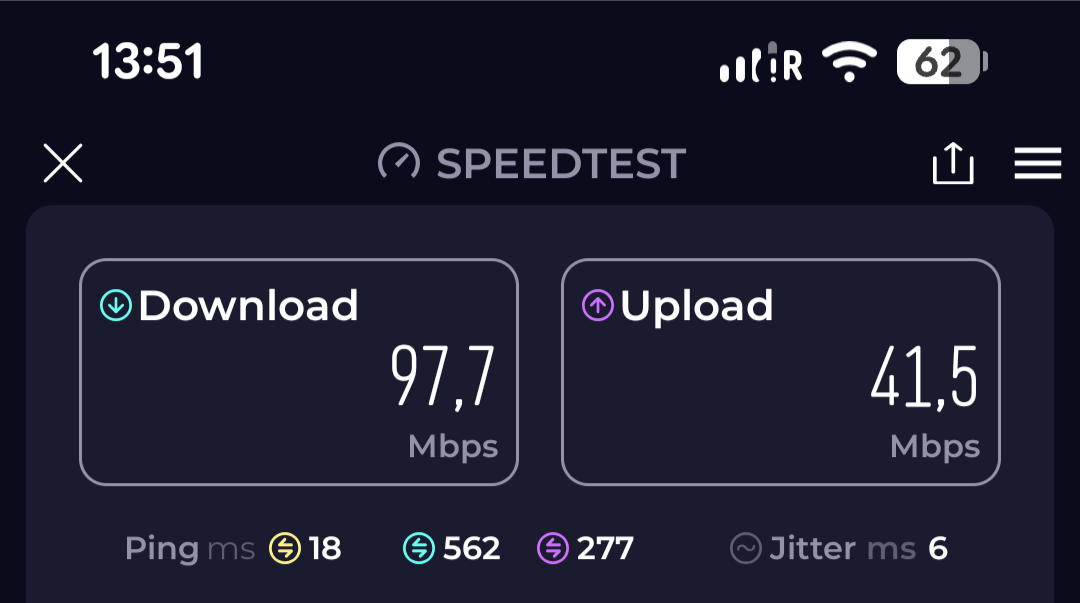
This is not critical but it seems there is a complete disconnect on Wifi speeds between reality and what is shown on the display of Mudi 7?

This is what it did show during the speed test.

Can anyone check as well and/or comment if I just have a misunderstanding?

My iPhone 17 has better connectivity to the Mudi 7 when I enable broadcast on 2.4Ghz in addition to 6Ghz. It sometimes seems glitchy (not all the time) when running only 6Ghz. When it’s glitching, I notice the iPhone will repeatedly and immediately drop the connection. Usually a reboot fixes that, so it could be on Apple’s side. Anyway, when running both 2.4Ghz and 6Ghz simultaneously, I haven’t noticed any issue.
Can someone give me the EAN (GTIN/UPC) from the sticker on a EU version Mudi 7? It would be a number in format 6971131xxxxxx

Thanks!