Without any special rebooting or so?!
Yes, selecting not to keep the settings will reset it after it updates, so you will have to go through all the configuration like when you first powered it on. No need to reboot it or anything as it will reboot on it's own after it updates.
Thank you very much.
1 Like
Whats is astrowarp firmware???
I'm using the latest firmware version 4.6.2 from 2024-06-28, I can no longer connect to the GUI interface after updating the packages that are currently available in the update packages section, I can only access the router via SSH and strange via luci I can connect !
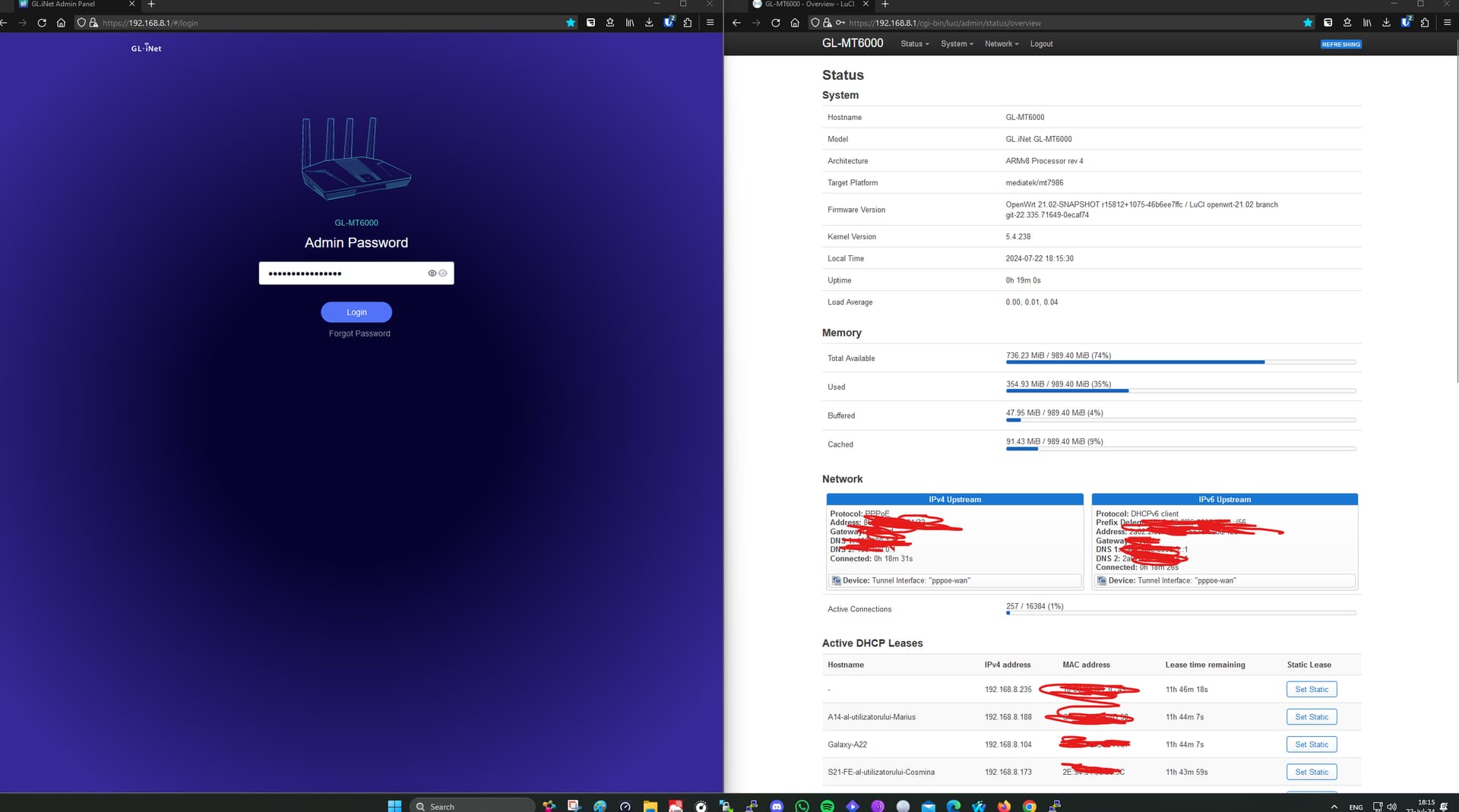
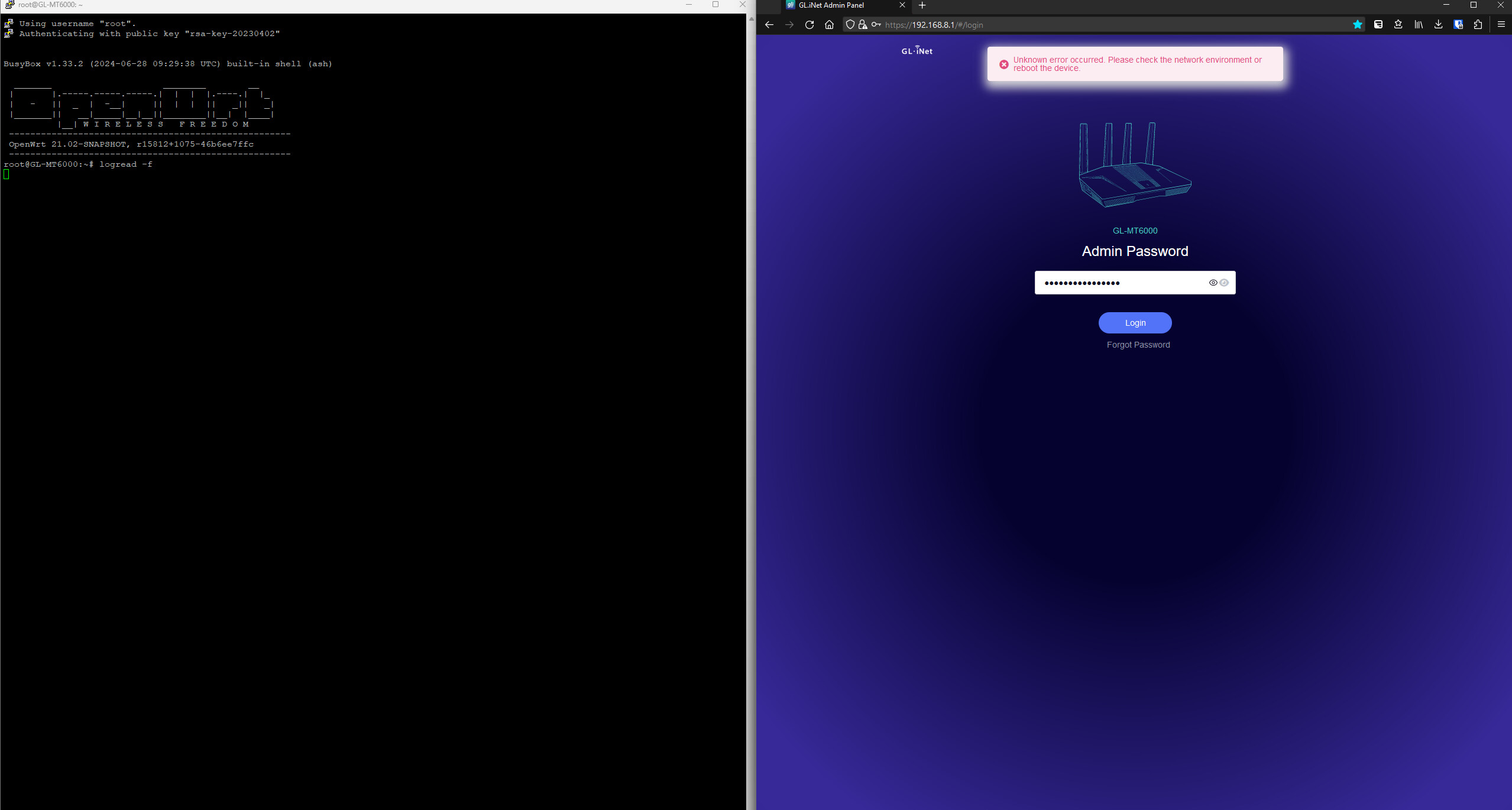
Please help, what should I do to see why it doesn't work with the package update?
Oof, i recommend to back up your config with winscp.
You can then upload a new image via winscp to /tmp.
And then use:
sysupgrade -v /tmp/yourfirmwarefile, for backup you use sysupgrade -b /tmp/backup.tar.gz
The files in /tmp are stored in memory so after a reboot it is gone, so if you used sysupgrade -b it is important you download it 
Often it isn't advised to update all packages and when you do it for one package you should always consider looking carefully to additional dependencies which it tries to install, often packages like banip or pbr are okay to update, but base-files or other things is risky.
Because it also installs core components which is not compatible with other things this can result like the issue you have or in worse aspects a boot loop / softbrick.
3 Likes
It seems that I succeeded without losing the settings, via luci, I switched to version 4.5.8 with the settings preserved and then I returned to 4.6.2 and it seems that everything is working again!
2 Likes

Discussed here previously. I managed to reset my router before reboot
Any insights about this? My MT6000 runs on around ~65% RAM on average with AguardHome enabled.
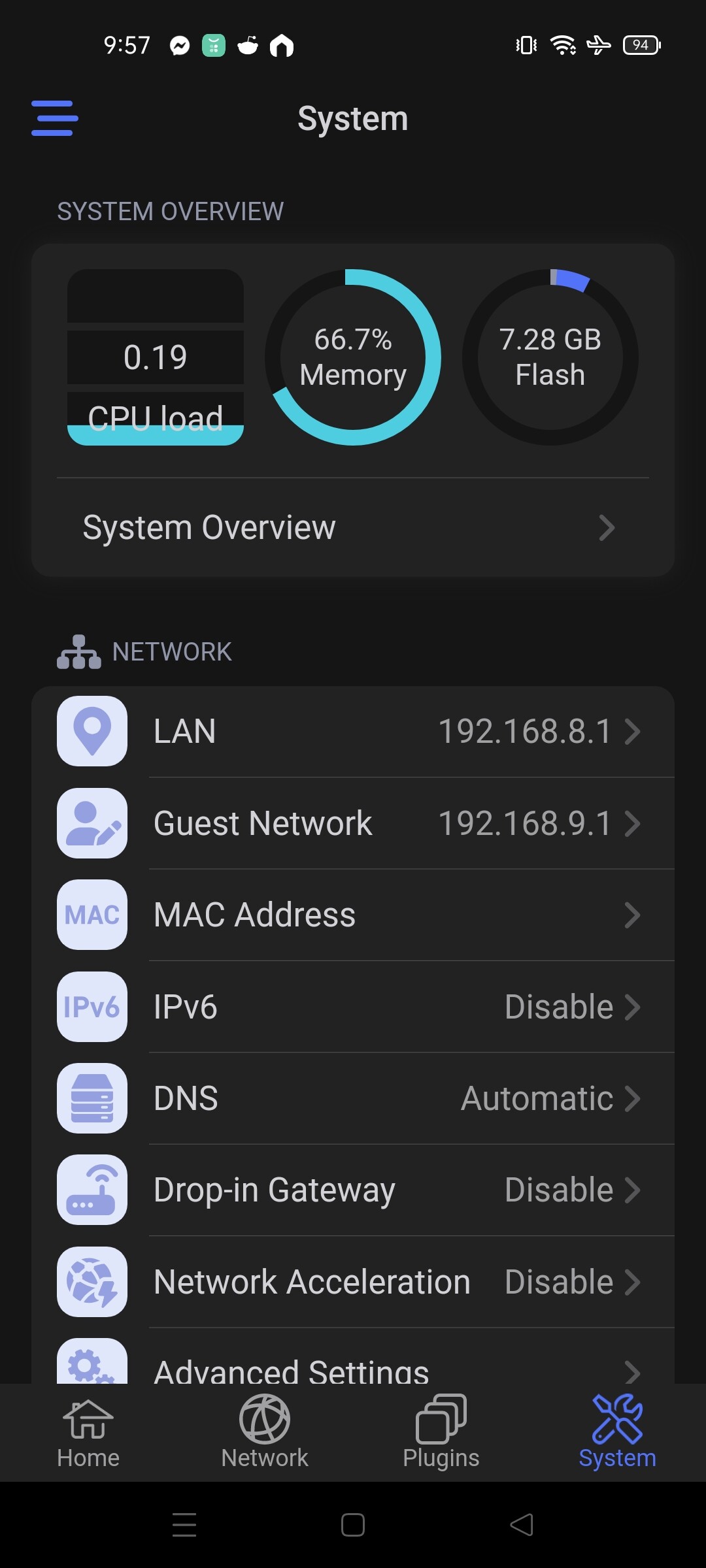
However, when I stream something from my TV using DLNA (theres an NTFS hard drive connected to MT600), the RAM goes on 96% percent. This is understandable but even if I stop the steam and the hard drive being idle (lights off) the RAM doesn't go back to its average ~ 65%. Only rebooting the device will fix this. Is this normal or not?
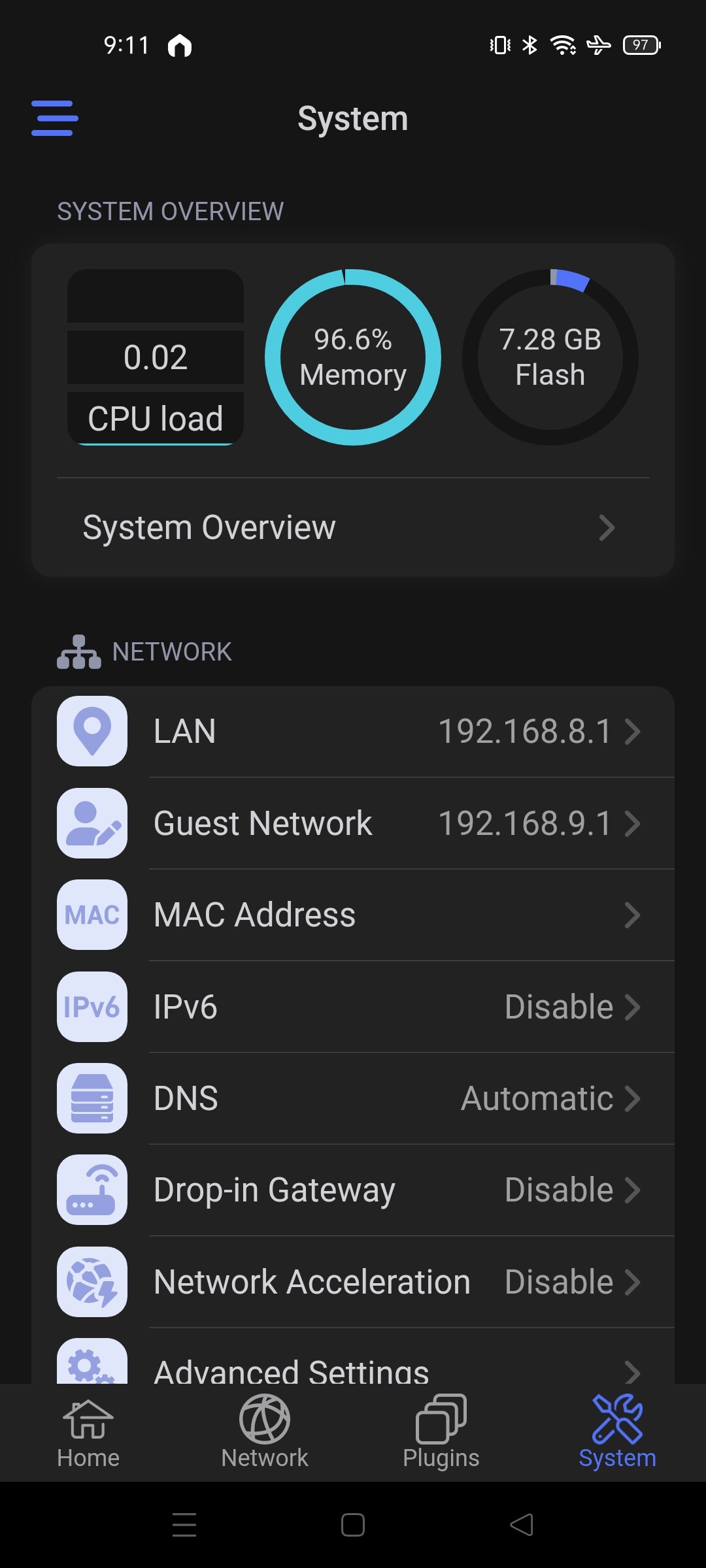
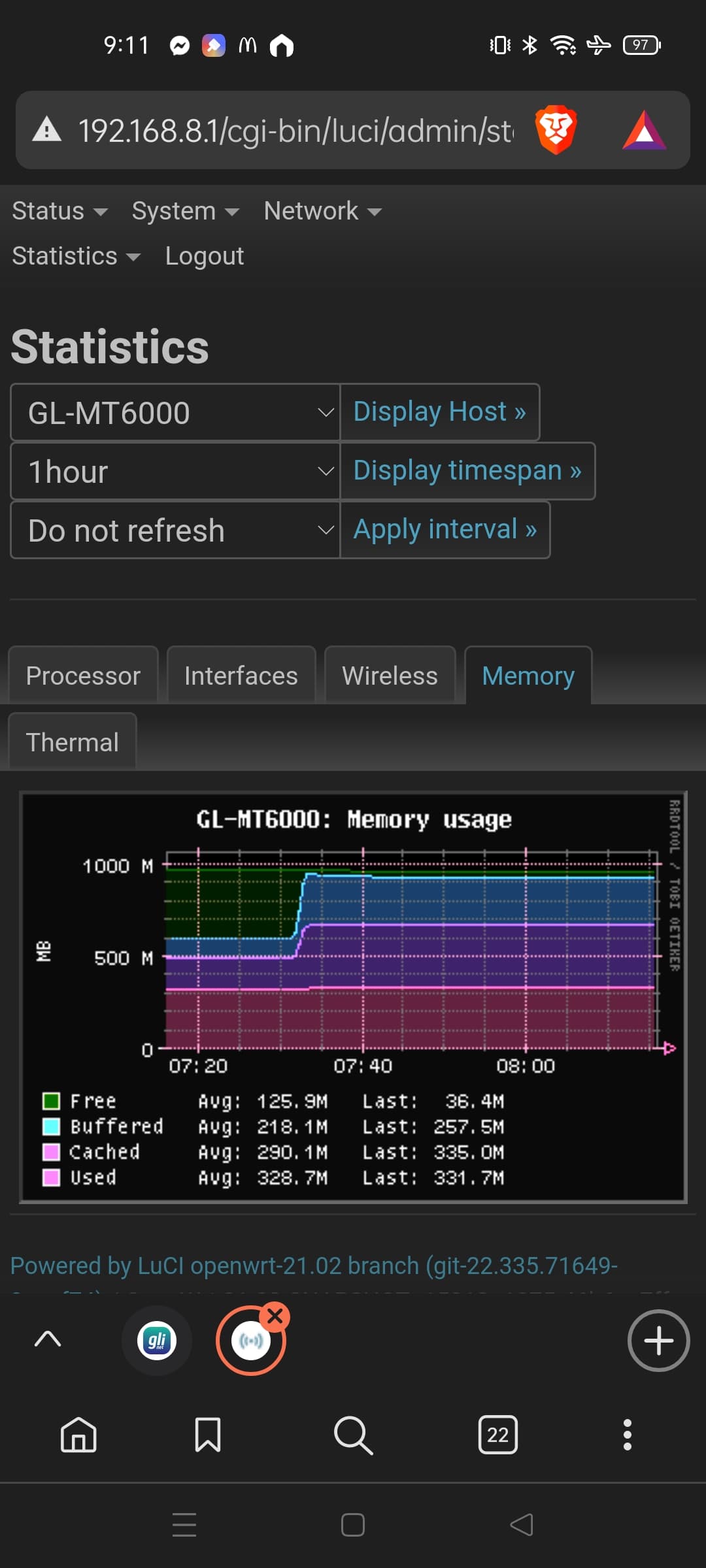
Firmware running (4.6.2 latest "stable" release) with Network Acceleration disabled due to SQM. Other apps running were just AdguardHome and Tailscale.
File sharing uses almost all the RAM, but it is on the system’s cache, if more memory is needed it would be retrieved automatically, nothing to worry generally
1 Like
I asked about this awhile ago and was told it is normal. This same thing happens when accessing connected media via Samba. The memory usage with go back down once the media is ejected.
2 Likes
Thank you so much for the responses. Another thing that I just noticed is that the internet becomes painfully slow / unusable when enabling IPv6 (Native mode since I set my ISP modem router to bridge mode). Using Marble 3000, it was doing fine but on Flint 2 it's not. Will confirm tomorrow since it might be also ISP related issue. Just sharing for others that might have similar problem to mine.
I have also an ISP router in bridged mode. I set IPV6 as static IPV6 giving the prefix my ISP gives me.
All working fine.
Pls don't do this. Surely break everything.
3 Likes
If this option is available to the end-user, they will do that.
Everything the user shouldn't do must be hidden from the UI or must be warned about it.
3 Likes
i'd agree, but also i understand it is just a extension to openwrts update mechanism, there was a argument the router was for technical people, but i sense alot of non savy people, i think a little text is not wrong, but gl-inet has to decide this 
Also on a more updated OpenWrt in luci they also added such text not so long ago, actually the update mechanism is more for technical people who understand the risks and know what breaks the kernel and what doesn't, Utilities are often ok, but not things like busybox, base-files, libubox, cfg80211.
there is a misunderstanding where people take it as security updates which is misunderstood, often a new image in a form of a sysupgrade gets compiled which contain them, if you break the chain with mismatches other components can malfunction or break, normally you can look into attended-upgrade but not for gl-inet fimware.
I have a few questions:
The device was announced with Openwrt23 at the time of release, but that is not the case. That was almost a year ago now.
Openwrt is absolutely not up for discussion and I have no interest in it. I bought the GLinet Flint 2 partly because of the easy menu navigation.
Now he's back to Openwrt Snapshot 21 and even in version 4.6.2 the WiFi connection breaks regularly.
If you make updates about Luci - he's currently completely off.
How long should it take until the device runs error-free? ??
You know there is a op24 firmware? GL.iNet download center