I only noticed it with 4.5.7. Are you saying that the issue will still persist even if one downgrades to 4.5.4? So far, it only seems to affect my 5 GHz (80 MHz) connections. It’s getting annoying.
I encountered this issue since I am using the Flint 2 - so I would guess it’s a different reason.
It’s better on 80 MHz; but not completely gone.
I’ll try 4.5.4 again and see if the issue persists. Can I back up my configuration settings first and then restore it without any issues after I downgrade to 4.5.4 from 4.5.7 4.5.6?
EDIT: 4.5.6, not 4.5.7.
You can try it. Downgrading while keeping the settings is mostly not supported, but since there are just minor changes it should work.
If you encounter bugs, you will need to reset.
1 Like
So far, so good. I backed up my configuration via LuCI and restored it after resetting the firmware and manually downgrading to 4.5.4. Everything seems to be back, including my DNS blocklists in AdGuard Home. I’ll stay on this until people here confirm that things are finally working as they should.
And thank you for the quick reply, admon. It’s appreciated. 
EDIT: I mentioned 4.5.7 earlier but I meant 4.5.6.
3 Likes
I used to look forward to reading this thread everyday, but now not so with all the issues.
Can the devs give an overview of what the plan is and the top priorities?
Would it be to integrate the closed source Mt drivers in the the latest openwrt build? I realise the wifi stability is the main issue. A 4.5.7 beta build Version 2…?
Thanks.
4 Likes
We already have a beta version with Mediatek closed-source drivers. The problem now is that it uses an unsupported version of OpenWRT and this prevents us from installing packages like SQM: GL.iNet download center
I updated firmware stable 4.5.6 and updated Adguard Home. The Internet is working.
Just one bug does not work with DHCP hostnames. Rebooted after upgraded firmware.
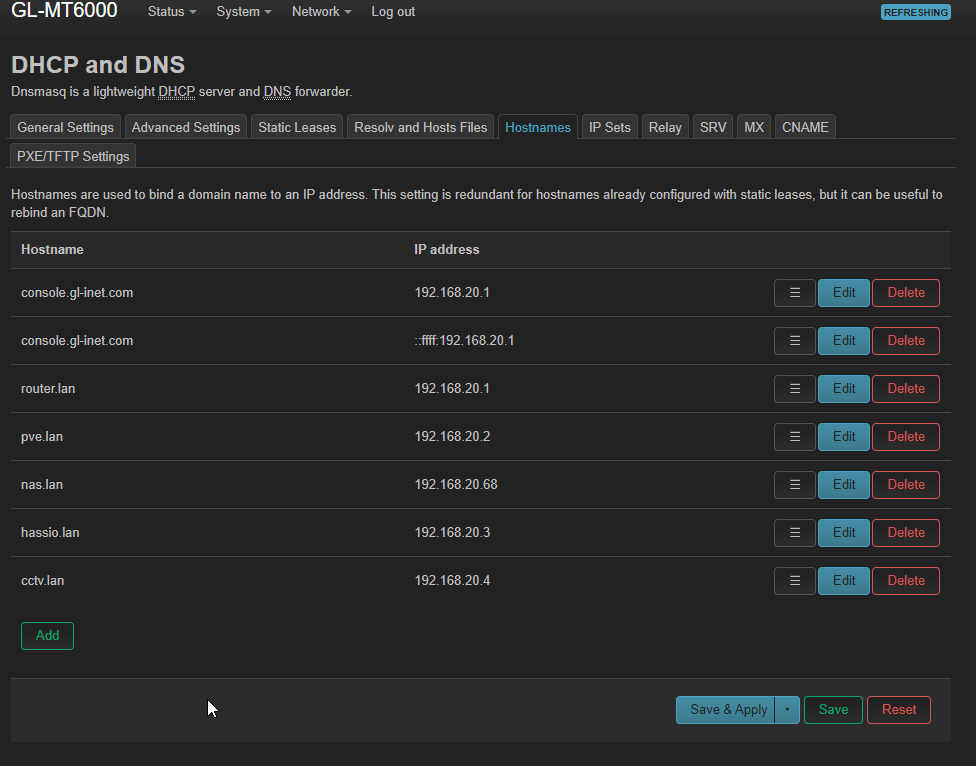
for example: NAS
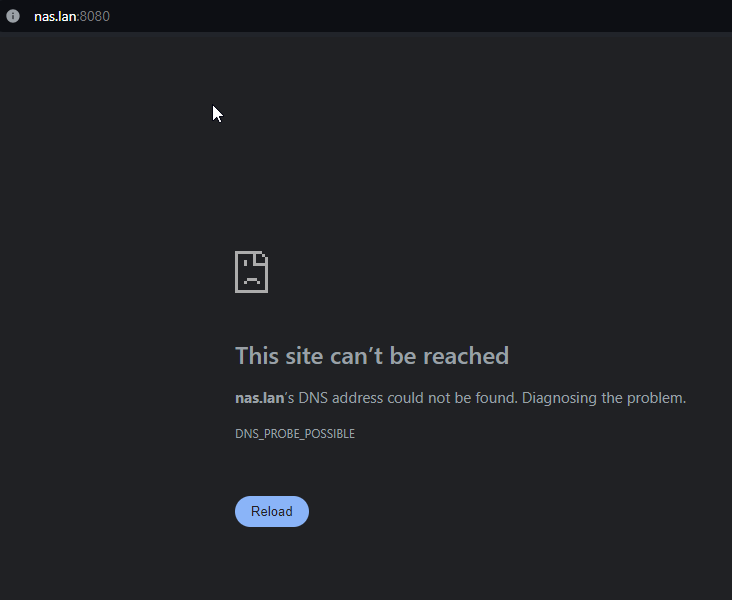
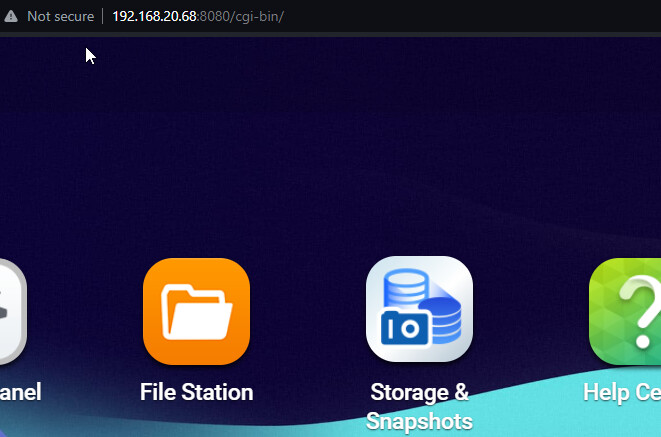
My PC flushed DNS and renewed ipconfig. Not working.
My phone same, not working.
edit1: I checked /etc/config/dhcp and does have a list, all good. Still not working, what I missed?
I would assume that all DNS requests are handled by AGH if you use it - so no dhcp hostnames possible?
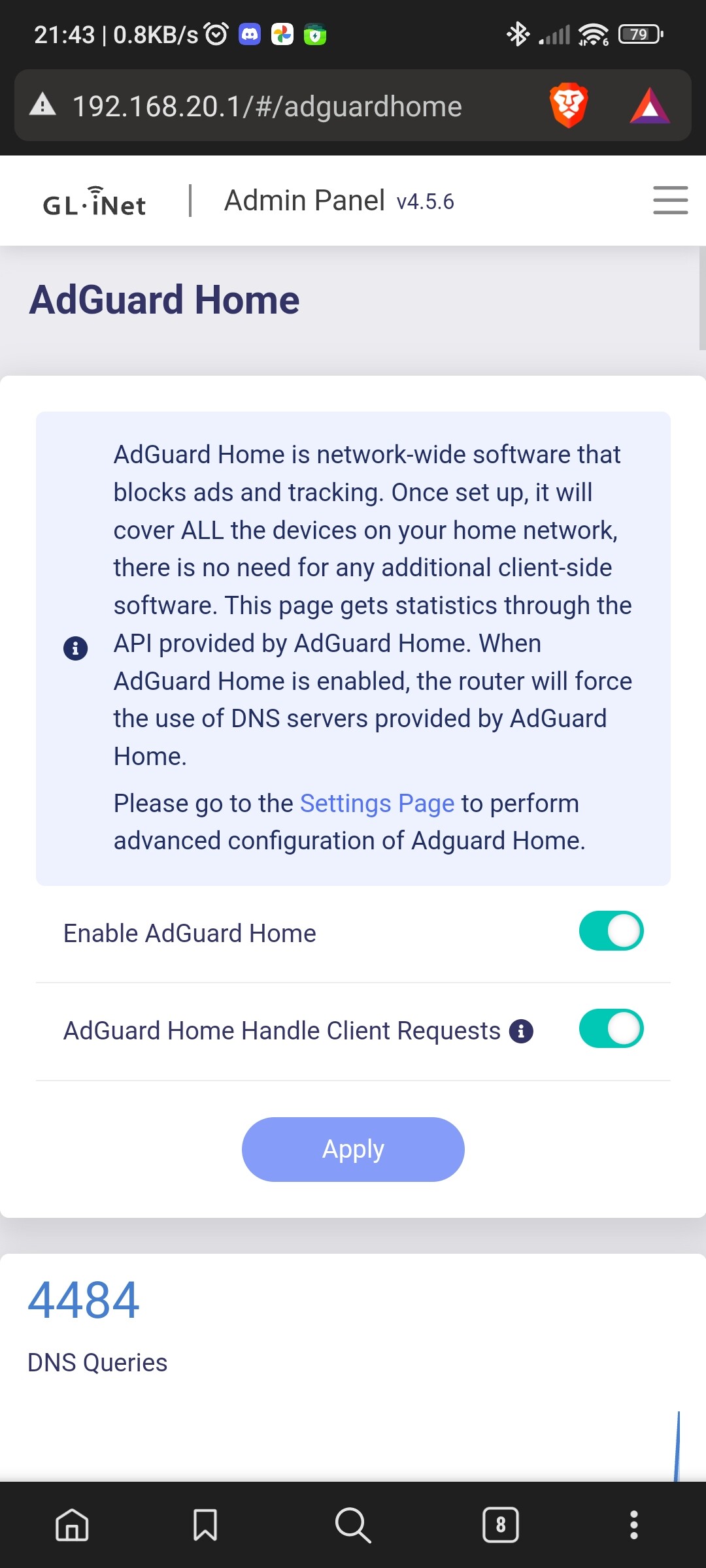
All good.
Previously firmware version these working dhcp hostname. Now not working, just IP lan and working Internet.
Somewhere missing update from 4.5.5 to 4.5.6?
Adguard home DHCP is off, using router Gl-inet + luci as normal.
Edit 1: checked Adguard home clients and some names has prefix *.lan
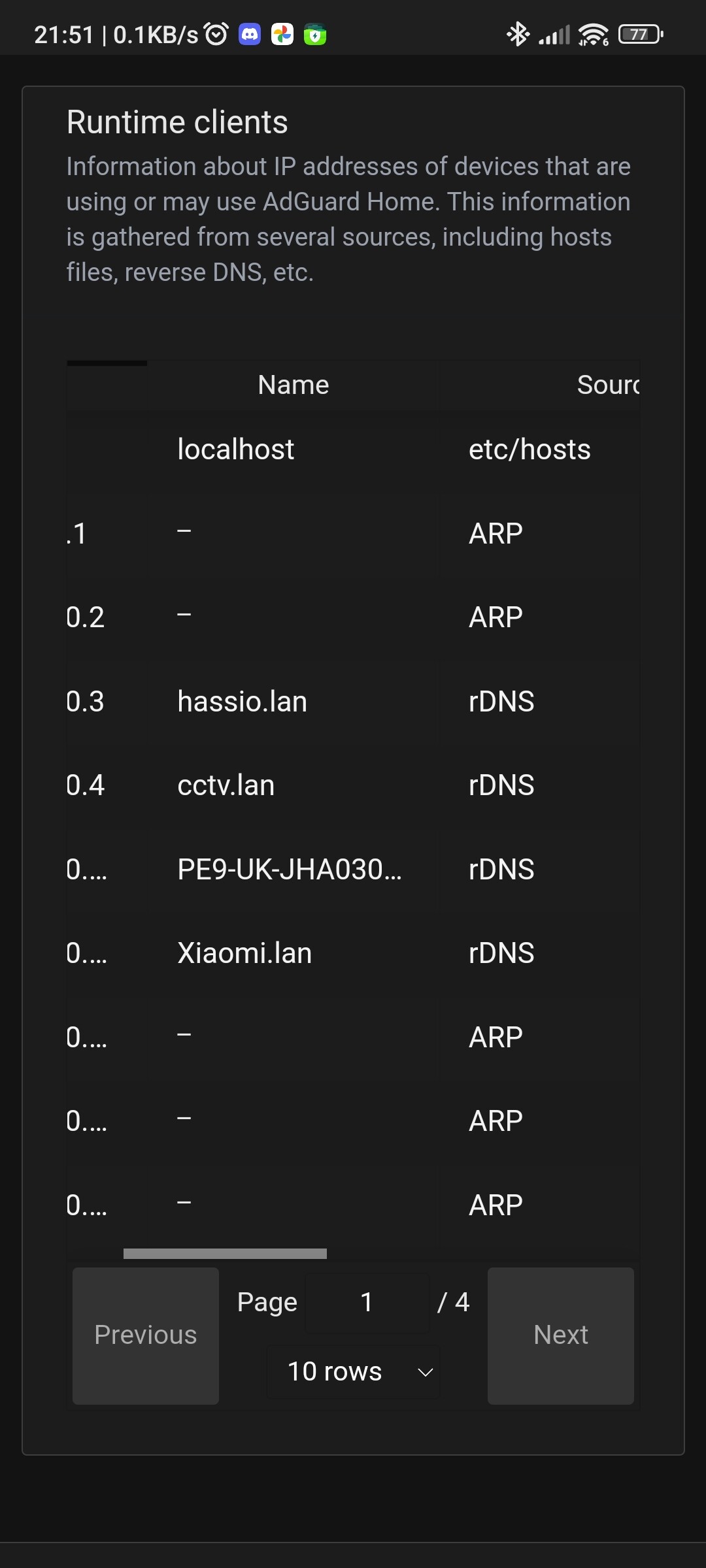
Try this version: GL.iNet download center
Update via uboot
Edit 2. I noticed query log showing double prefix
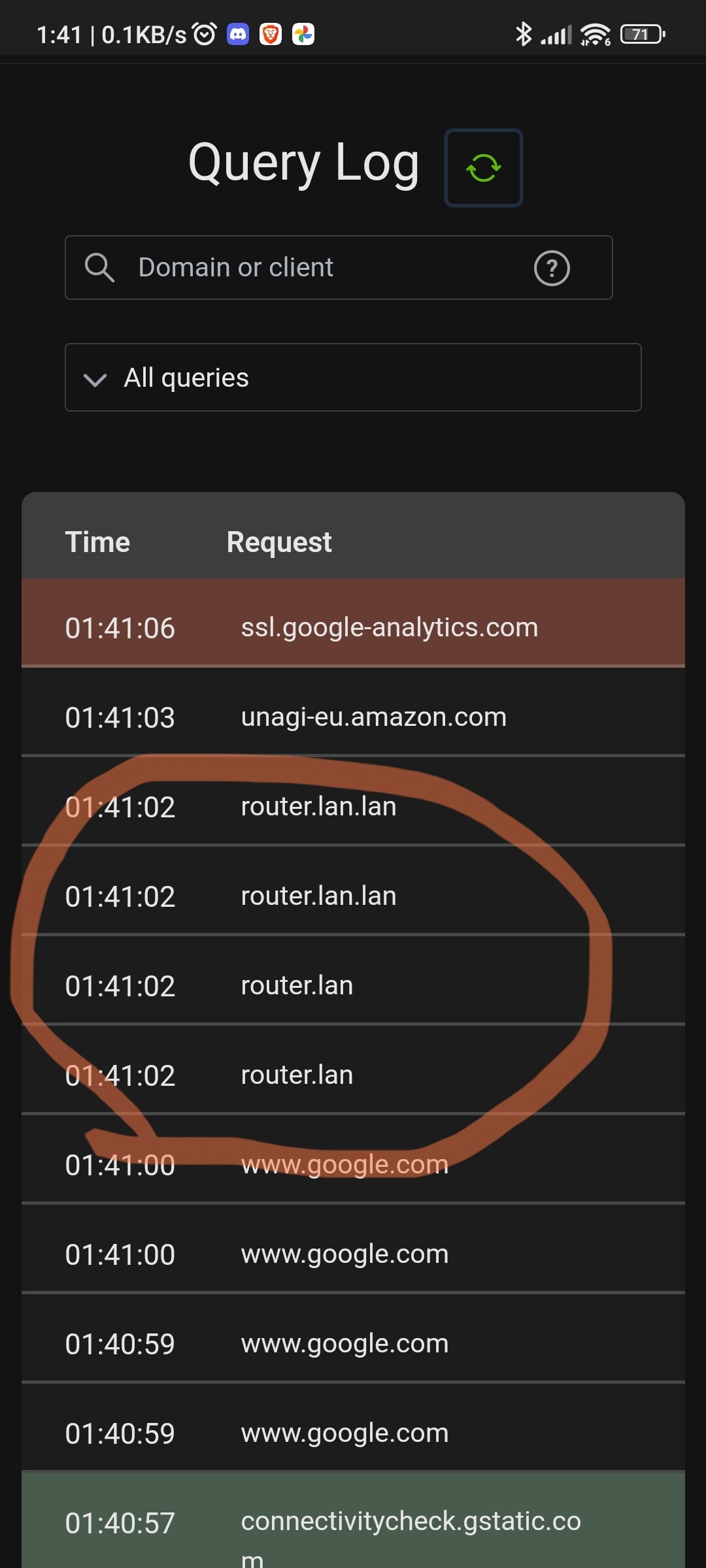
DNS listen in private dns?
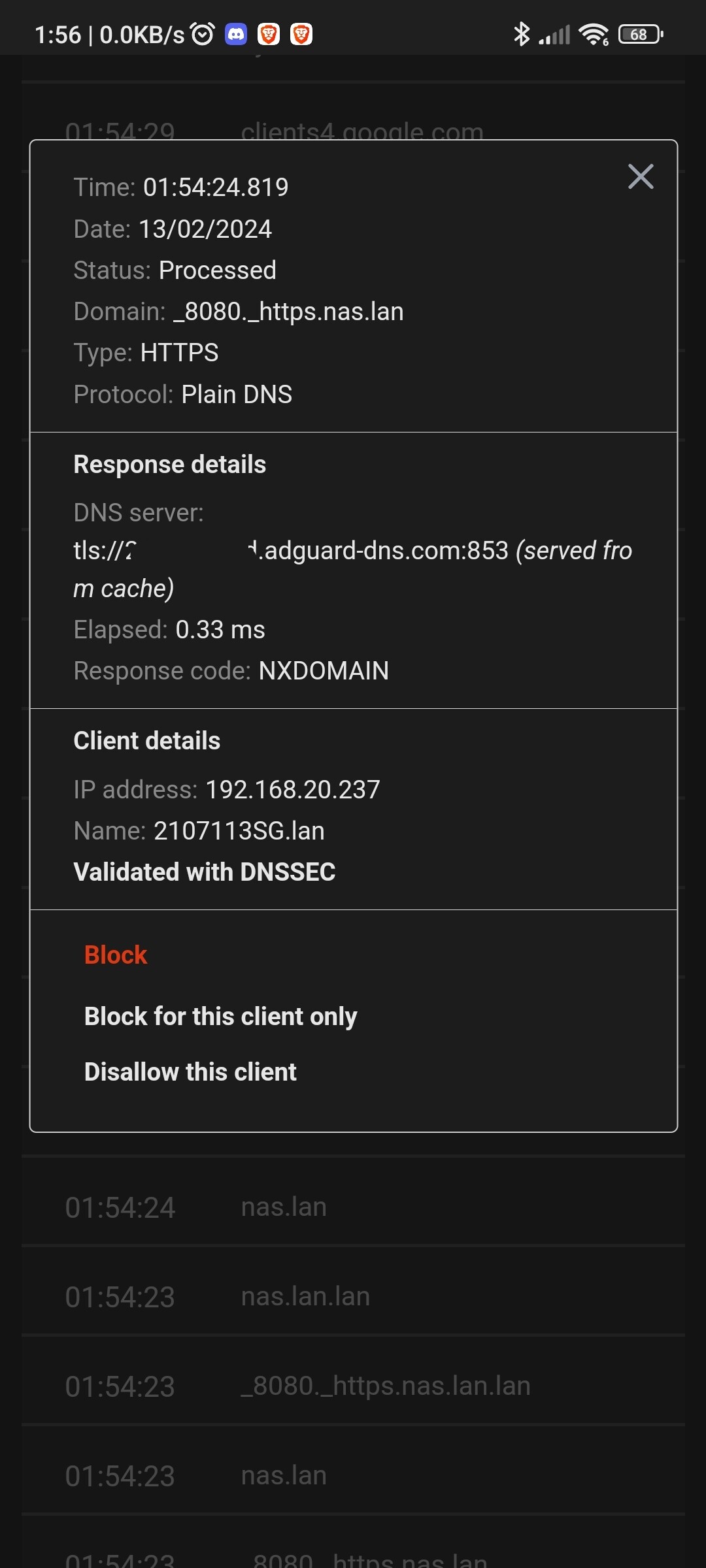
Edit3: looks like gl-inet not updated ‘/etc/host’
Similar issue when last update adguard home
In my humble opinion, this router is a lesson learned for GL: never launch a router without the basic functions working perfectly. All I want is to have stable Wifi, good speeds for 2.4ghz and 5ghz, as well as low latency. Just that.
10 Likes
I can’t said it better 
1 Like
I confirmed that bug for 4.5.6 which did not overwrite the saved setting from 4.5.5.
Also, in luci hostnames (DHCP) I re-create a new address and does not overwrite file ‘host’ in path /etc/
I have tried to write a manual IP address for the test and does work.
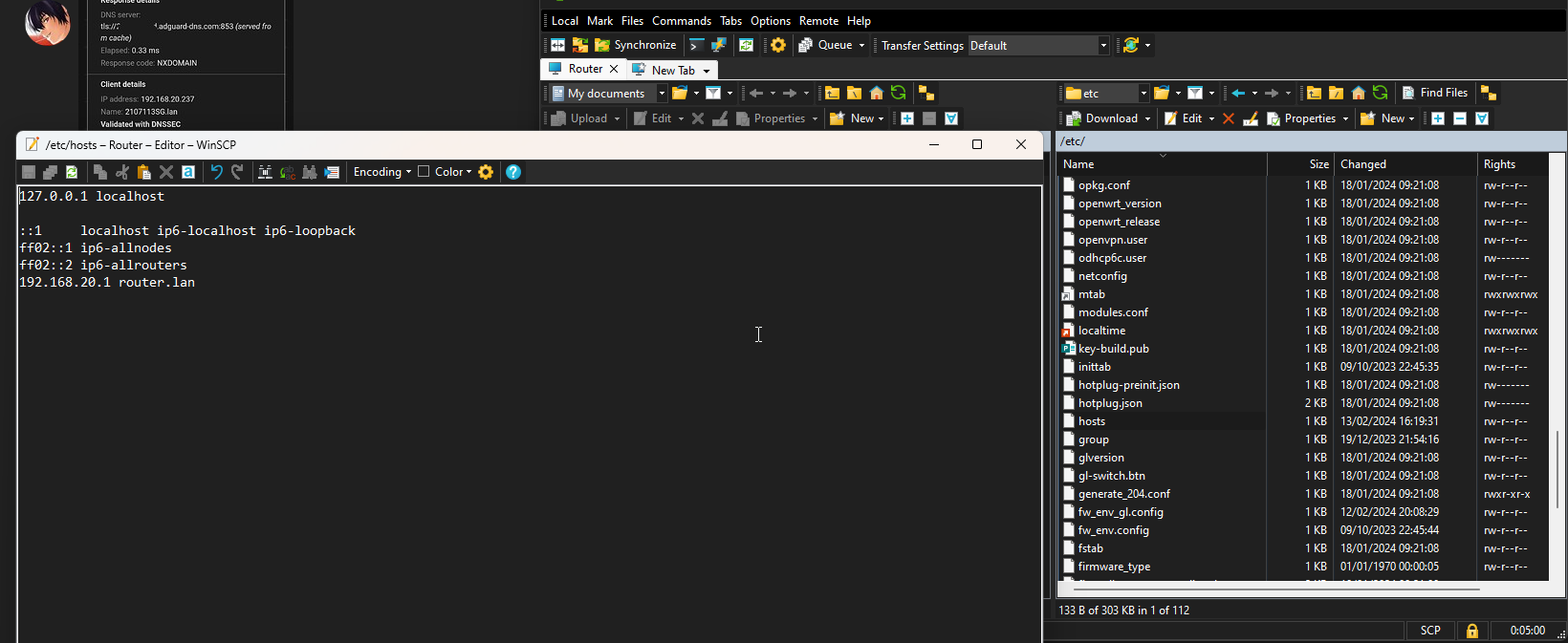

Could you try this setting in LuCi under Network → Wireless → Your SSID?
Seems to have sorted my range issues too.
Cool! I’ll give it a shot. Hopefully this also resolves it for now. But the fix really should come out of the box from GL.Inet themselves, instead of users tinkering around.
Noticed a weird bug on 4.5.6, every few days all 4 cores shoot up to 100% sirq usage
Changing channel from 44 to 48 fixes it (perhaps restarting the adaptor), but after a while it changes back to 44 and the issue comes back.
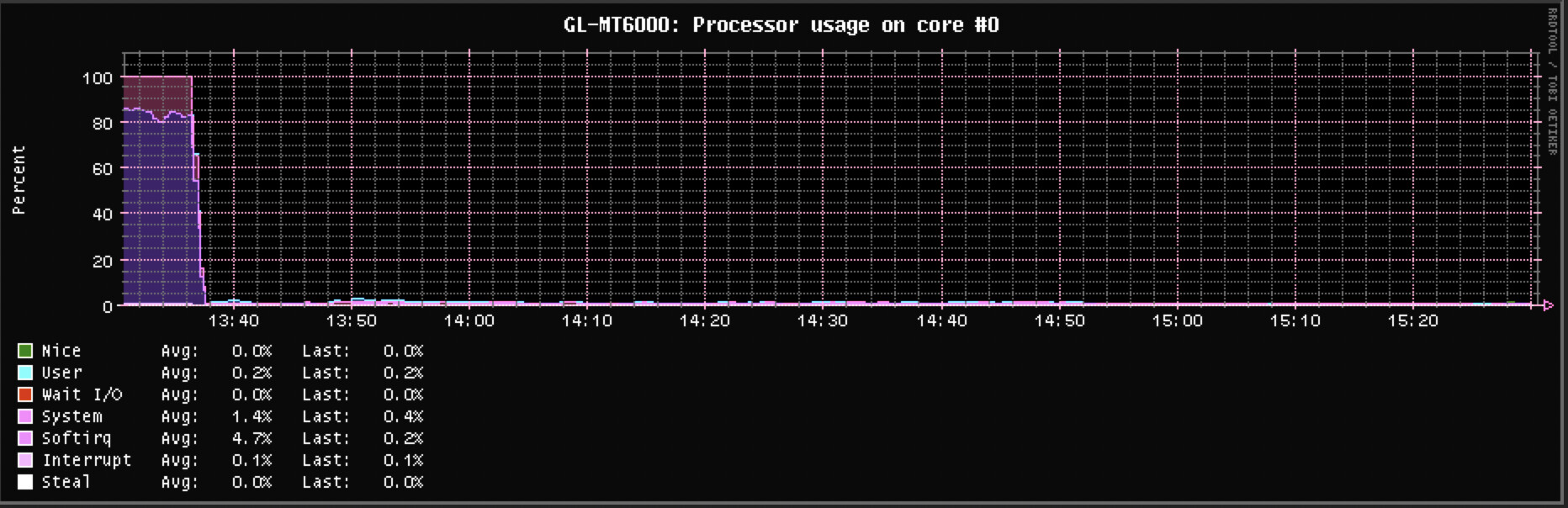
           CPU0       CPU1       CPU2       CPU3
 11:   26787502   28273019   26473623   30111275     GICv3  30 Level     arch_timer
 14:          0          0          0          0     GICv3 142 Level     wdt_bark
 25:          0          0          0          0   mt-eint   9 Edge      keys
 62:          0          0          0          0   mt-eint  46 Level     mdio-bus:01
 63:         64          0          0          0   mt-eint  47 Level     mdio-bus:07
 82:       1072          0          0          0   mt-eint  66 Level     mt7530
117:          0          0          0          0     GICv3 148 Level     10320000.crypto
118:          0          0          0          0     GICv3 149 Level     10320000.crypto
119:          0          0          0          0     GICv3 150 Level     10320000.crypto
120:          0          0          0          0     GICv3 151 Level     10320000.crypto
121:         48          0          0          0     GICv3 155 Level     ttyS0
122:          0          0          0          0     GICv3 205 Level     xhci-hcd:usb1
123:     108055          0          0          0     GICv3 175 Level     11230000.mmc
125:  212443350          0          0          0     GICv3 237 Level     mt7915e
127:    1594099          0          0          0     GICv3 243 Level     mtk_eth
130:   18414429          0          0          0     GICv3 229 Level     15100000.ethernet
131:   17082228          0          0          0     GICv3 230 Level     15100000.ethernet
137:          0          0       1051          0    mt7530   0 Edge      mt7530-0:00
138:          0          0          6          0    mt7530   1 Edge      mt7530-0:01
139:          0          0          2          0    mt7530   2 Edge      mt7530-0:02
140:          0          0         13          0    mt7530   3 Edge      mt7530-0:03
IPI0:   1450702    1795919    1777361    3894634       Rescheduling interrupts
IPI1:  13327490   98791988   53330698   94798967       Function call interrupts
IPI2:         0          0          0          0       CPU stop interrupts
IPI3:         0          0          0          0       CPU stop (for crash dump) interrupts
IPI4:         0          0          0          0       Timer broadcast interrupts
IPI5:         0          0          0          0       IRQ work interrupts
IPI6:         0          0          0          0       CPU wake-up interrupts
Some bugs in beta version v4.5.7:
-
Channel Analysis function on Luci does not work;
-
Luci’s functions in the associated stations menu (Signal/Noise and RX Rate/TX Rate) do not work;
-
Adguardhome shows warning “Error: control/tls/validate | port 443 is unavailable, cannot enable HTTPS on it | 400” when trying to configure encryption settings. I’m using version updated (v0.107.44)
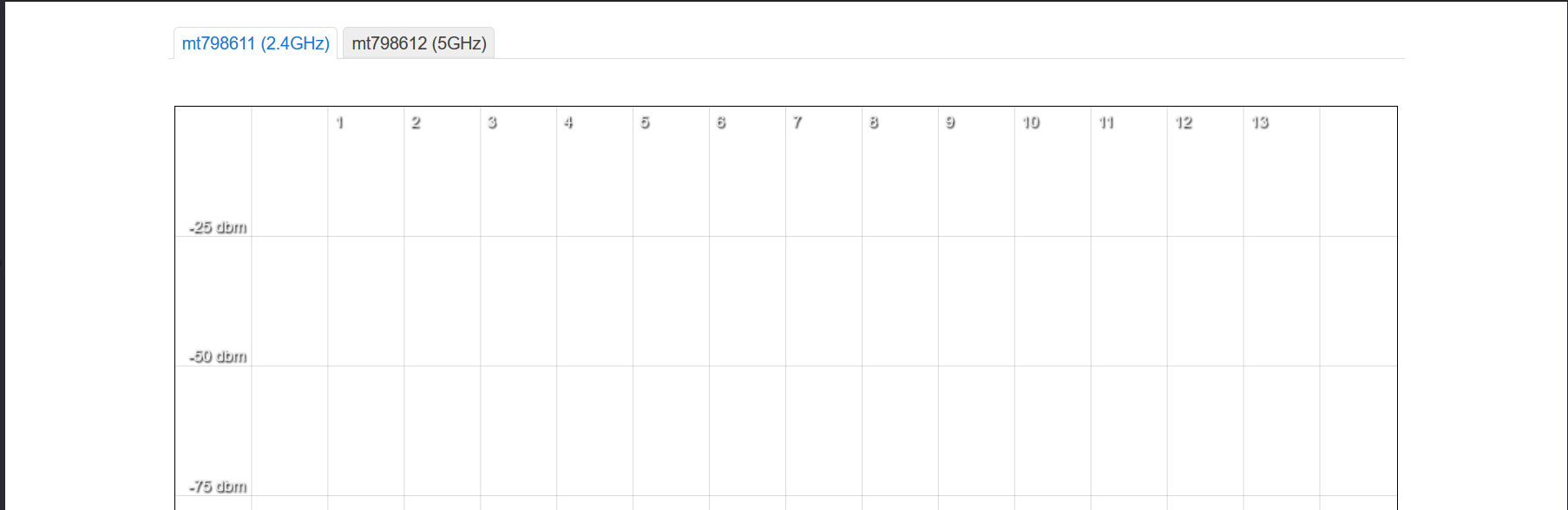
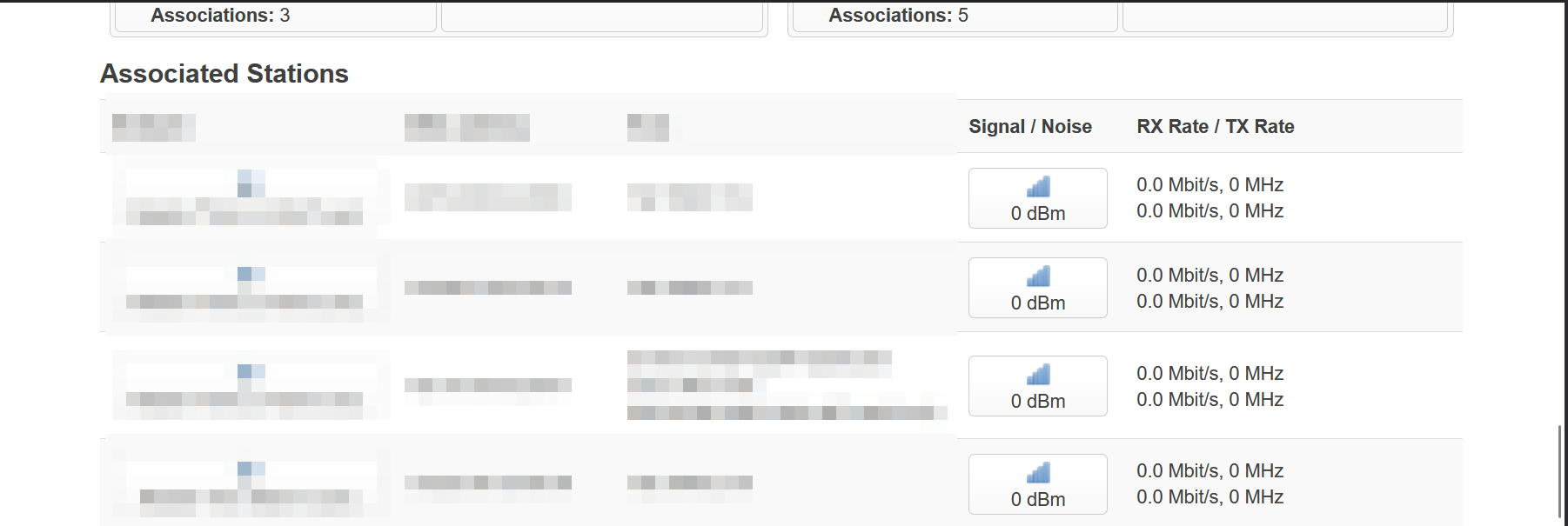
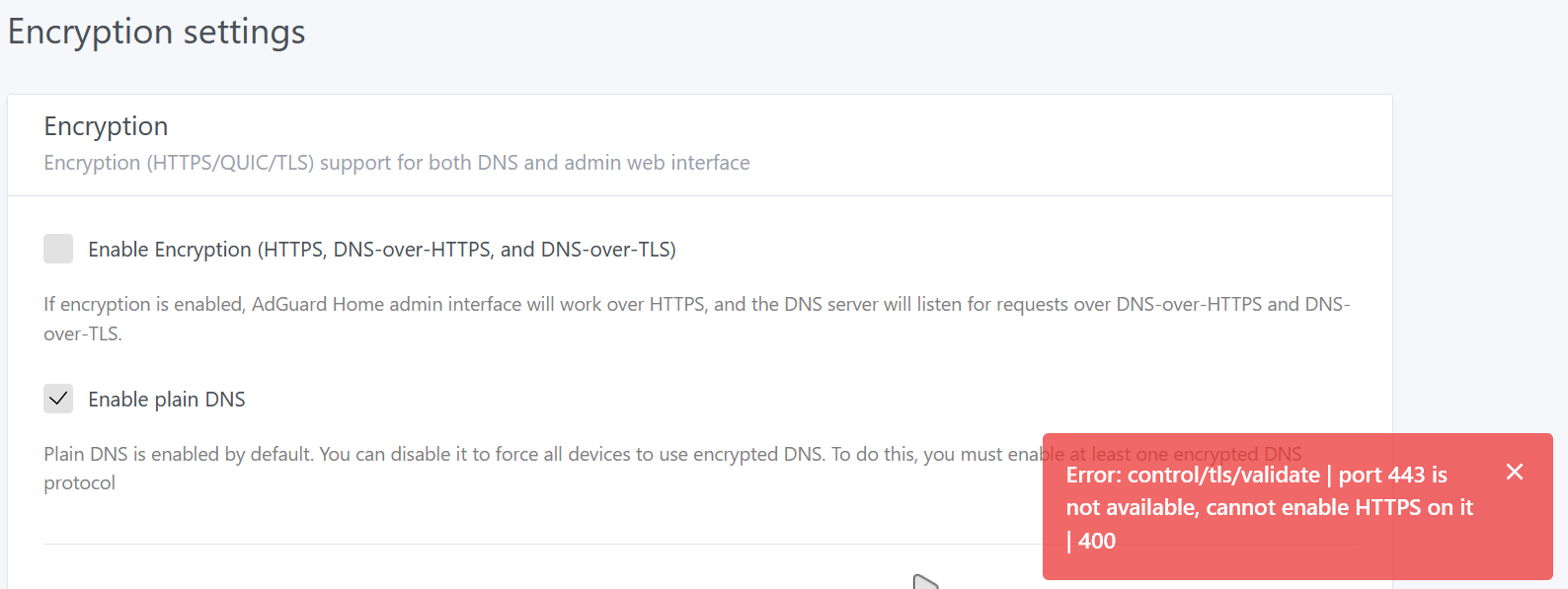
I also noticed this, however I had no clue what caused it. I am now on FW 4.5.7 and it doesn’t show 100% CPU utilization anymore.