Well, it disconnects the devices, but no special entries. Just the normal ones like "station disconnected"
MLO on 2.4 was disabled in my setup. When the issue occurs, all traffic stops, even the one to the router itself.
1 Like
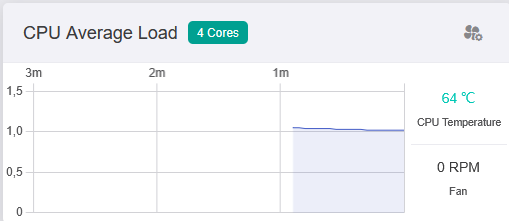
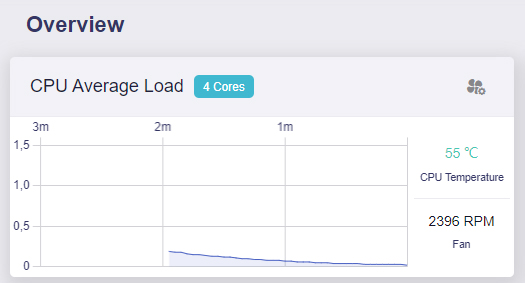
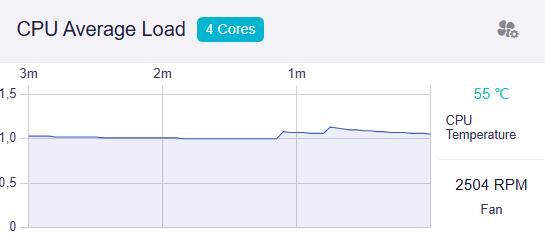
Everyone is complaining about high cpu load with Hardware acceleration ON, intrestingly I never had that and I never turned it off... I wonder what's the cause...
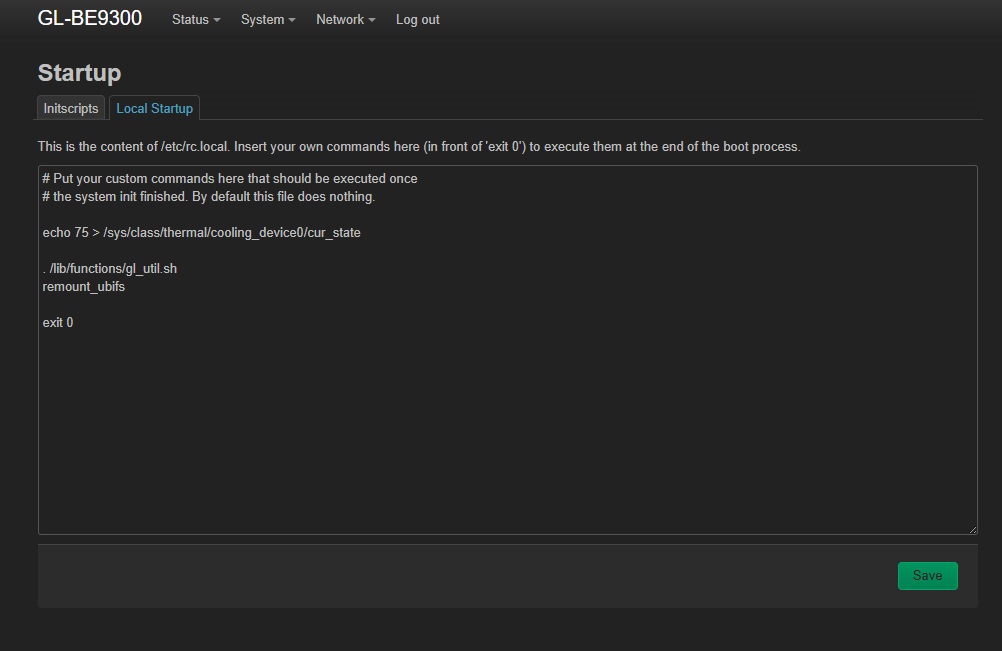
(And yeah, Flint 3 is just too hot, so I disabled gl_fan from startup and just putted
echo 75 > /sys/class/thermal/cooling_device0/cur_state
inside etc/rc.local to have the fan always gently spinning and have 10-15 dregrees less than usual and called it a day)
2 Likes
Genius, just did this myself, thank you, temp coming down.
You dont need Putty or WinSCP though, you can do it in Luci startup tab, enter the command into local startup and save which will save it to etc/rc.local for you and disable gl_fan in startup inscripts line 99.
Temp is currently down from 66c to 59c and still slowly dropping, I have it mounted to a wall though, so that may effect it.
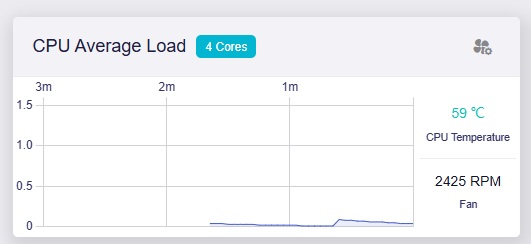

It seems you are setting the fan to Always On at 75% (2400 RPM)
Every fan has a lifetime... Keeping it always on is probably not a good idea.
1 Like
It's not 75%. More likely 30%-40%.
Yes every fan has a life time, and every Router too. 65-70 degrees is too much for my tastes (we are talking about 24/7 operative temperature, not peak). I prefere to sacrifice a little fan over other parts of the hardware.
1 Like
dropped mine to echo 50 which is 1673 rpm, and still maintaining 57c-58c
Your screenshot shows the fan is spinning at 2396 RPM.
If this is 30%, the maximum speed is 8000 RPM... I don't think so 
Well, the maximum values I tried was echo 135 if I recall correctly, and the fan was at about 5000rpm... Anyway Who cares. The fan is unaudible at 2000 and at that speed the temperature is acceptable.
1 Like
Is it possible to set a temperature for the fan to cut in say 58 C as the default is 70 C which is too high.
May I know how about this info when the issue reproduces:
cat /etc/config/wireless
iw dev
wlanconfig mld0 list
1 Like
Just experienced this yesterday evening while backing up a large 4K 60fps video on Google photo. Also for me all Wifi connections disappeared (2.4/5/6Ghz) and the router became unaccessible even with the cable.
After rebootig everything worked again but I can't access anymore ANY device on my LAN if using MLO. Setting 2.4Ghz to hwmode '11ng' fix this, but it's just a workaround: I need 2.4Ghz on MLO since my home has some walls thicker than 2 meters.
I am puzzled, it seems to me that 2.4Ghz is really unstable atm... Now trying with Hardware acceleration off to see if it make any difference on stability.
Thanks for the tip.
My fan speed is now around 2500 rpm and the temp dropped from 72 C to 55C.
Much heathier 4sure!
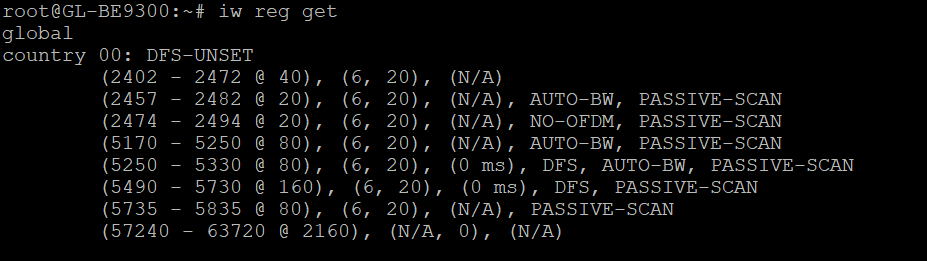
I am in a country where 6GHz is allowed
I buy the version with code 00, i.e. without 6GHz
country 00: DFS-UNSET
Without 6GHz Flint 3 becomes "Flint2 lite" - the same thing but 30% slower and 50% more expensive
What should i do to activate 6ghz?
I am having this same behavior with my Pixel 9. MLO seemed great on 4.7.11, but is unusable on .14 as well as on 4.8.1 beta.
Unfortunately I won't be able to log in when the issue reproduces since there is no traffic possible at all. I will try to figure some kind of automation to get those infos.
you need to go to etc/config/ and change the wireless country from DE to US in three places, then reboot the device and you will have 6 GHz
Crazy, for me is the exact contrary, MLO is atrocious on 4.7.11 but usable on 4.7.14 (with some problems).
I did this but it didn't work on 4.8.1
I have to choose between 4.7.11 where the wifi speed MLO is terrible and 4.8.1 where MLO work exellent but it is impossible to activate 6Ghz
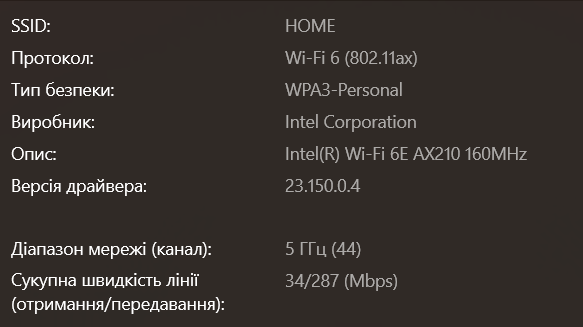
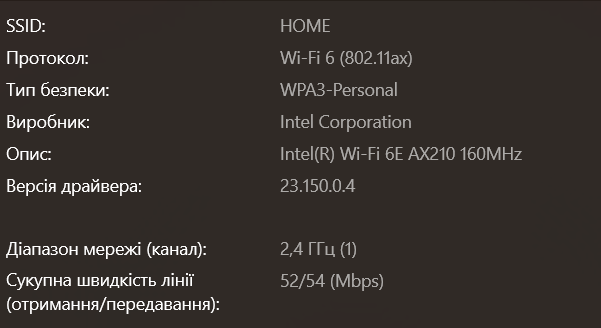
You have problems with Intel.