Hello, I have confirmed a firmware bug on the new Flint 3 (Wi-Fi 7 model, 5x 2.5G ports).
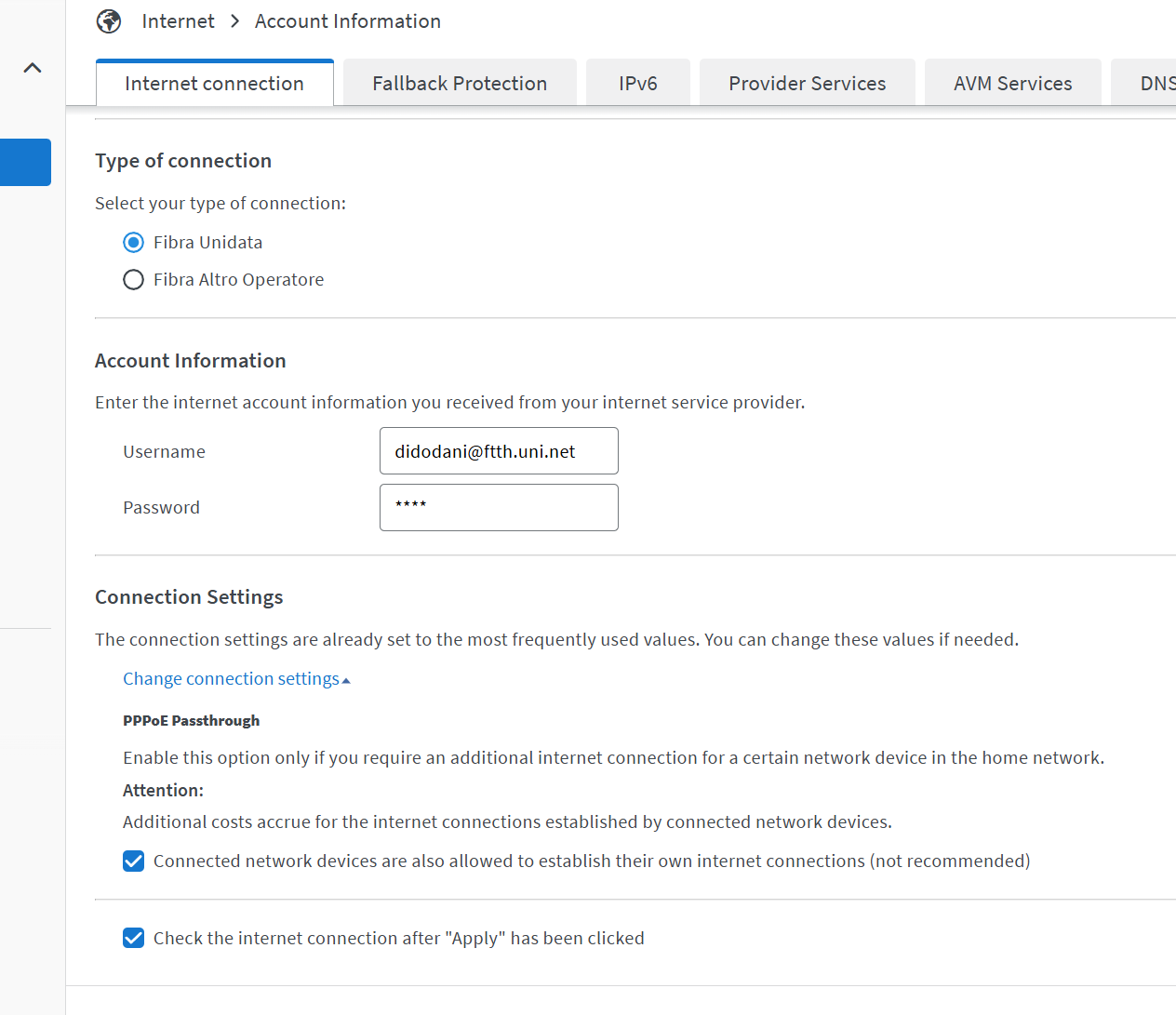
My Line: 2.5Gbps / 1Gbps PPPoE (VLAN 100) in Italy. Firmware: Latest official.
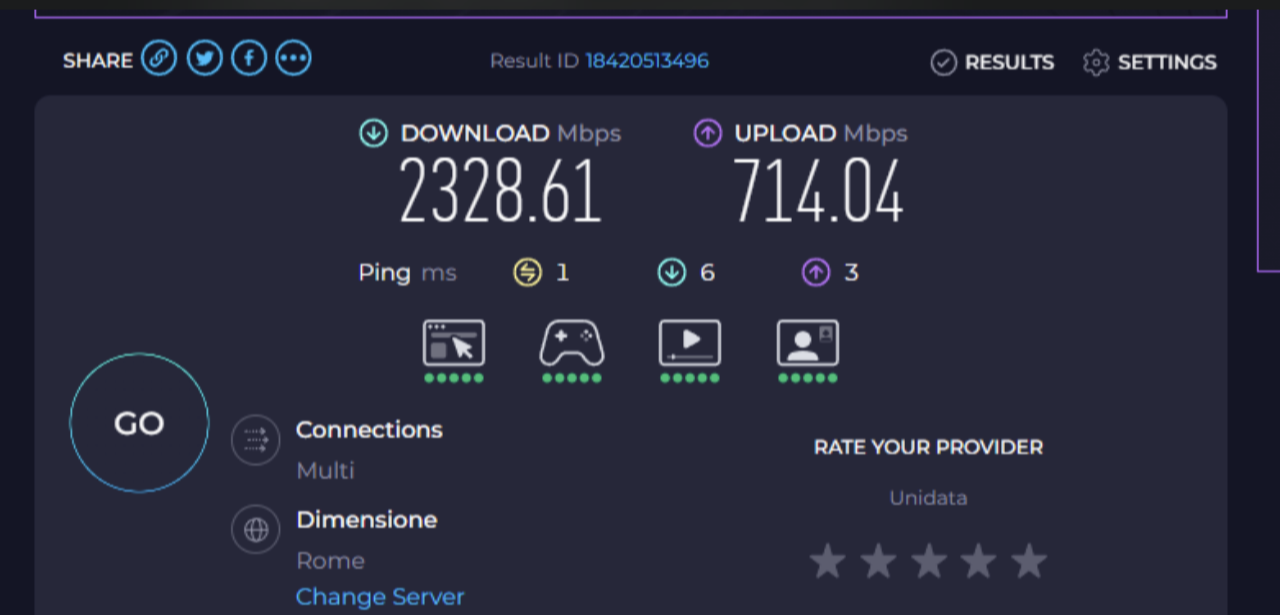
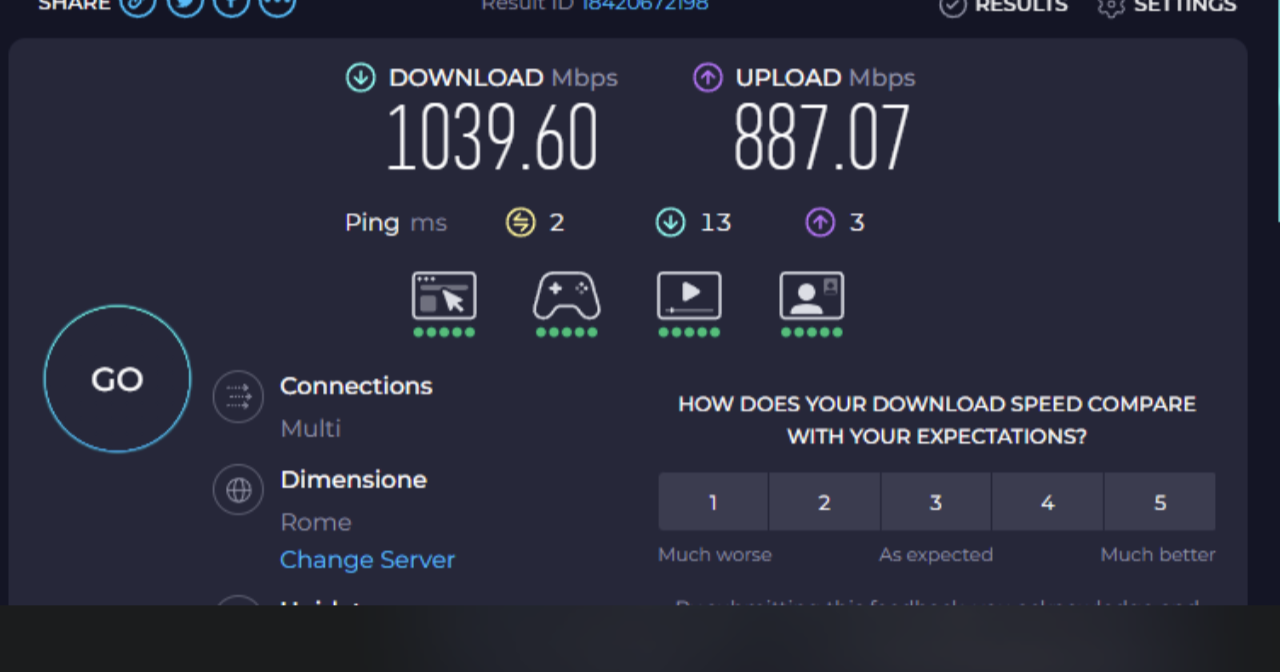
THE BUG: 1. With Hardware Acceleration ON: Download is perfect (~2300 Mbps), but Upload is CAPPED at ~700 Mbps. 2. With Hardware Acceleration OFF: Upload is perfect (~880 Mbps), but Download is CAPPED at ~1000 Mbps (by the CPU bottleneck).
This 100% confirms the Hardware Acceleration feature has a bug and cannot correctly process the 1Gbps PPPoE upload traffic.
Please investigate and release a firmware fix.
Hi
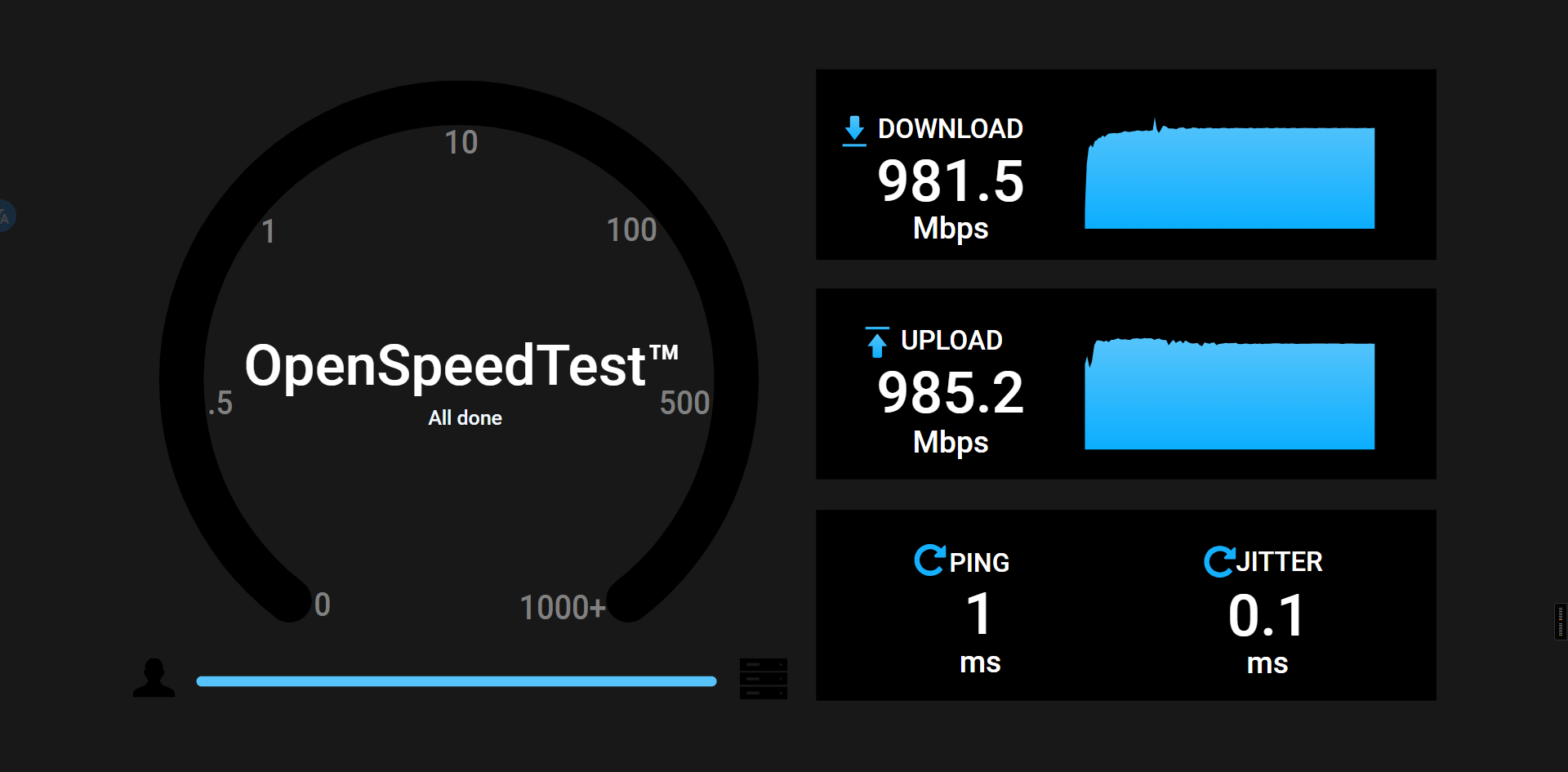
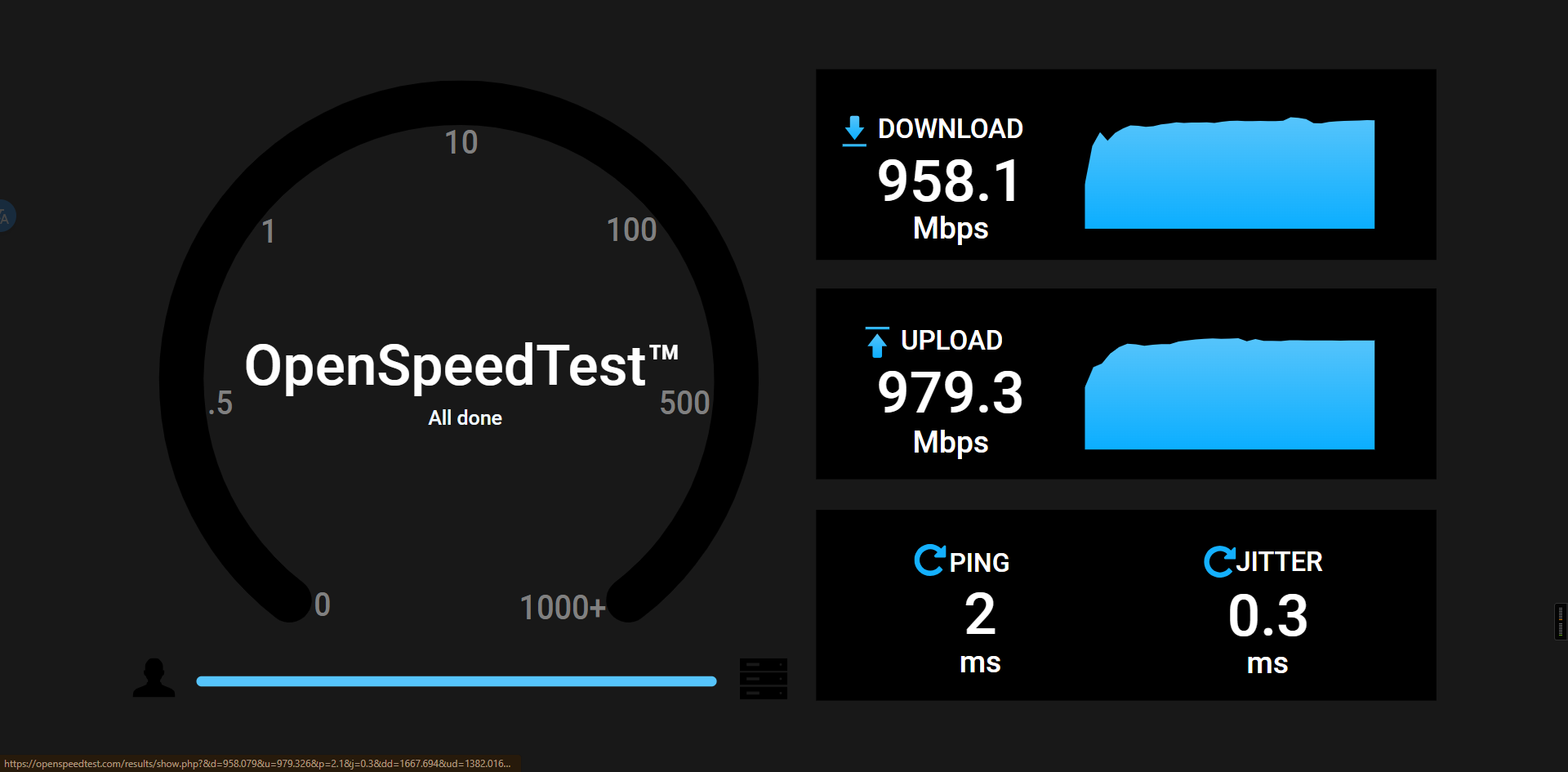
We set up a local PPPoE server and tested with a BE9300 running the latest firmware (4.8.1), but we haven’t been able to reproduce the issue.
Test Topology:
MT6000 (PPPoE Server & OpenSpeed Server) <- Wired -> (PPPoE Client) BE9300 <- 1Gbps Wired LAN -> PC (OpenSpeed Test)
Results:
Have you tried connecting your PC directly to the ISP modem to perform a speed test and rule out ISP fluctuations as the cause?
I tried with my old fritzbox 7590 and upload was 930mbps, with flint 3 i do 500-700mbps, if i disable hardware acceleration i have 880mpbs
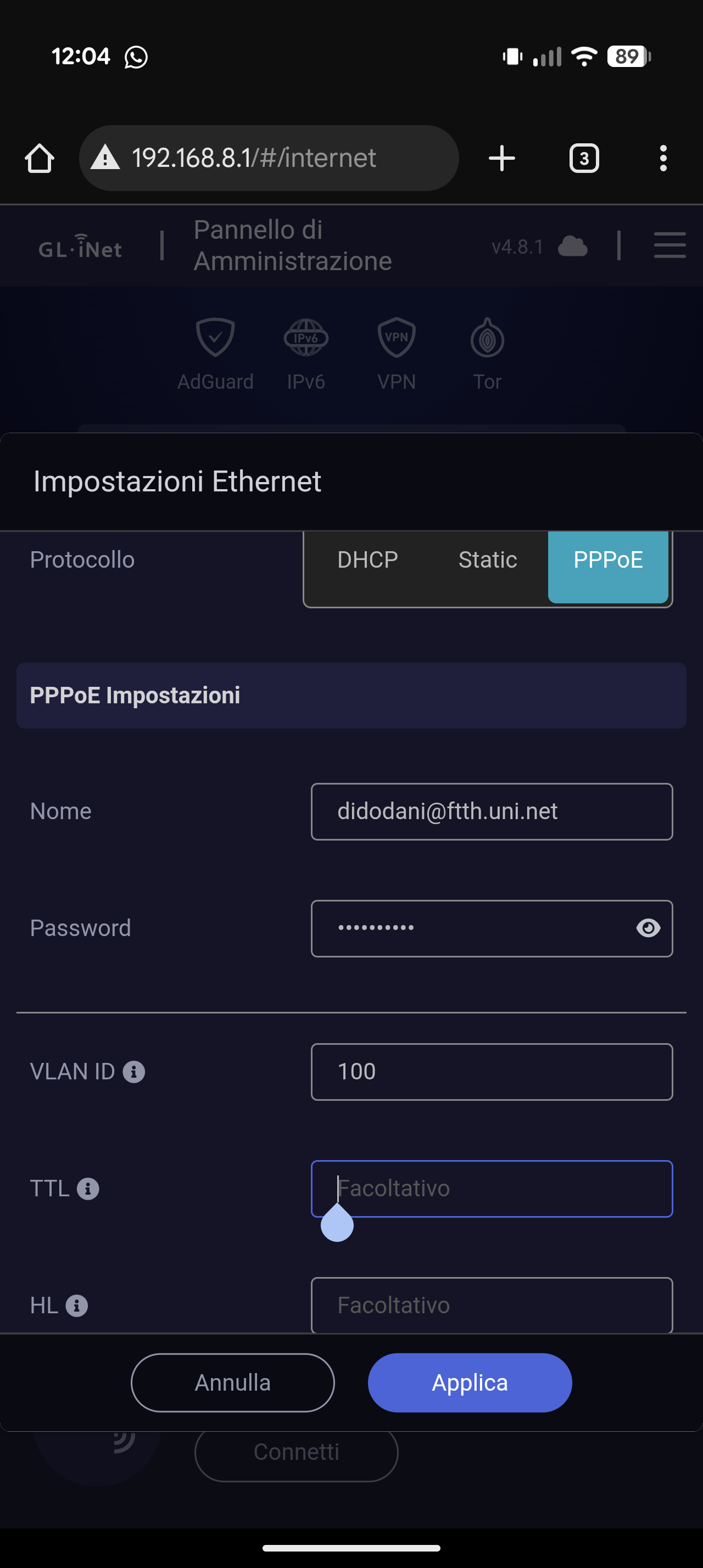
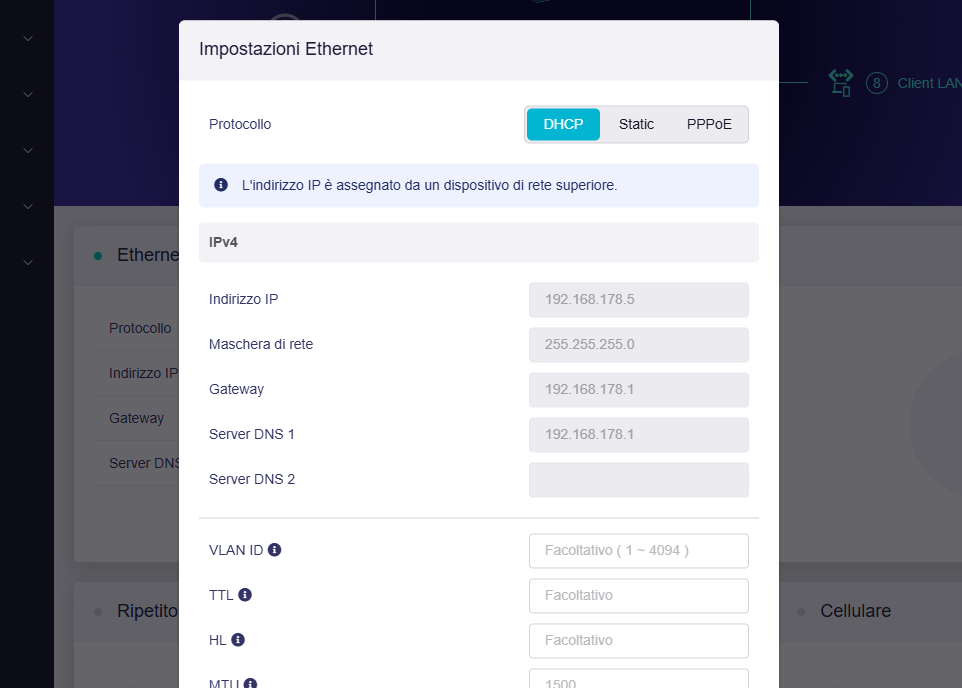
This is my configuration with flint 3:
Flint 3, hardware acceleration on
Flint 3, hardware acceleration off
Fritzbox 7590 (it has wan 1gbps)
Please try the following steps:
- Upgrade the firmware to latest stable 4.8.1 without settings keep, and configure only the basic PPPoE network settings, then check the default connection speed.
- If performance remains low, try reducing the PPPoE MTU value to 1492 or 1480 to see if it improves.
- Enable Packet Steering in LuCI under Network > Interfaces > Global network options separately with Hardware Acceleration Enabled / Software Acceleration Enabled / Network Acceleration Disabled and test again.
i re-tested the fritz
How can i do? Are you sure no bug firmaware?
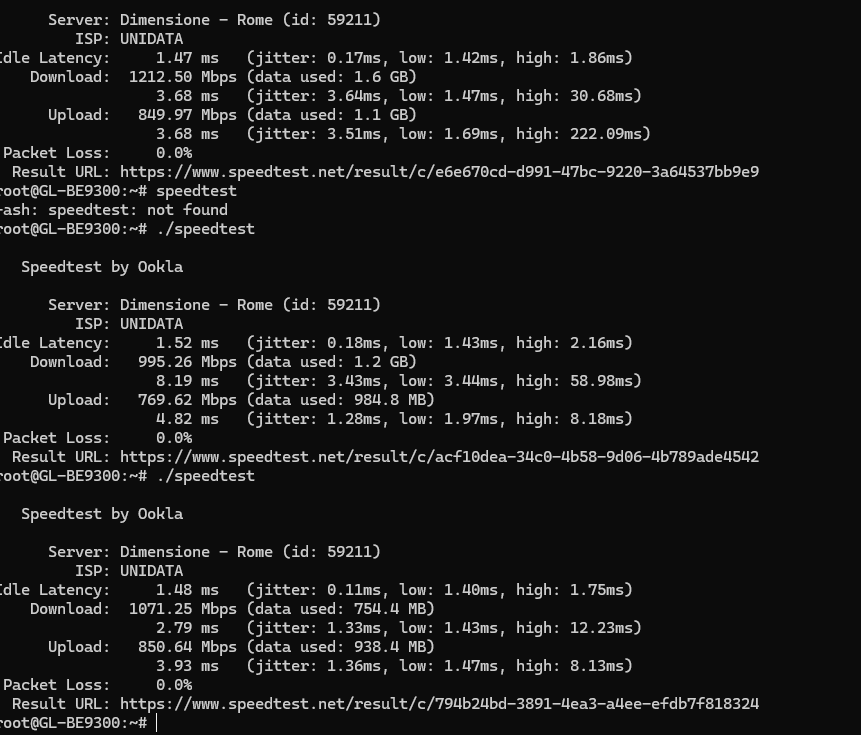
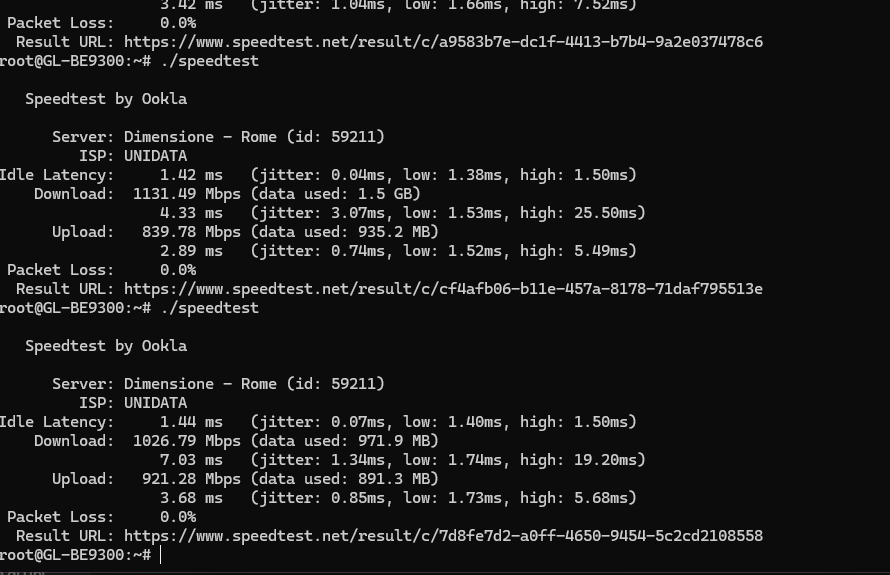
What happens if you run a speed test directly on the router?
Please SSH into the router and run the following commands to check:
wget https://install.speedtest.net/app/cli/ookla-speedtest-1.2.0-linux-aarch64.tgz
tar -xzf ookla-speedtest-1.2.0-linux-aarch64.tgz
./speedtest
Currently, it appears this issue might be specific to your ISP/modem.
Please let us know:
- The model number of your ISP modem and the port speed at which the Flint 3 is connected to it.
- Please export the device logs and share them with us via a private message (PM).
i re-check speedstest in browser:
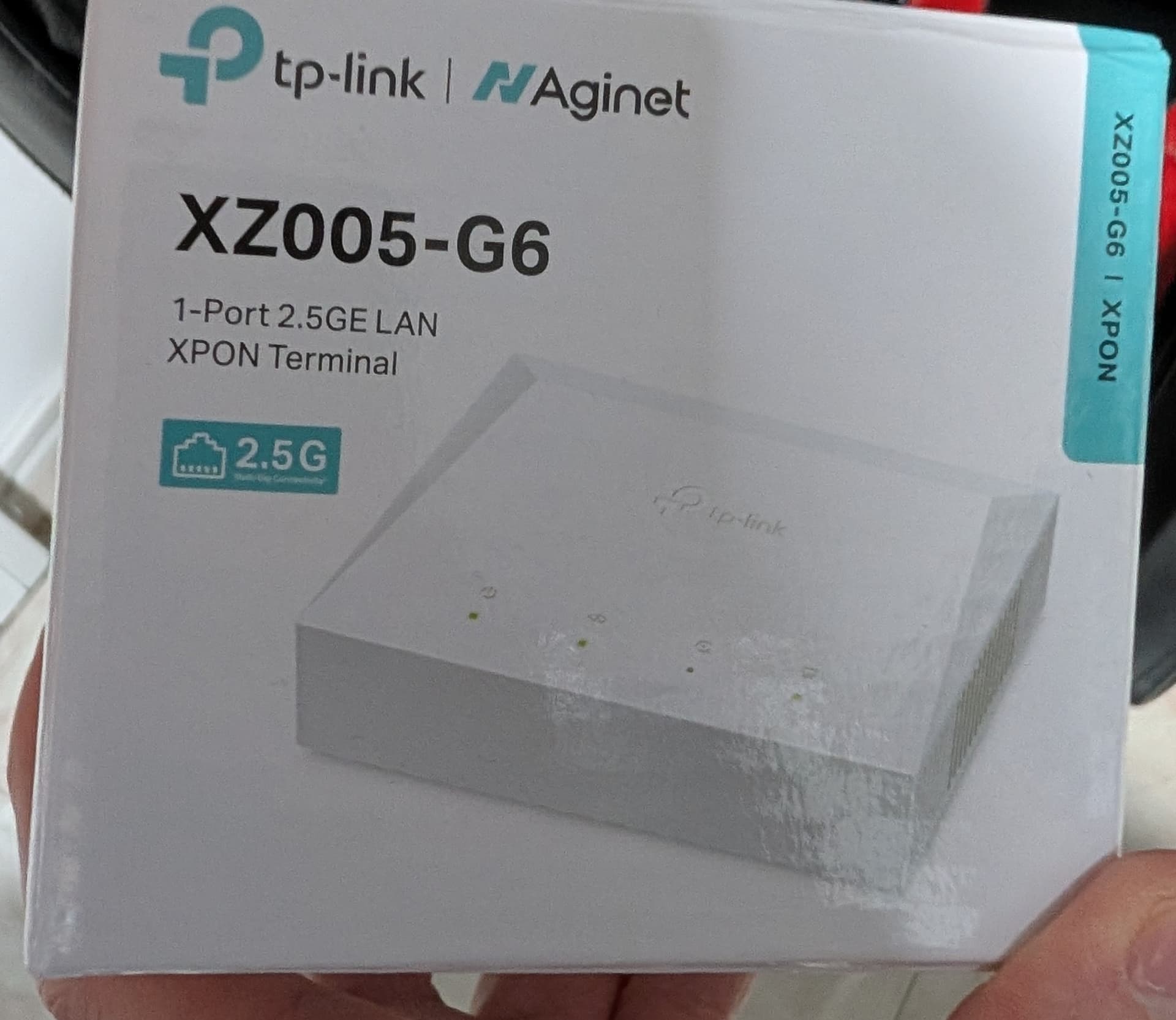
1.The flint 3 is connected via lan from 2.5gbps to wan 2.5gbps, by ONT
- Now i export the logs and i’ll send you
I do other test:
and:
i try to give you all information for understand the issue.
Please try upgrading your Flint 3 to one of the following versions to check whether the issue has been improved:
These builds include adjustments related to Ethernet handling and hardware acceleration, which may help resolve the problem you are experiencing.
If the issue continues after upgrading, please export the logs again and send them to us for further review.
Additionally, if possible, please connect your Flint 3 to GoodCloud and share access with us for remote inspection.
Instructions: GoodCloud - GL.iNet Router Docs 4
This will allow us to check the device status directly and assist more efficiently.
Additionally, what is the rate in software acceleration mode?
Same of hardware acceleration
Beta 4.8.2:
Snapshot 4.8.3
Now i return to stable 4.8.1 and i follow instruction for good cloud and i send you log
Thank you for providing the logs.
Our R&D team will need some time to investigate this issue.
We will keep you informed of any updates.
Please with hardware acceleration enabled, SSH into the router and run the following command before testing speed rate again:
echo 1 > /sys/kernel/debug/ecm/ecm_classifier_default/accel_delay_pkts
If there is still no improvement, please try the following topology and let us know the rate.
ISP modem - Fritzbox 7590 - Flint 3 - PC
Test after command:
Test ISP modem - Fritzbox 7590 - Flint 3 - PC:
As access point:
Re-testing ISP modem - Fritzbox 7590 - PC