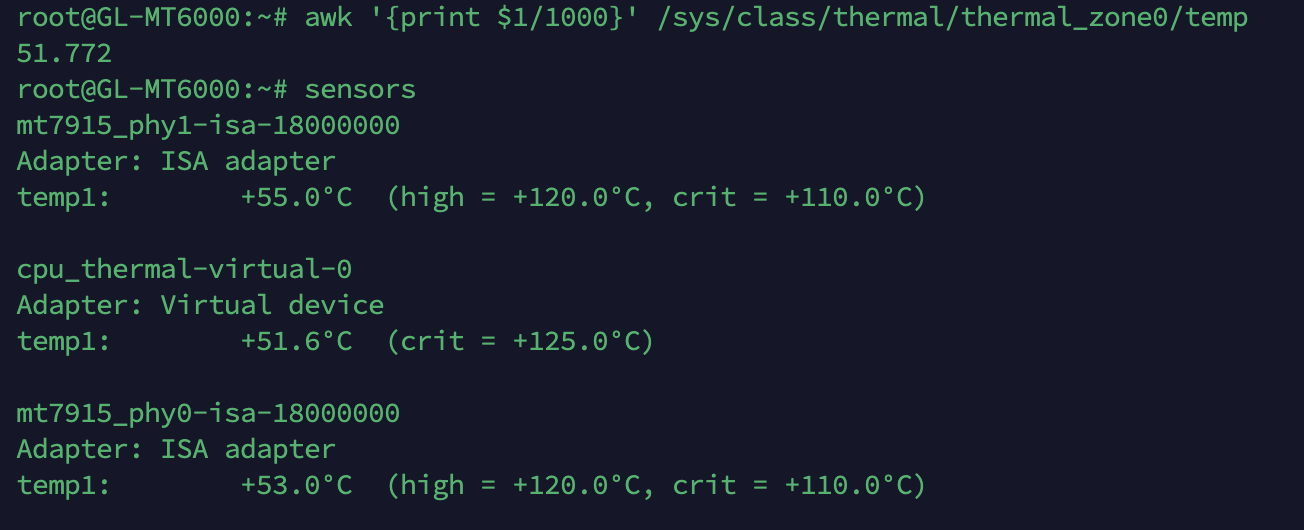
The "sensors" (lm-sensors) command output is similar with above commend output:
1 Like
sensors is the nicer one - wasn’t sure if it’s installed.
It’s not installed by default, you need to install it manually.
opkg update && opkg install lm-sensors
Just in case somebody wants to do it.
2 Likes
Im just a new user here so I don’t really have any good suggestion for that. However I do know that the staffs will tackle this issue.
1 Like
Just happened again. The wi-fi worked great for about 48 hours since the last reboot. Now all wi-fi devices (2.4 and 5G) are unable to connect. Ethernet devices are working just fine.
Hi RBzee,Could you please send us the log info?
(What’s your email address?)
Log sent.
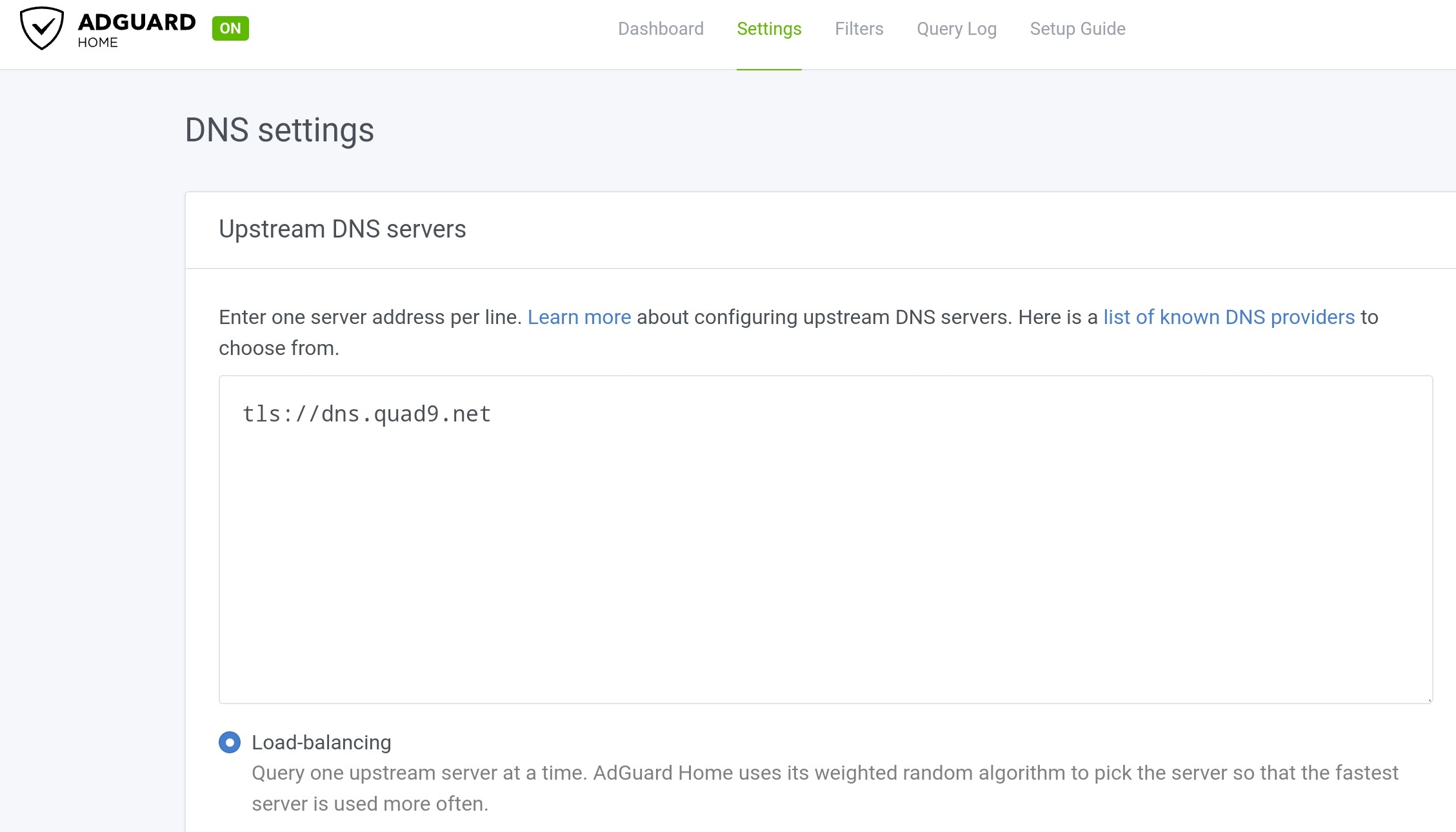
i am trying to enable encryption on adguard home. However, getting the following error:
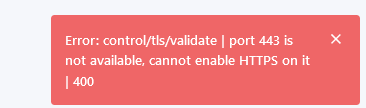
I have done router reset two times but still getting the same error.
netstat -tulpn show the following
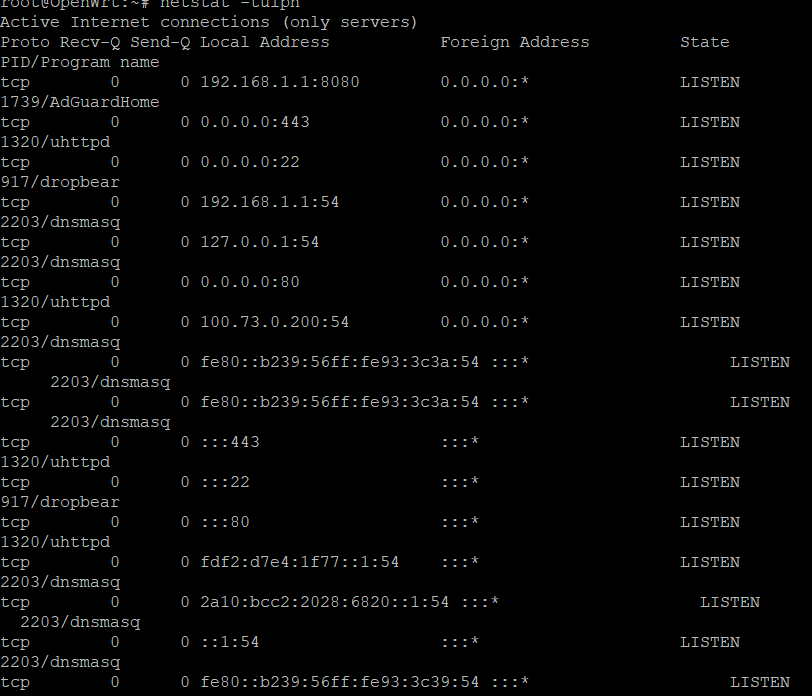

Any one know how to resolve the issue so that I can try encryption
You have to create a rule to use a port other than 443 as it is already being used.
the rule has to be created by the firewall.
adguard itself made a rule to direct the dns port to another port.
To make things easier, you can copy and only change the data for each port.
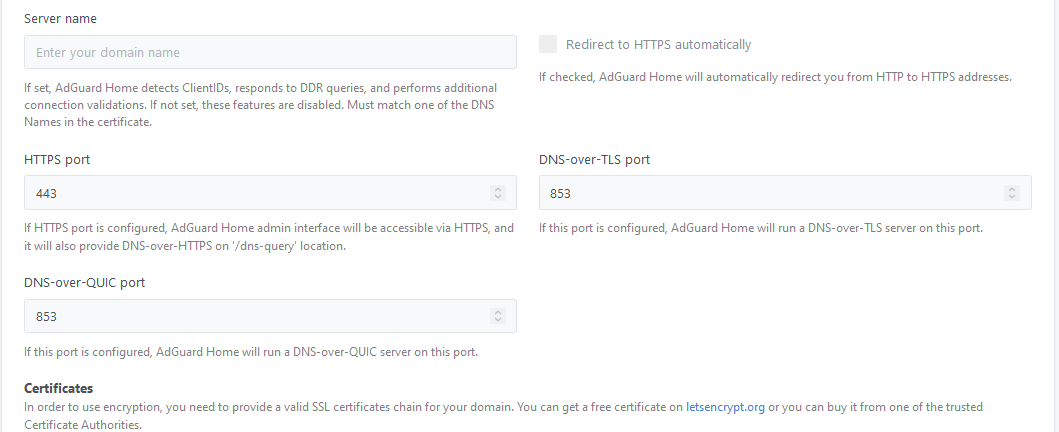
In the gui I cannot chnage port from 443 to other one…Is it in the yamal file. I couldnt find it there as well
Ho do i do it to to chnage ?
Is anybody able to post steps on how to generate an ssl certificate using [OpenWrt Wiki] Get a free HTTPS certificate from LetsEncrypt for OpenWrt with ACME.sh
I intsalled on the router and generating a cert but i only get a private key generated and cannot find the cert.
I am not recommend to change system port.
Keep lan ssl.
http://192.168.8.1/#/security
System > Security
However, you can change port in adguard home > Setting > Encryption settings
Mark tick then enable change port, not 443. Put 3001 someone recommended by gl-inet staff.

Certificate located:
/etc/nginx/nginx.cerPrivate key located:
/etc/nginx/nginx.keyDoes work Encryption ssl local.
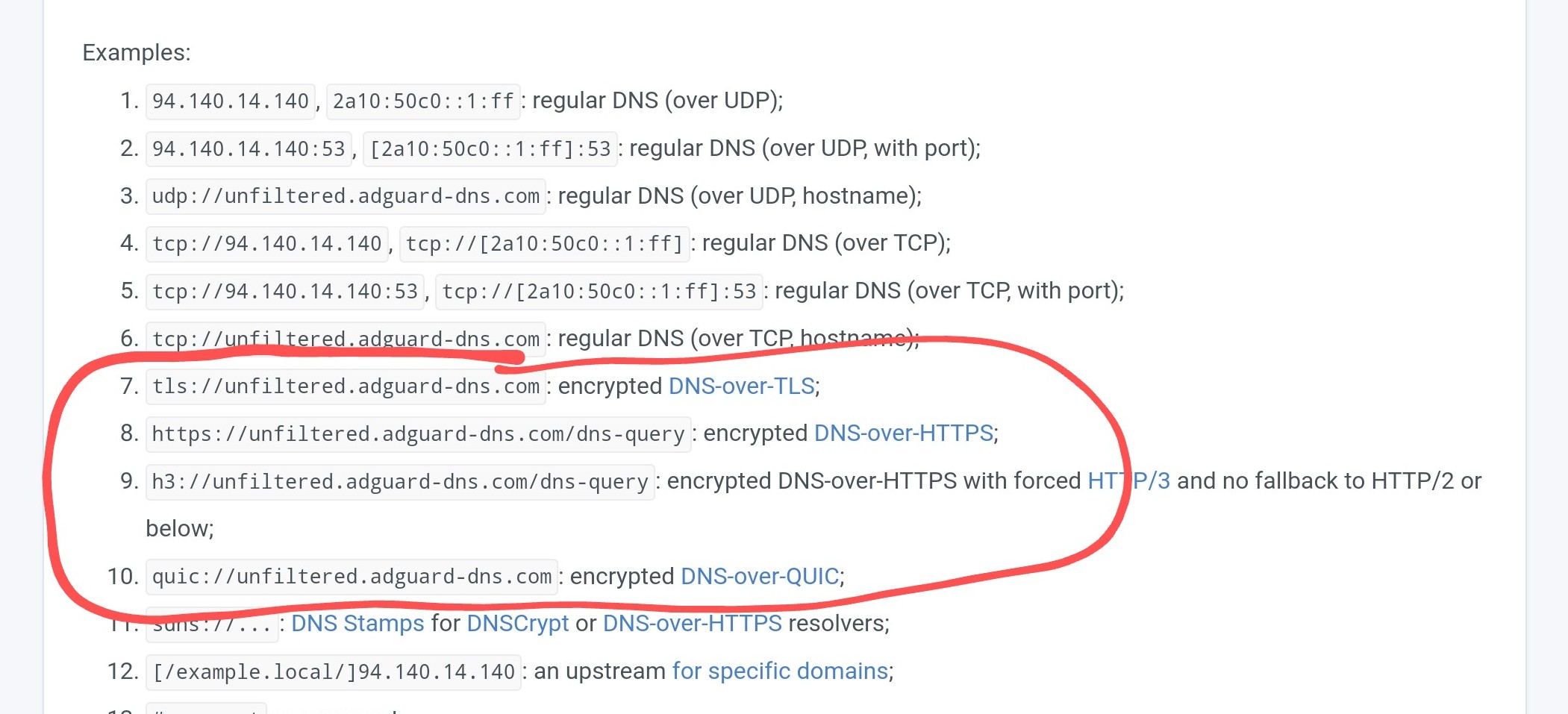
I have tested adguard test page which I used DNS-over-TLS from my upstream adguard dns server. You could add 1.1.1.1 upstream and will be work DNS-over-TLS.
I have been running the GL-MT6000 now as my main network routing device for a while, although i am not using GL-iNet’s firmware but my own built OpenWRT build it has been totally rock solid.
I have WED enabled and haven’t had any issues at all no crashes nothing.
Loving the device and good work GL-iNet!
2 Likes
Would love to try your built OpenWRT if you have a snapshot available for the FLINT2 router if it’s available as a SNAPSHOT and does not require overwriting the GL.iNet UBOOT.
I would recommend you flash the sysupgrade image as it easier and keeps the continued use of GL-iNets GUI UBoot.
MT-2500/MT-3000/MT-6000 (solidus1983.duckdns.org).
Direct link to image you need: https://openwrt.solidus1983.duckdns.org/snapshots/r24673/targets/mediatek/filogic/openwrt-mediatek-filogic-glinet_gl-mt6000-squashfs-sysupgrade.bin
If you ever have used the AX1800 and AXT1800 builds i have made and still do then this image is no different.
1 Like
Do you test the 2.4ghz wifi if it is limited to 100mb on the 40hz network on Android and older devices, please and if possible could you tell me if you use cable devices on the router? Have you ever received a WiFi ban and are no longer able to connect?
What’s different about your version from the official openwrt version?