Mudi 7 - Telekom SIM card

To be honest I’m not sure if this new firmware resolved the problem..

I just woke up in the morning and there is 0 signal on the router..

2x restarted still no signal..

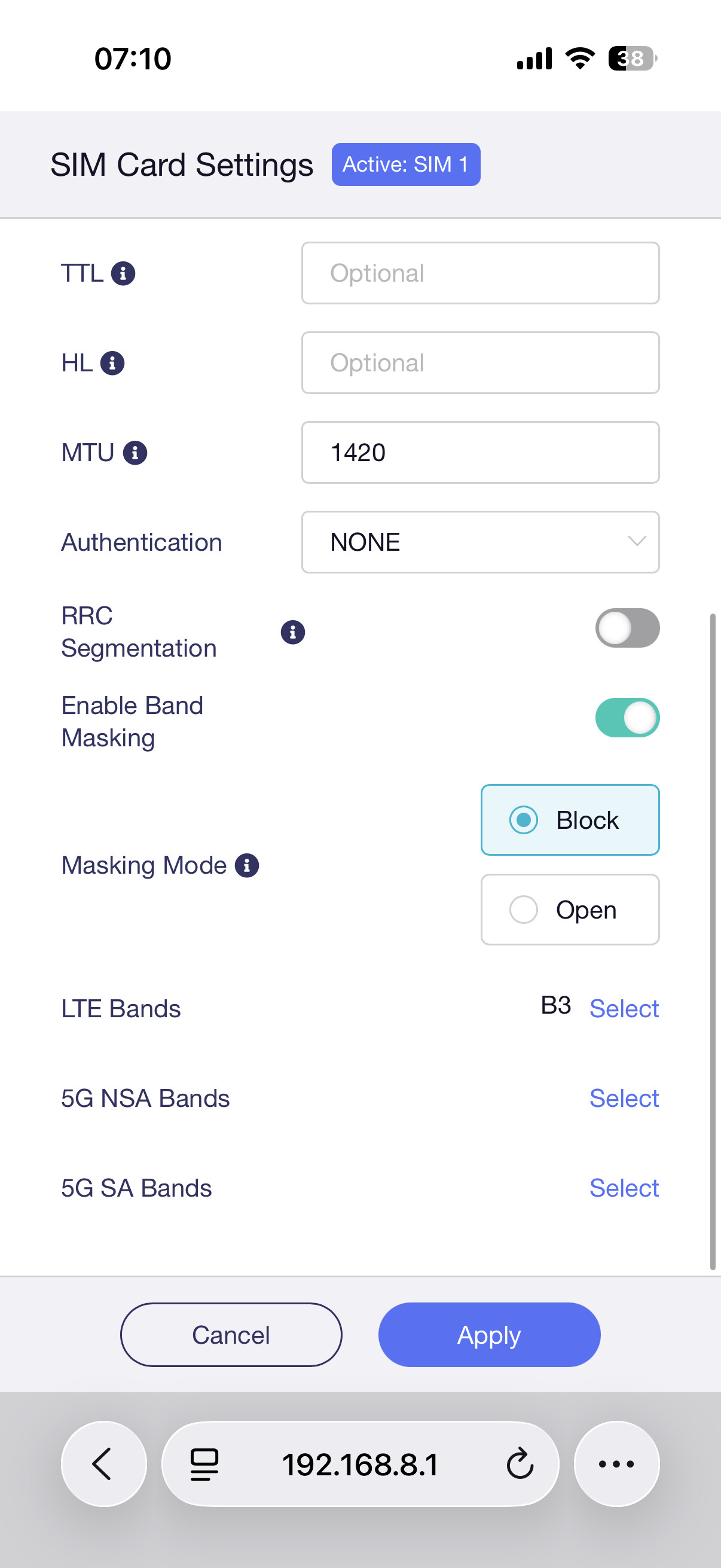
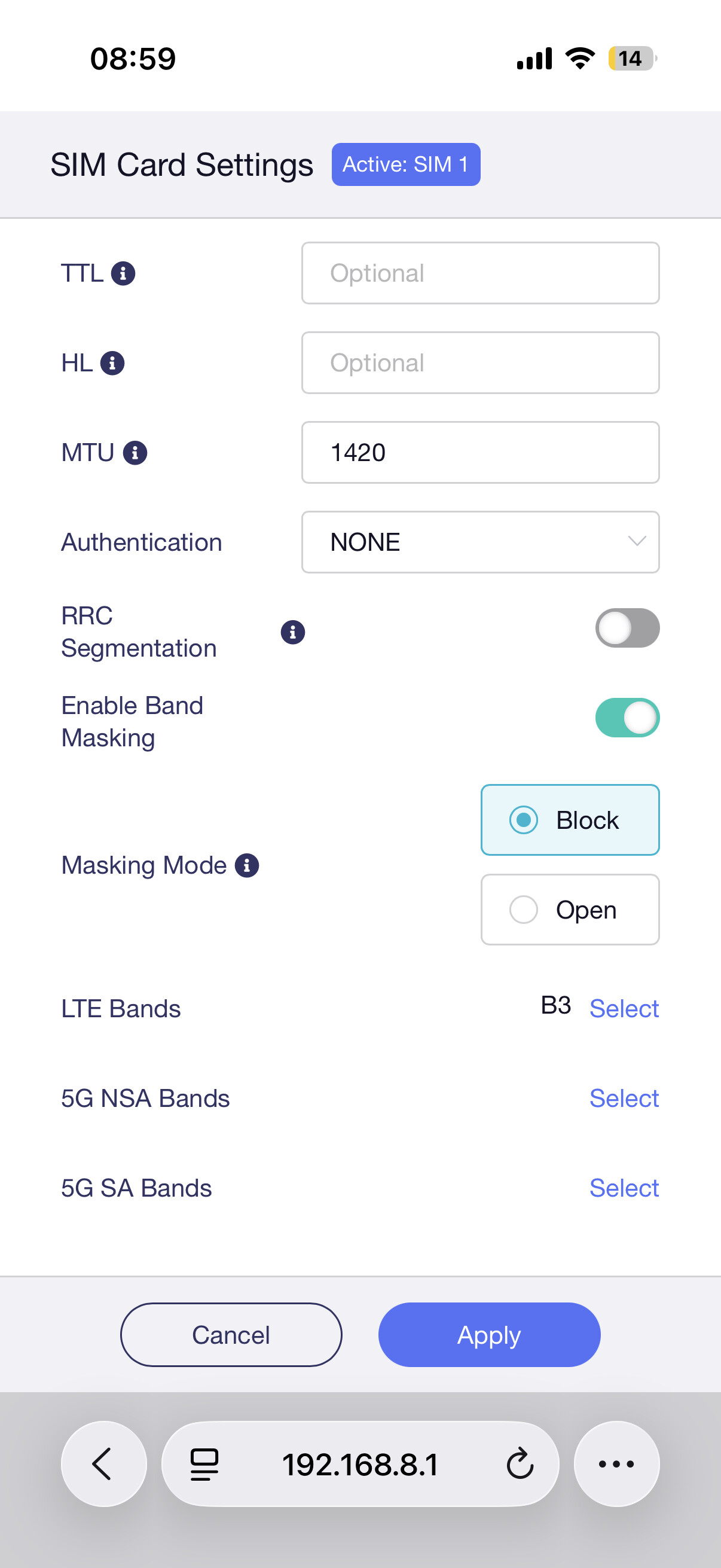
Changed setting and back to signal again..

So problem still continue

After this settings internet works..

@Bguzelsoy @Quetsch @ocsack We've released firmware v4.8.5 which fixes some known issues. Could you please upgrade to the latest version and try it again? If still not working, please let me know. Thanks

I did allready and even support team connected to my router but still same issue. Never stabel internet. I have always change this otherwise connection issue

Can I have a remote check through Goodcloud?

Yes sure but they allready contacted with me

Barry Lin

Technical Service

Ticket-127899

Sure. Will take a look now

Already upgraded to 4.8.5 yesterday and did some extensive testing:

Overall stability for network connection improved; in my case both SIMs connect fast. Therefore the router has now become “useable”.

I did some extensive testing and compared it to a ZTE MU5120 at the same time/location, the same provider and network.
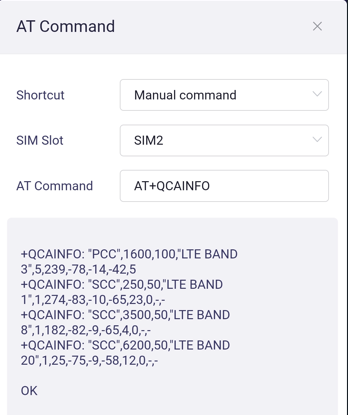
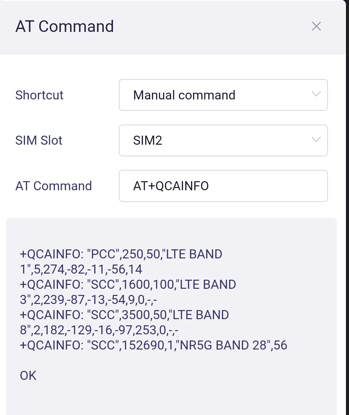
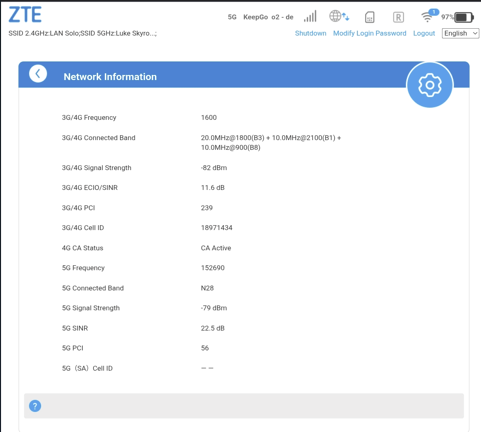
Preliminary Observation with O2 Germany: Even at good reception levels (-75 to -85 dBm) the Mudi is switching often between 4G and 5G (CA Info: 4G with PCC B3, SCC B1, B8, B20 and 5G with PCC B1, SCC B3, B8, N28) while ZTE stays with 5G and PCC B3, SCC B1, B8 and N28).

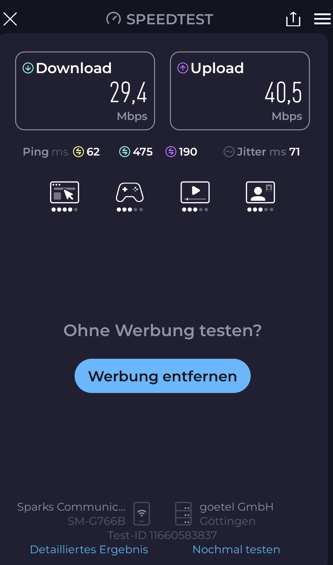
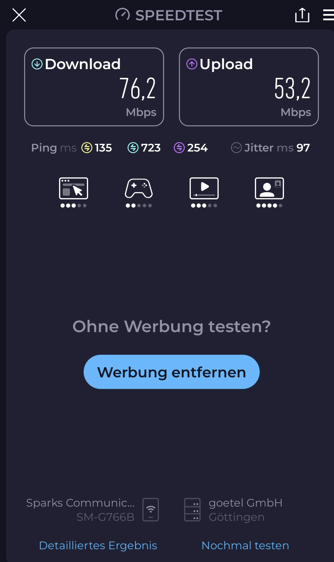
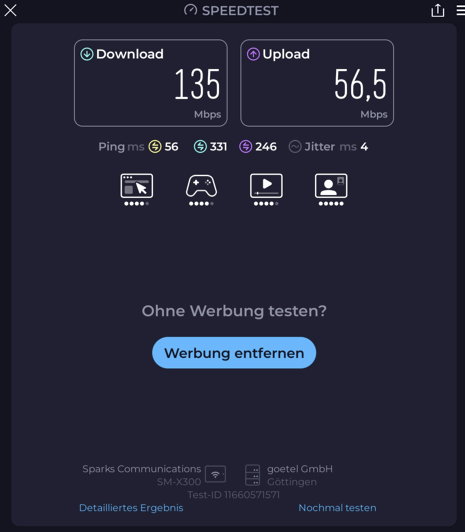
This leads to lower download speeds compared to the ZTE. It seems that the Mudi just cannot decide which CA-Combination it wants to stick with. I added some screenshots…

Mudi in 4G+ Mode, CA-Info and speedtest…

Sometimes switching to 5G, switching back to 4G+ and so on (while in 5G):

In comparison to ZTE:

Just as a side note: If PCC is LTE and some 5G bands are added in CA as SCC, this means it is using 5G NSA. (P = Primary S=Secondary) (Check if your contract supports 5G SA at all)

I have experienced similar vs ZTE: The Mudi 7 is not best in class when it comes to Carrier Aggregation and speed. I believe this is is due to MBN files and/or different modem modules. Mudi is using Quectel. Not sure what ZTE is using as modem module but as they also cover more bands it cannot be Quectel.

I was comparing ZTE U60 with a Qualcomm X72 chipset (same as Mudi 7). If you get better speeds with a MU5120 which “only” has a X62 chipset and 3GPP 16, then this is something the Gl.iNet Team should further investigate. Normally a X72 router should outperform a X62 router. @cathy For your info as well.

1 Like

Hi!

Both contracts are limited to 5G NSA. Telekom Germany is still very limited regarding 5G SA. Roaming SIM capabilities are not fully clear, but I guess that mine only support NSA as well. So, I am fully aware. However 5G NSA with 3 to 4 LTE bands and 1 5G band should be possible with X72… Interestingly the CA with original Telekom SIM is much more stable and speeds are higher compared to my ZTE router.

With Telekom SIM I also have no performance difference between Mudi and ZTE but it was significant on O2. This is why I thought it has to do the MBN files. I have no other explanation so far.

Deutsche Telekom here as well, can confirm your observations. Mudi 7 is now “usable”, but changes over time, e.g. from 5G/4G+ to just 4G at my location. So I could start with about 650 Mbps and then after a while it is only about 300 Mbps.

It seems GL.iNet is on the right route but there is still some room for improvement regarding CA handling.

Well, my firmware update did not help with my T-Mobile contract here in Germany.

Yes, it seems to be better in terms of bandwidth - but registration and the back-and-forth between 4G/5G is annoying.

At this point I am using my U60. And I am praying for a solution to switch back.