I installed the beta on my AXT1800 and I will test it in the coming days as my main router with a 1Gb symmetric fiber connection. Thank you for the firmware and thank you for the nano and htop!
I noticed that there is a process that execute every minute called aw_arp_scan ang give me strange errors in the log so I disabled it from cron. What is the purpose of this arp scan? Do it need to be executed so often?
I believe there might be something wrong specifically with your setup. I have upgrade a few devices now tp 4.7 (21 and 24) and none have had this issue you mention. But specifically I know python3-speedtest-cli is present on these as I have installed on 3 separate routers now. Are you certain DNS resolution is working properly? Is something else blocking access (pi-hole, adguard, firewall)?
@Alisa@bruce - Going back through my notes it appears the issues were specific to a customer running the 4.7 beta on a AX1800 (Flint1) and AXT1800 (SlateAX). I've not had the issues on other customer Mediatek based routers yesterday or today running non-beta 4.7 (e.g. Brume, Beryl, etc).
I assume the package @bruce provided will resolve the issues for any more customers running beta 4.7 on these specific models. Thank you very much!
Probably it is related to the AsrtoWarp feature. Did the router enable it?
What are the errors in the syslog?
Since one of the AsrtoWarp features is bind the clients into the tunnel network, and it use the arp to scan and find if new clients join/connect the router network in real time. It is normal.
If it brings some unknown questions to users, we try to optimize this log content.
It said something about something not found probably because Astrowarp was not enabled and the scritp checked something that it was not there. I see it call the function get_arp_scan_ret() every 1 minute then call gl-arp-scan so may be calling this only if AstroWarp is in use could be a good thing also because is every 1 minute. I will put it on again and note the exact error it gives in the log.
What I'm used to w/companies that offer a beta program (which I have accepted, per setting below) w/OTA updates is that I will get offered the current beta via their normal "Upgrade" process. To me the point of a setting like below is that I can get the latest beta via the quicker "Upgrade" process and not have to do a manual download/local install.
Sorry, I overlooked that message in your screenshot. I agree with you, you should probably be offered the beta. Maybe it just takes a while to sync up. I'm sure one of the Devs can answer / confirm for us.
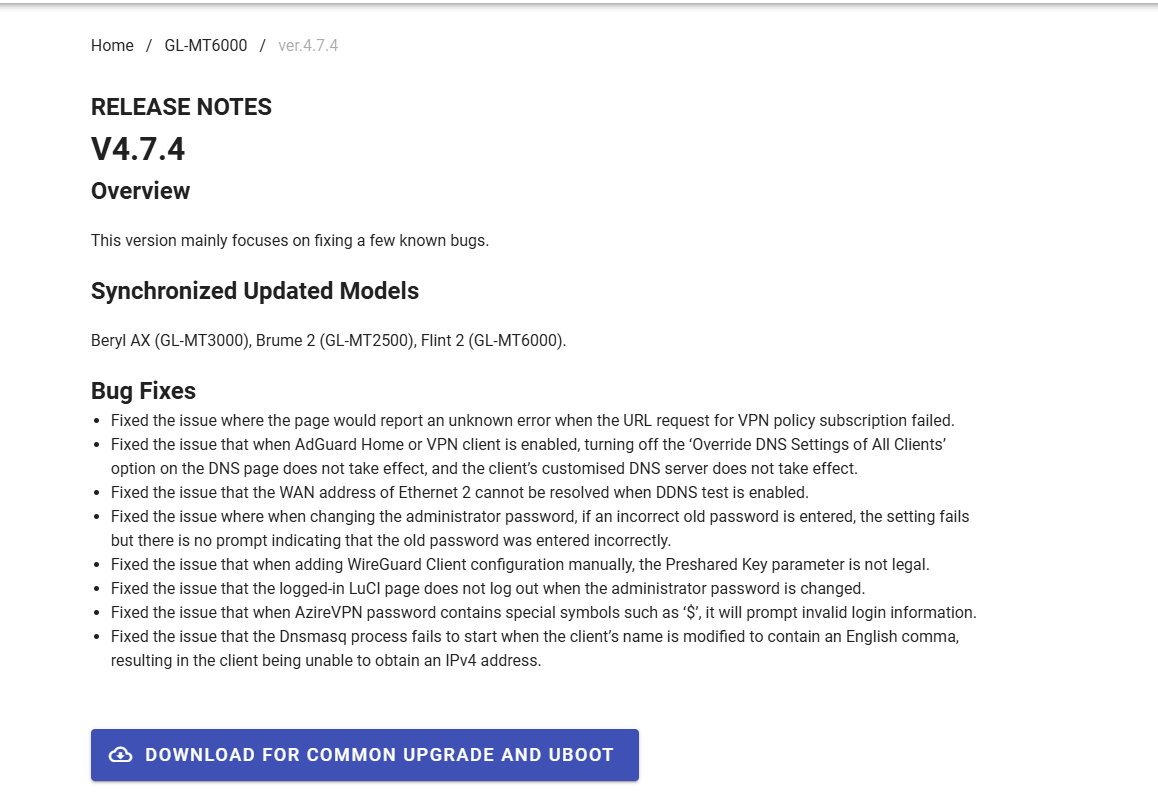
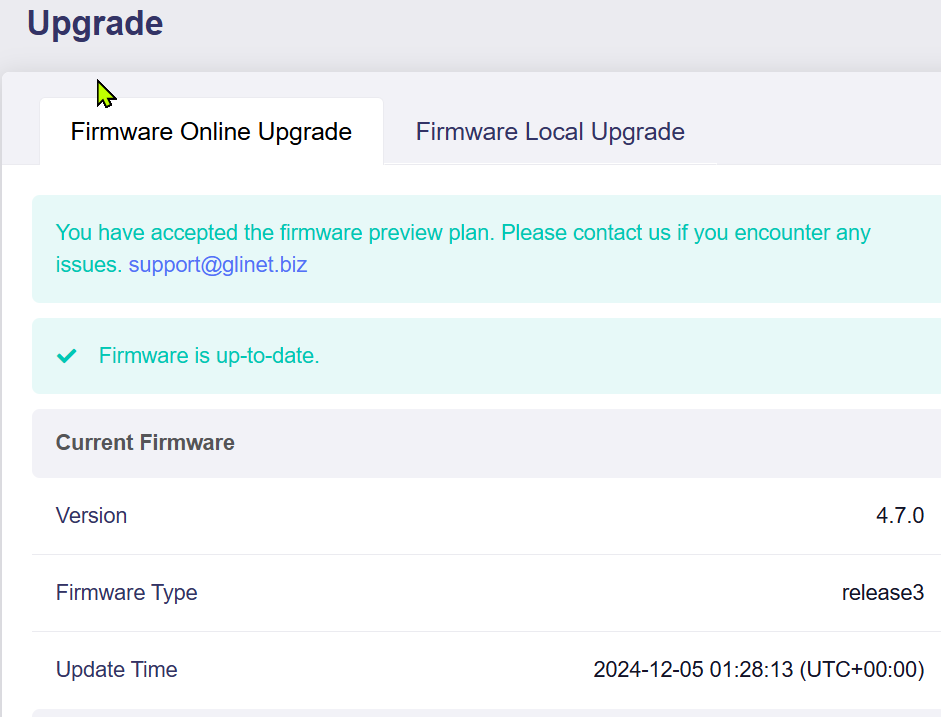
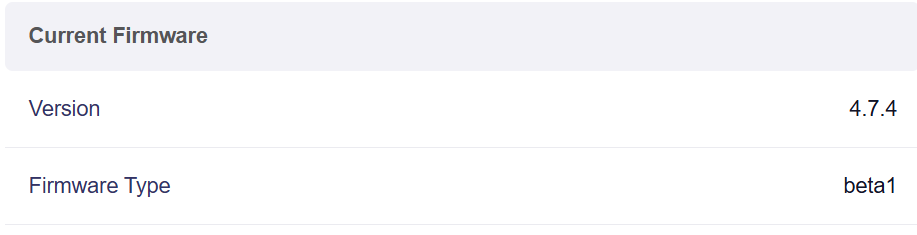

 Not a huge deal, just wanted to share as it was different than expected for me.